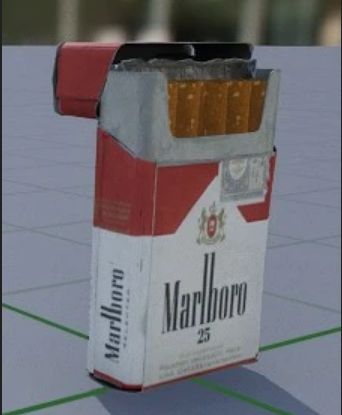
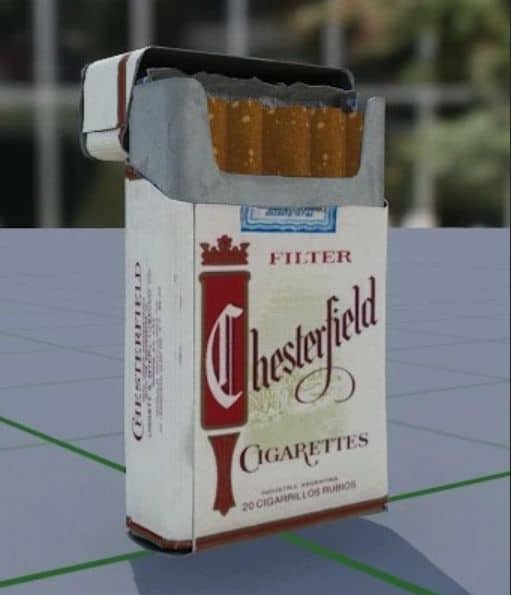
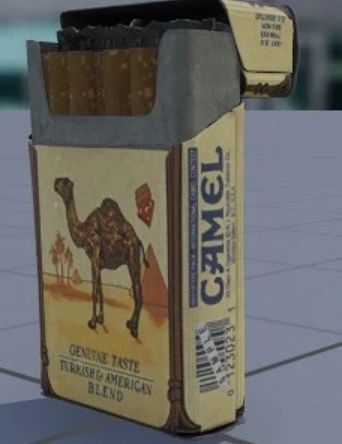
Cigarette Real Life Brand Replacer
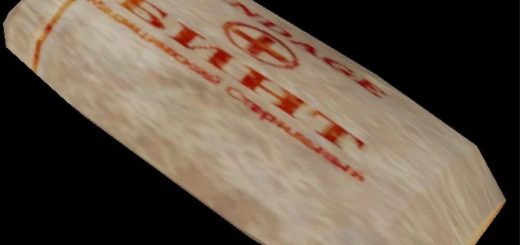
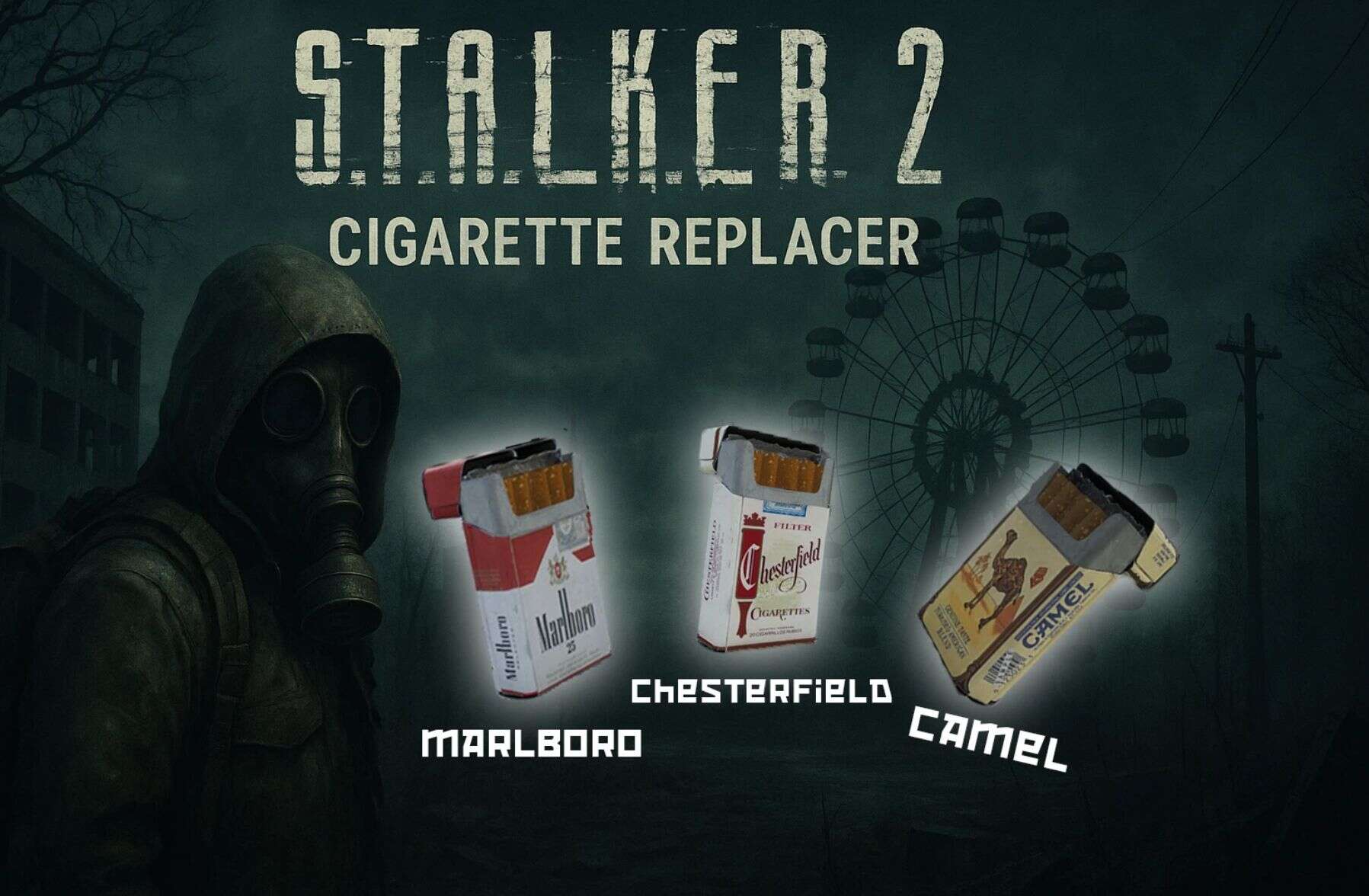
Replaces the Cigarette packages around the world with one of three options to choose from: Marlboro, Camel or Chesterfield. ONLY CHOOSE 1 of the 3.
Despite there being three different textures in the game files, the map makers seem to have used the same color one in 99% of the locations. So isntead of coming across all three, I had to make this a “Choose which one” mod. You might still find the other two brands around, if you do, please show me where. I couldn’t find any locations.
Installation Instructions:
Download the Mod
Ensure you have the latest version of the mod archive (ZIP or RAR) downloaded to your computer.
Extract the Files
Locate Your Stalker 2 Game Directory
Typically found in one of the following paths, depending on where you installed the game:
C:\Program Files (x86)\Steam\steamapps\common\STALKER 2
C:\XboxGames\STALKER 2
Or your custom install location
Install the Mod Files
Place the files of the version you want into the ~mods older (create it if it doesn’t exist) inside the game directory.