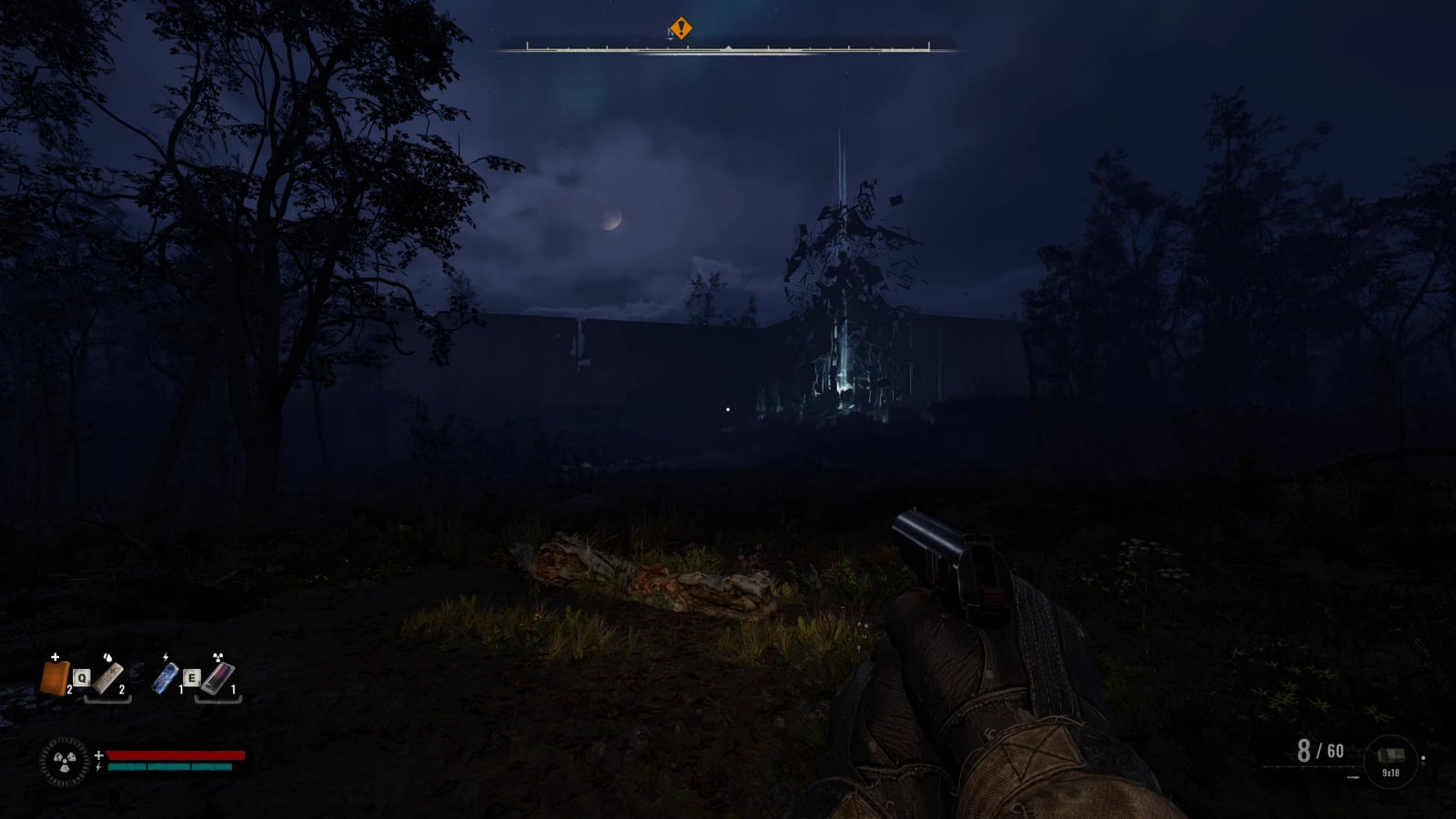
Optimax – Performance (Stutter FPS Latency Fix) v4.9
Optimax reduces stuttering, improves performance and loading times, reduces ghosting, improves image clarity, and improves the quality of all upscaling and anti-aliasing methods. It also makes Unreal Engine effects less artifacty.
This mod was formerly known as “Optimization Essentials – Stutter Performance Latency Fixed” and prior to that “STALKER 2 Essentials”.
Features
- Reduces stuttering.
- Improves performance.
- Improves loading times.
- Makes Unreal Engine effects less artifacty.
- Reduces ghosting.
- Improves image clarity.
- Improves the quality of all upscaling and anti-aliasing methods.
Specifications
Average FPS
- 1. Optimax: 62fps (Ultra Quality)
- 2. Anti-Stutter Mod and Massive FPS Boost: 61fps (Base)
- 3. STK2 – SPF: 60fps
- 4. Stalker Optimizer: 60fps
- 5. Ultimate Engine Tweaks: 59fps
- 5. Optimized Tweaks S.2: 59fps (Base)
- 6. Default: 56fps
1% Lows FPS
- 1. Optimax: 46fps (Ultra Quality)
- 1. STK2 – SPF: 46fps
- 2. Anti-Stutter Mod and Massive FPS Boost: 45fps (Base)
- 2. Stalker Optimizer: 45fps
- 2. Default: 45fps
- 3. Ultimate Engine Tweaks: 43fps
- 4. Optimized Tweaks S.2: 42fps (Base)
Avoid Ultimate Engine Tweaks and Optimized Tweaks S.2, since they provide less consistent frametimes than the base game. Stalker Optimizer and Anti-Stutter Mod have the same lows as the base game but better averages. Only Optimax Performance and STK2 improve the base game’s performance in every regard.
Most stutter mods are only for stuttering, and most performance mods are only for FPS. This mod does both. The Ultra Quality preset, which was used for the benchmark, provides the stuttering fixes. The other presets can significantly increase performance as well as provide smoother frametimes.
Installation
- Download the mod and unzip it, then select the preset you want.
- Navigate to your game’s INI file directory, then copy the INI files from your chosen preset into this location. If prompted, overwrite existing files.
- Launch the game.
Note: If you have other INI mods installed, this will overwrite them. You can combine them by opening the Engine.ini file and pasting the other mod’s config under the Custom CVars / Other Mods section of the file.
INI locations
- Steam:
%LocalAppData%Stalker2SavedConfigWindows - Xbox:
%LocalAppData%Stalker2SavedConfigWinGDK - SteamOS:
/home/deck/.local/share/Steam/steamapps/compatdata/1623730/pfx/drive_c/users/steamuser/AppData/Local/Stalker2/Saved/Config/Windows
Settings and configuration
Optimized Quality Settings
- Texture Quality: Highest VRAM Can Handle
- Hair: High
- Object Details: High
- Effects Quality: High
- Materials: High
- Post-Processing: High or Low (Low disables some post-processing, which you may prefer. Subjective)
- Anti-Aliasing: Medium
- Motion Blur Quality: High
- Motion Blur Strength: 45, 35, 25, 20, or 0 (Subjective. These are my presets)
- Depth of Field: High of Low (Low disables it. Subjective)
- Light Shafts: On
- Shading Quality: Epic
- Global Illumination: Epic
- Reflections: High
- Shadow Quality: Epic
- Cloud Quality: Epic
- Fog: High
- Sky: Medium
- Foliage: Epic
- Environment Draw Distance: Far
Optimized Balanced Settings
Optimized Quality Settings As Base
- Object Details: Medium
- Effects Quality: Medium
- Light Shafts: Off
- Shading Quality: Medium
- Global Illumination: Medium
- Reflections: Low
- Shadow Quality: Medium
- Foliage: Medium
- Environment Draw Distance: Near
Optimized Low Settings
Optimized Balanced Settings As Base
- Object Details: Low
- Effects Quality: Low
- Foliage: Low