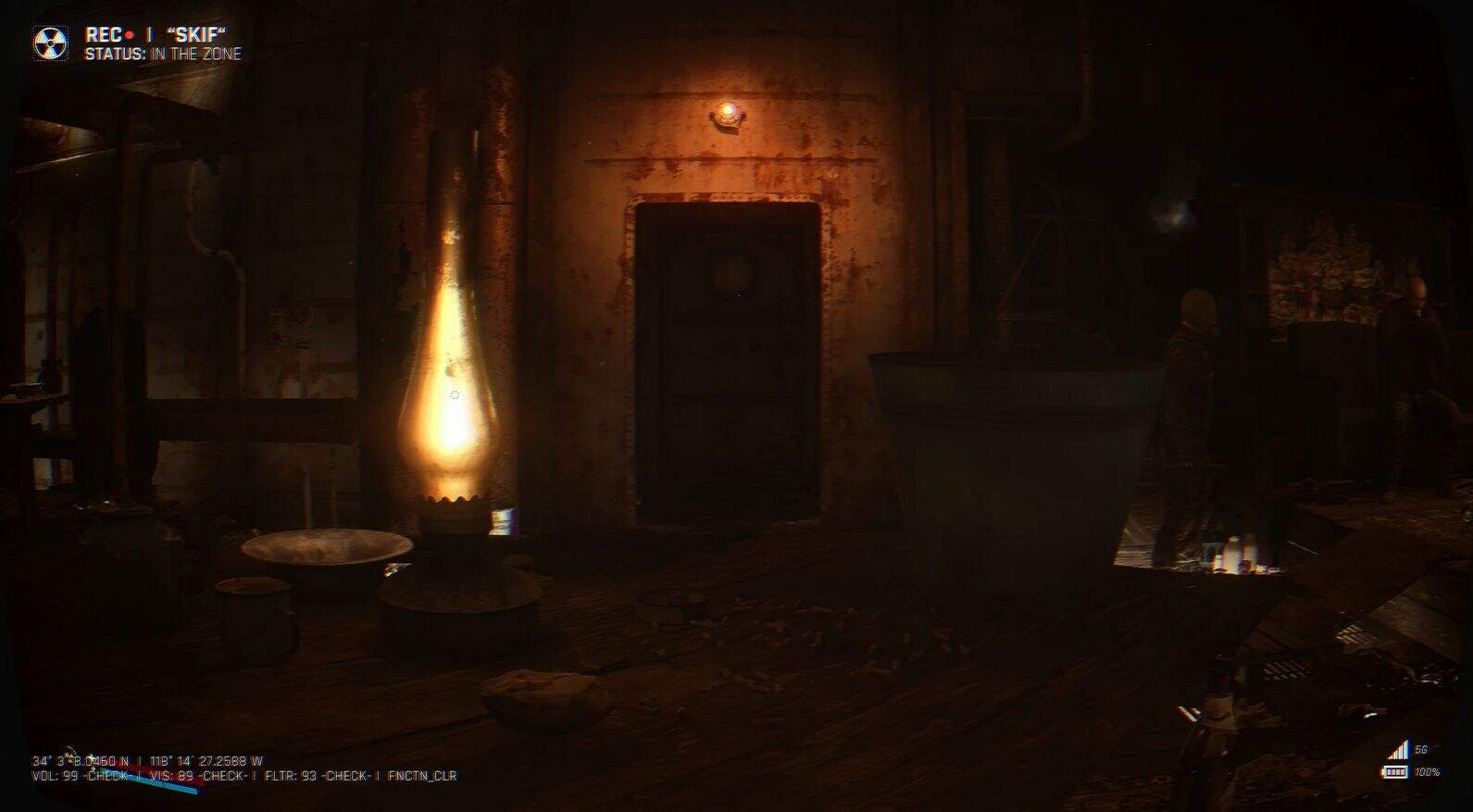
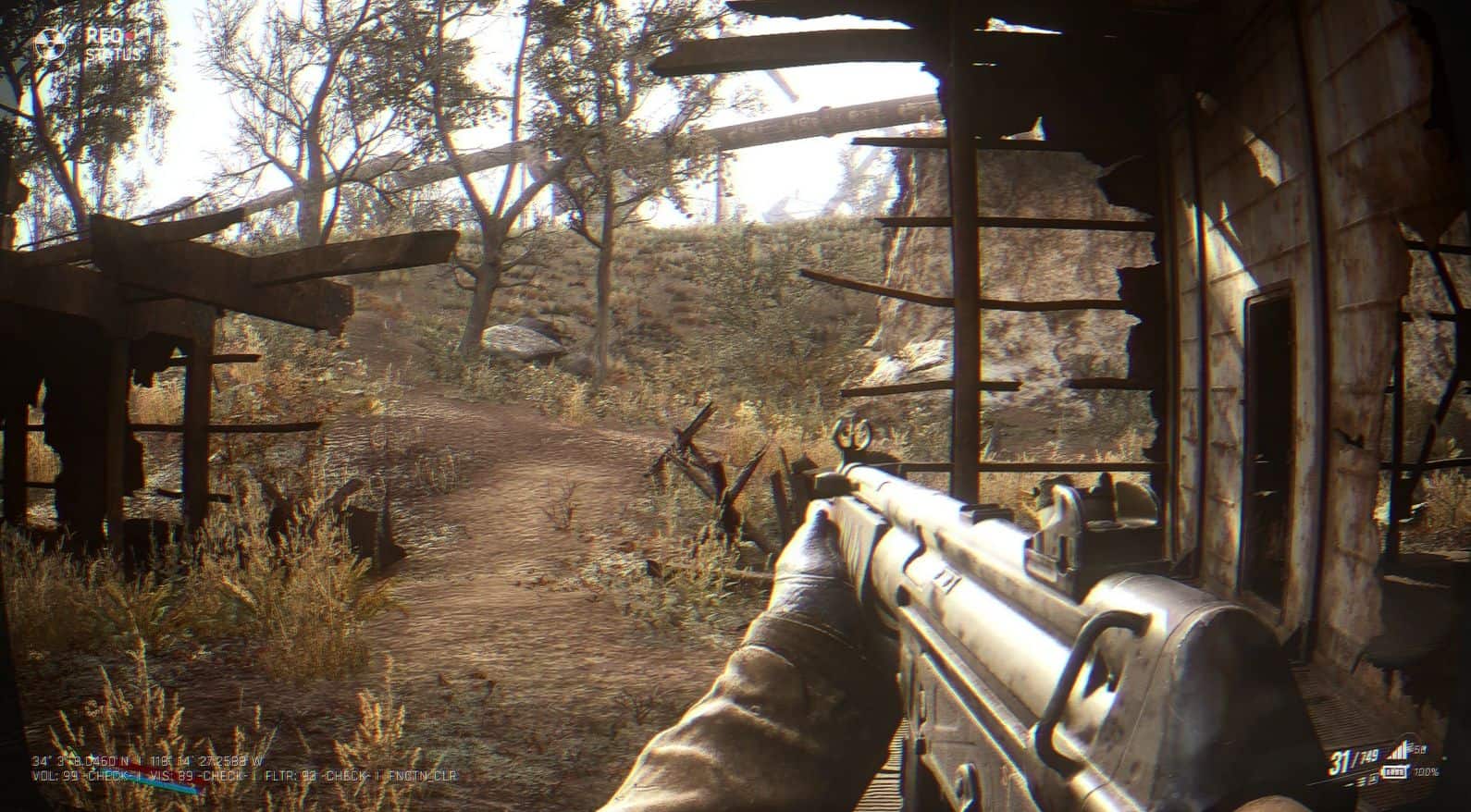
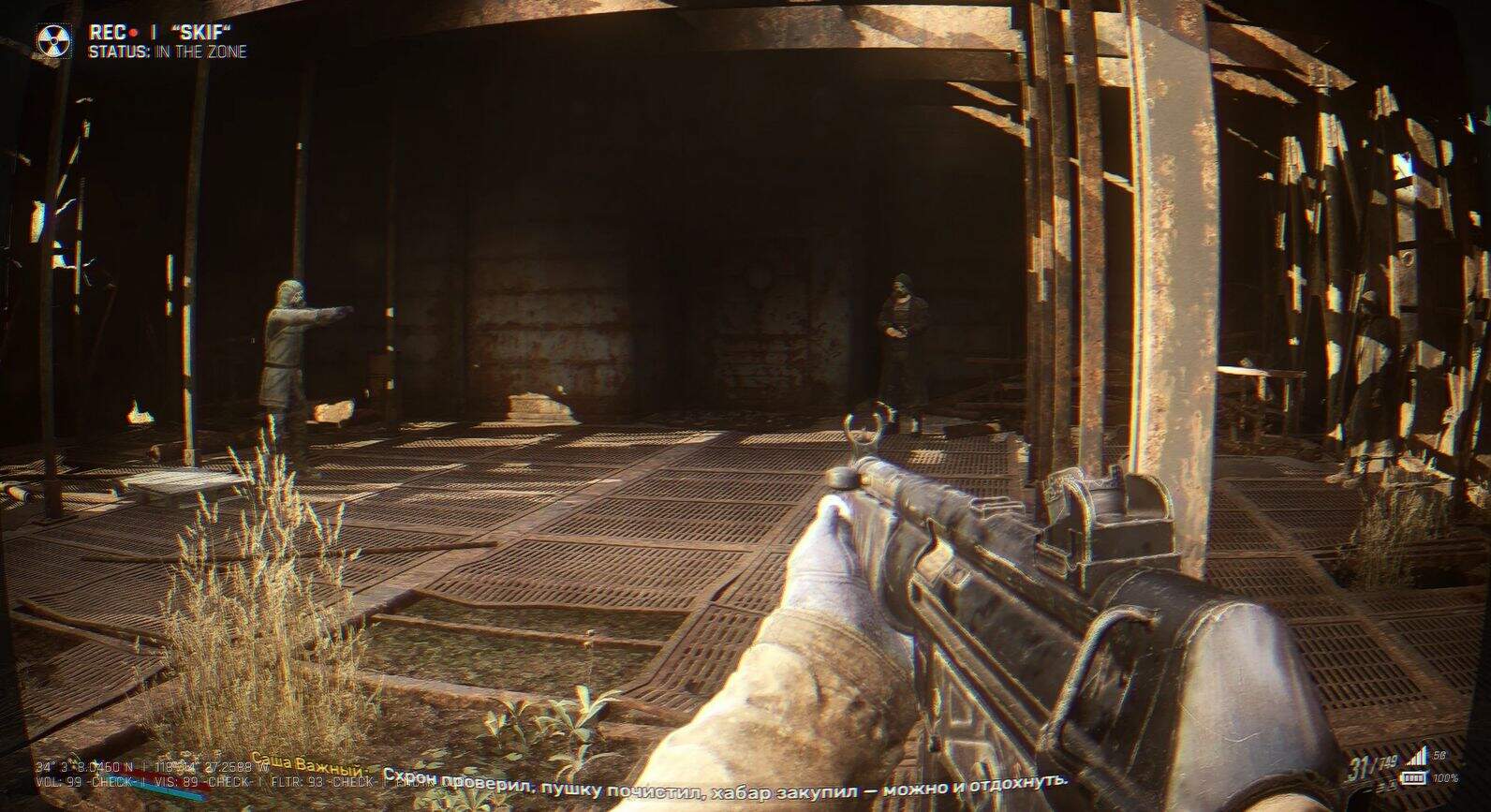
Afterlight reshade
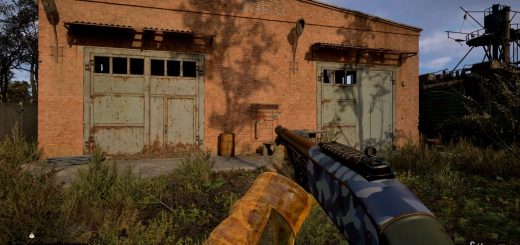
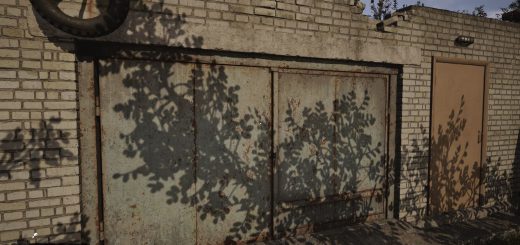
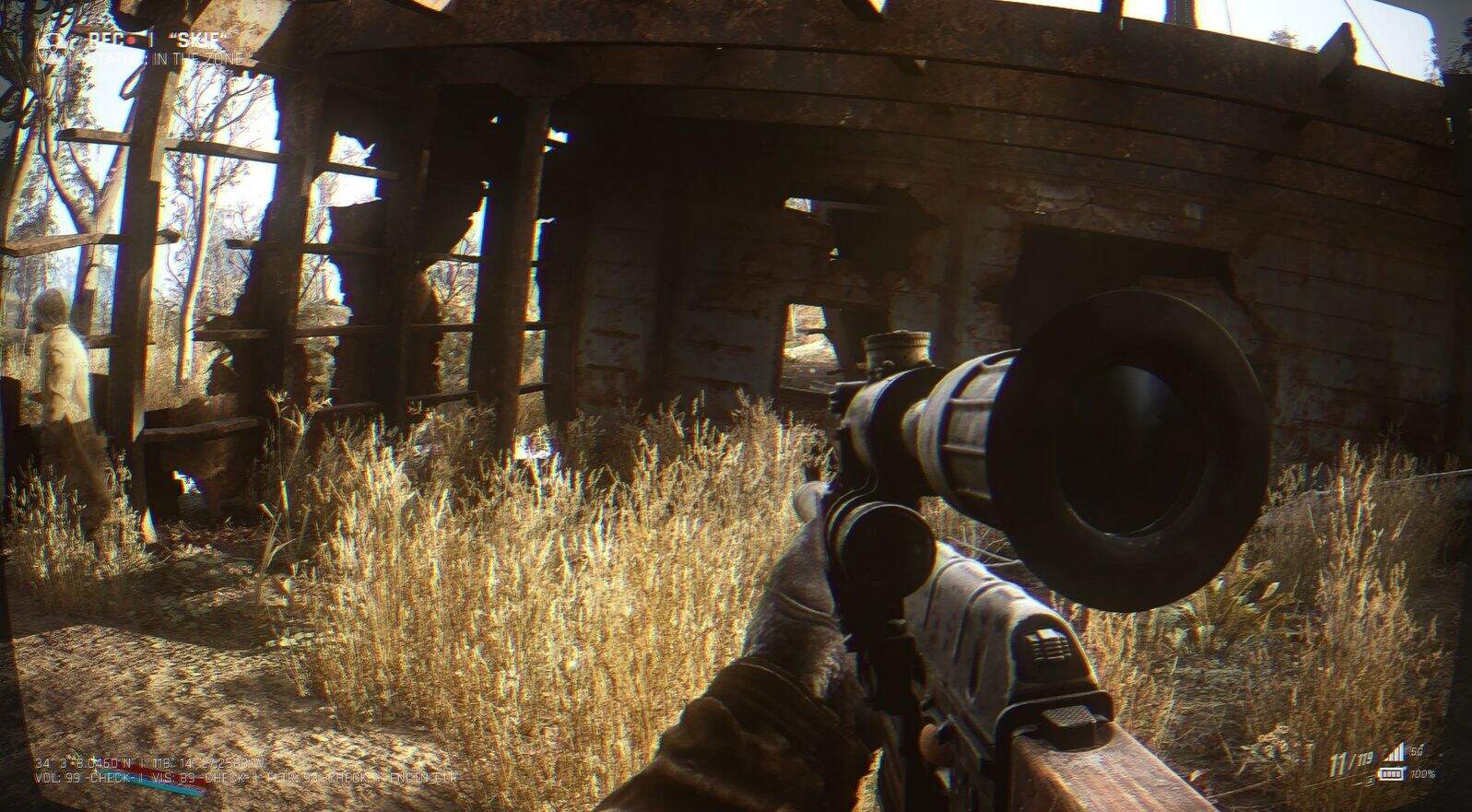
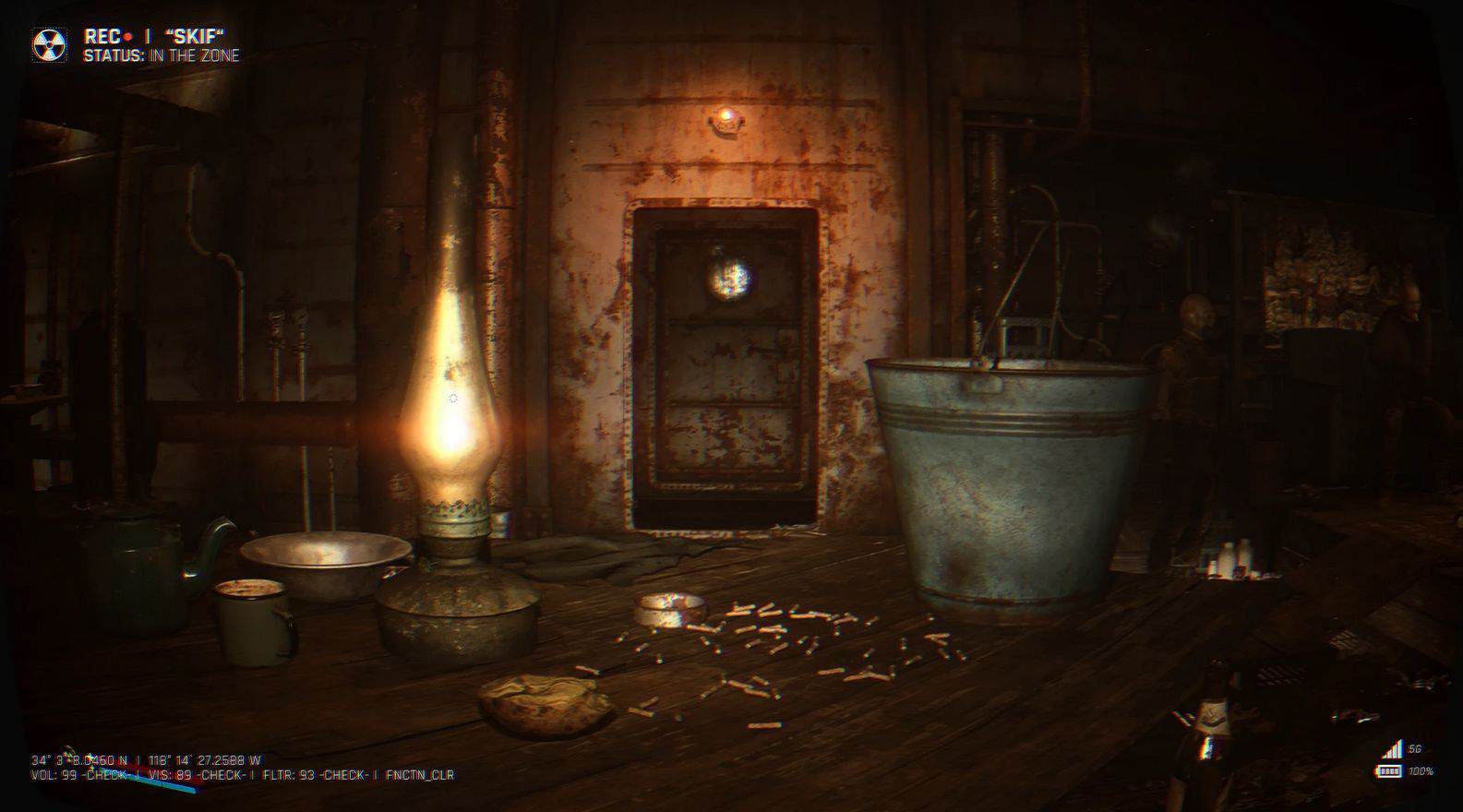
This preset uses a blend of cinematic and realistic effects to replicate the gritty, immersive feel of footage.
Each shader contributes to the final image in a unique way:
GaussianBlur – Adds subtle lens softness and motion haze, simulating real-world camera imperfections.
FakeHDR – Boosts contrast and depth, giving the scene a punchier, more dynamic look.
LiftGammaGain – Fine-tunes shadows, midtones, and highlights to enhance the realism of lighting.
LumaSharpen – Restores clarity lost to post-processing by sharpening only the brightness layer.
Bonus LUT Pack – Applies custom color grades for a moody, documentary-style color palette.
Selective Color – Adjusts specific color channels to push the cold, desaturated bodycam aesthetic.
Tonemap – Balances overall exposure and saturation, ensuring a clean cinematic baseline.
Vibrance – Adds subtle life to muted colors without over-saturating the entire image.
Vignette – Darkens screen edges to mimic cheap lens vignetting and focus the eye.
LevelsPlus – Compresses color and light range for a stylized filmic tone curve.
PerfectPerspective – Adds lens distortion and slight warping, giving a wide-angle camcorder look.
VHS_RA – Simulates analog tracking artifacts for an old-school or corrupted bodycam feel.
MotionBlur – Creates dynamic blur trails on movement, enhancing realism during fast actions.
CustomOverlay – Adds visual elements like HUDs or static textures to simulate screen overlays.
AdaptiveSharpen – Smart sharpening that respects lighting and detail, enhancing realism without overdoing it.
ChromaticAberration – Adds slight color fringing at screen edges, mimicking cheap lens artifacts.
Bloom – Subtle light bloom from bright areas for added softness and glow.
AmbientLight – Simulates advanced global lighting with lens effects and color bleeding.
Clarity – Enhances micro-contrast for a more textured and defined look.
FilmicSharpen – A film-inspired sharpening filter that avoids harsh digital sharpness.
Install:
Install reshade. Put Afterlife reshade.ini file to C:\S.T.A.L.K.E.R. 2 Heart of Chornobyl\Stalker2\Binaries\Win64.
Open Afterlife reshade.ini in reshade menu while in game. Default reshade menu buttons are either 9 or Home