No Radiation Flicker. Crouch and Radiation Vignette

STALKER 2 Mods |
No Radiation Flicker. Crouch and Radiation Vignette

No Radiation Flicker. Crouch and Radiation Vignette

What is this mod?
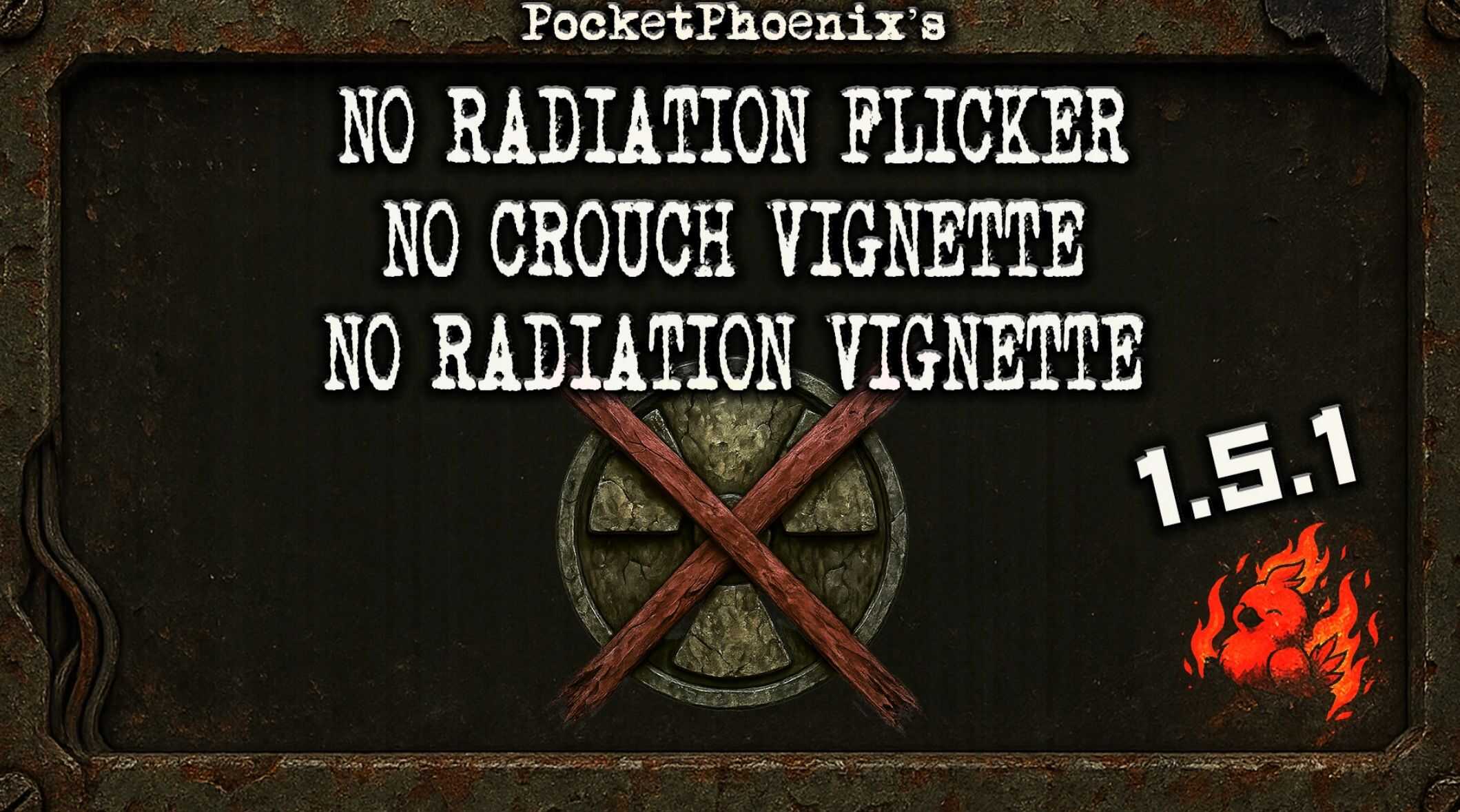
This Mod removes the Post Processing Effects from Radiation and Crouching (Screen flickering from radiation and Vignette plus the vignette effect when crouching).

Compatibility
The Mod is using Refurl so it should be compatible with anything that does not directly edit those three effects.

Installation
Download the Mod
Ensure you have the latest version of the mod archive (ZIP or RAR) downloaded to your computer.
Extract the Files

Locate Your Stalker 2 Game Directory
Typically found in one of the following paths, depending on where you installed the game:
C:\Program Files (x86)\Steam\steamapps\common\STALKER 2
C:\XboxGames\STALKER 2
Or your custom install location

Install the Mod Files
Place the files into the ~mods older (create it if it doesn’t exist) inside the game directory.


Credits: Pocketphoenix
This content was uploaded by website visitors. If you notice any mistake, please let us know.

Cannot get the idea why S.T.A.L.K.E.R. 2 Mods are so special? Well then you have landed in the right place – we will explain everything that you probably want to know. So, let’s begin: S.T.A.L.K.E.R. 2 No Radiation Flicker. Crouch and Radiation Vignette Mod are additional files, which expand your options and provide you with new possibilities. If you cannot move forward and it seems that you’ve tried everything, No Radiation Flicker. Crouch and Radiation Vignette Mod might offer you unseen features which will make you overcome all kinds of obstacles.


Useful Information: STALKER 2 Everything we Know | STALKER 2 System Requirements | STALKER 2 Release Date | STALKER 2 News | STALKER 2 Game Engine | STALKER 2 on Playstation 5 | STALKER 2 Multiplayer

You may also like...

Leave a Reply

Your email address will not be published. Required fields are marked *