No need ReShade v1.0
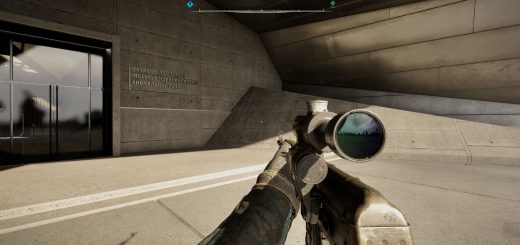
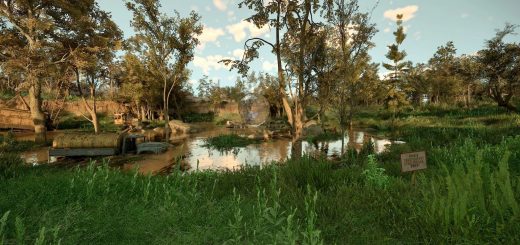
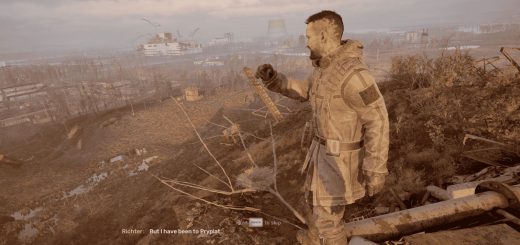
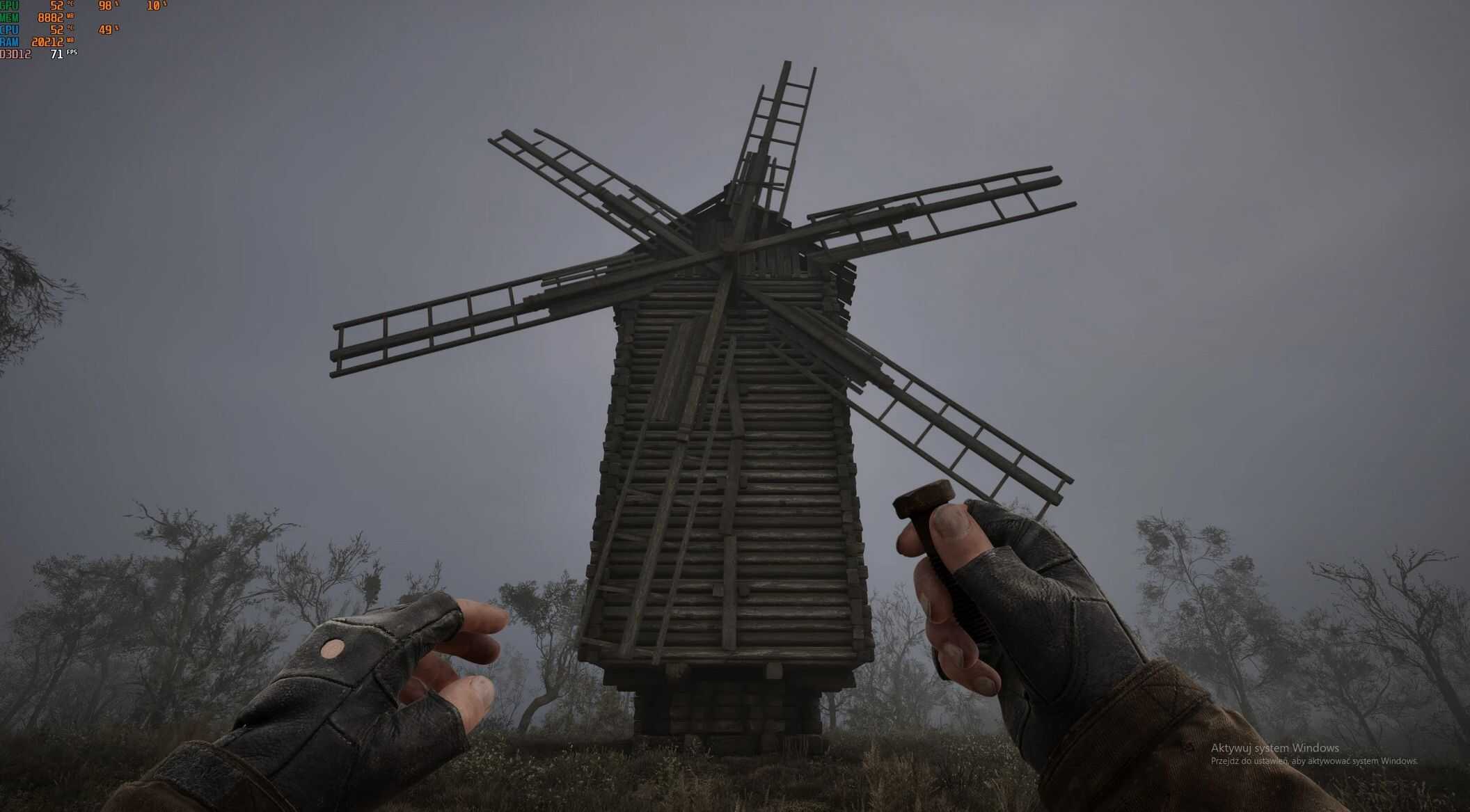
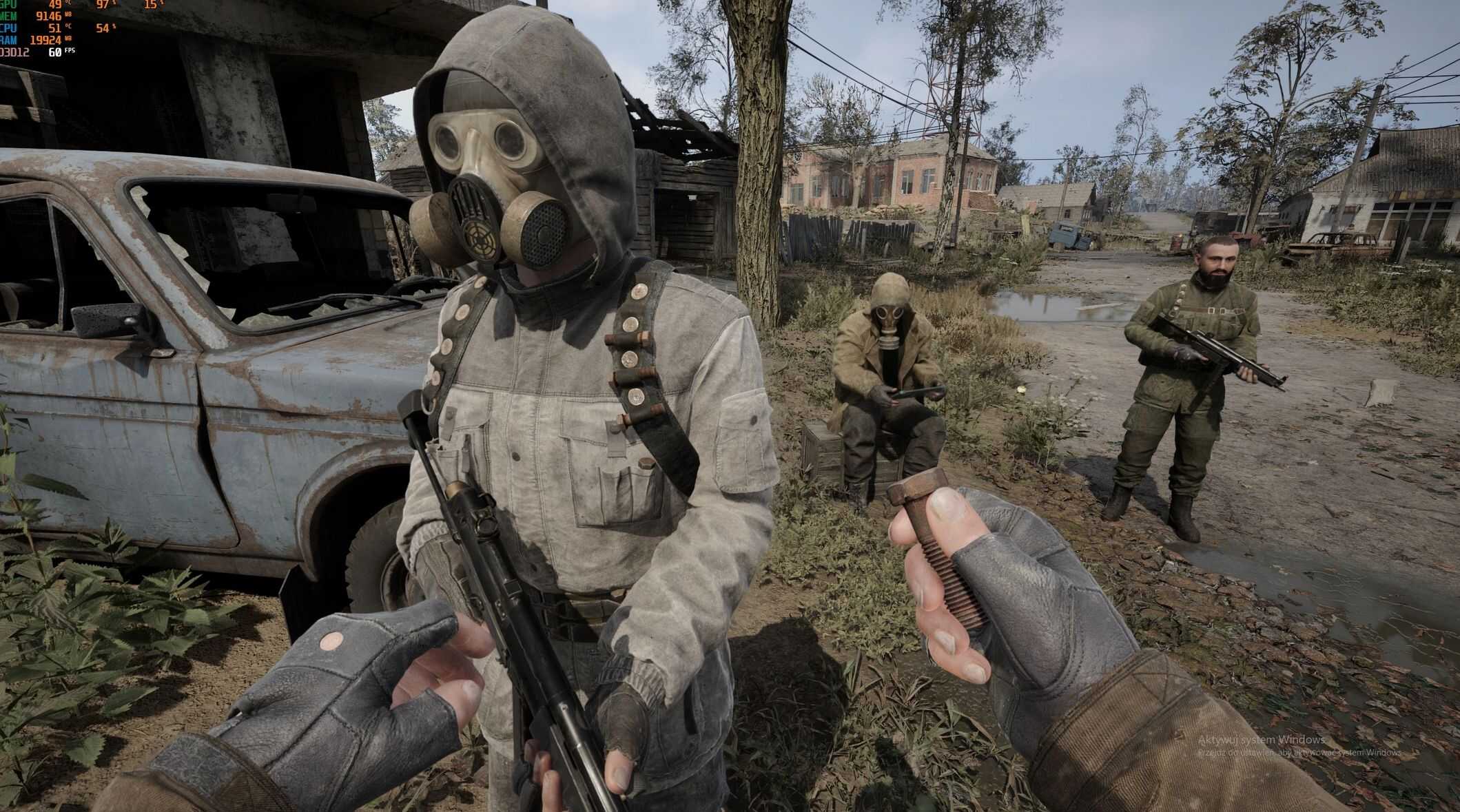
Engine.ini optimization for S.T.A.L.K.E.R. 2, providing a desaturated, gritty look inspired by Michał Gołkowski’s novels without the need for ReShade.
Visual Optimization: Engine.ini (The Steel Zone)This file is the heart of the “Road to Nowhere” atmosphere. Instead of taxing your PC with ReShade, we modify Unreal Engine 5 parameters directly to achieve the raw, desaturated look inspired by Michał Gołkowski’s novels.
Where to put the file?Copy the chosen code and paste it into the Engine.ini file located at:%LOCALAPPDATA%\Stalker2\Saved\Config\WindowsNoEditor\
What do these changes do?
– Steel Aura: Increased desaturation (r.SceneColorDesaturation=0.22) strips color from grass and sky, giving the world a steel-gray, depressing tone.
– “Routine” Style Audio: Specific audio settings (au.EnableSpatialization=1) dampen the environment while sharpening spatial sounds, creating a sense of isolation.
– Visual Clarity: Motion Blur and Film Grain are disabled to keep the image sharp and readable, even in the darkness.
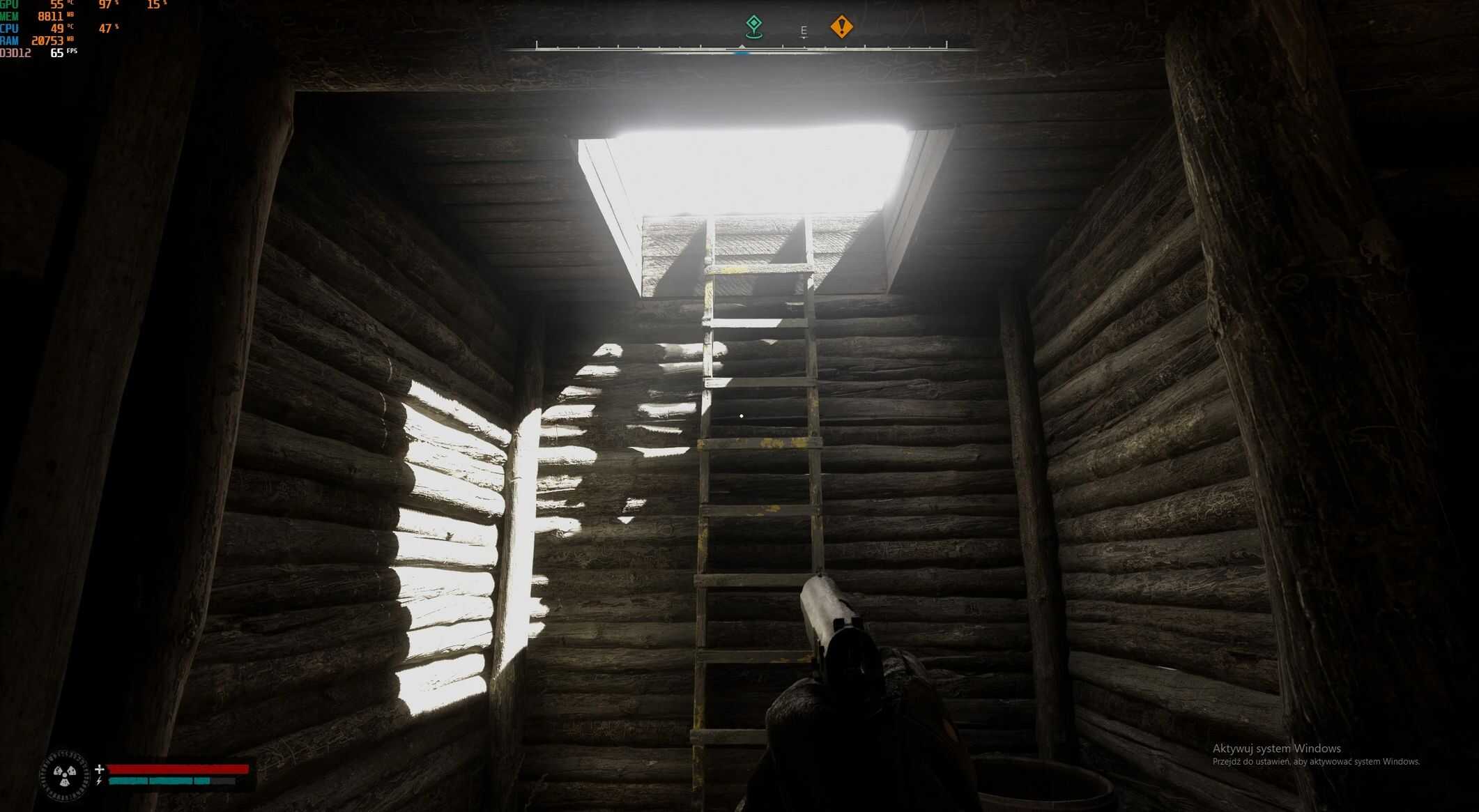
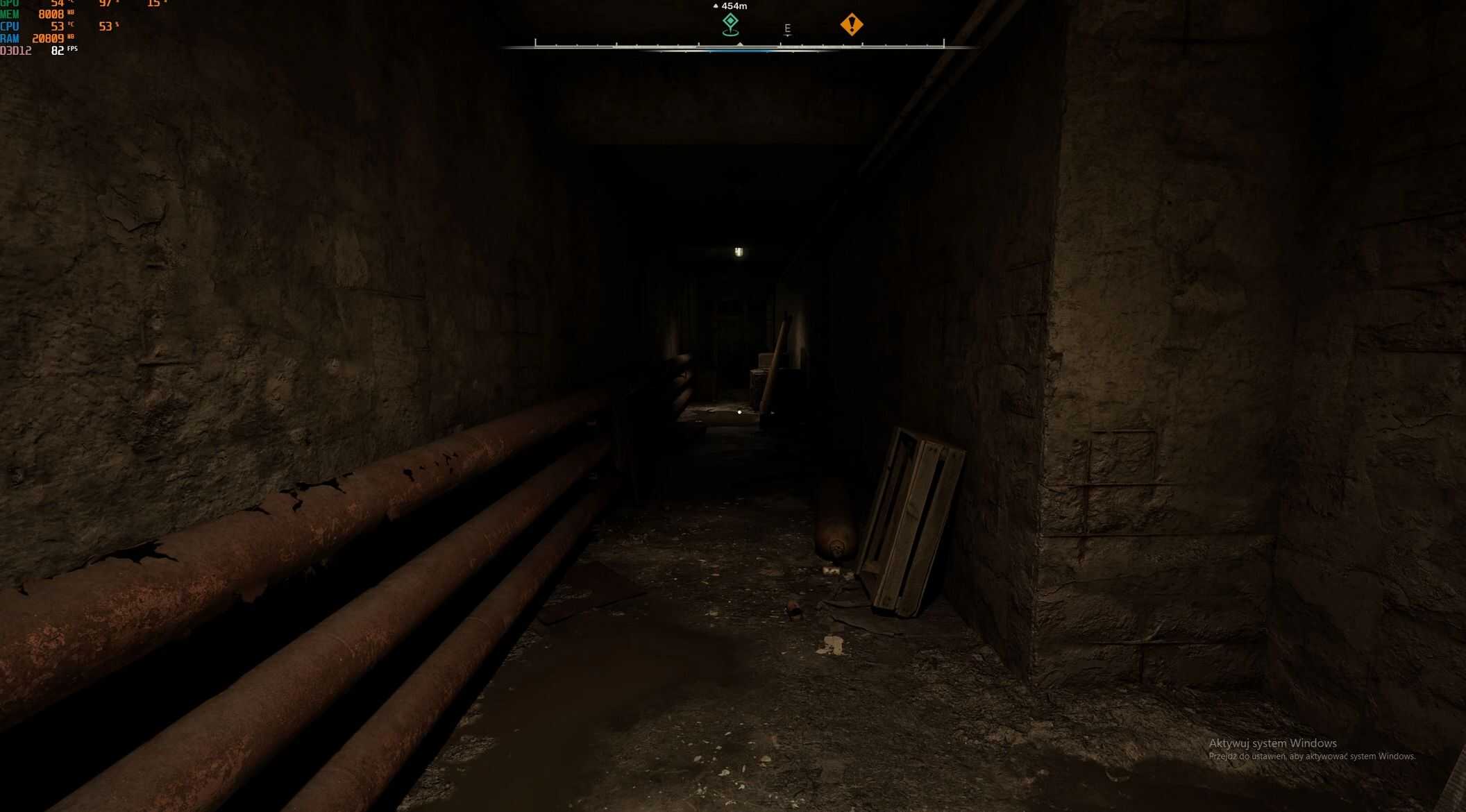
– Lumen & Lighting: Global illumination is optimized for deep, “inky” shadows, preventing light from unnaturally bleeding through structures.
Available Versions (Choose based on your hardware):
– High-End (1440p / 12GB+ VRAM): Full Lumen quality, high texture streaming pool (8GB), and maximum LOD distance.
– Efficiency Edition (1080p / 8GB VRAM / 16GB RAM): Balanced memory pool (4.5GB), optimized shadows, and sharpened 1080p visuals to prevent stuttering.
– High-End V2.0:
Required settings for best results (45–50 FPS)
This profile is built around stable frametime, not maximum FPS.
FPS Limit (most important)
Set a fixed limit of 45–50 FPS using RTSS (RivaTuner) or your GPU driver limiter.
Do not use the in-game FPS limiter.
Why:
A stable frametime stabilizes TAA, exposure, and volumetrics. The image stops “pumping” brightness, fine details don’t shimmer, and lighting remains consistent during movement.