Real Life Loading Screen Replacer
What is this mod?
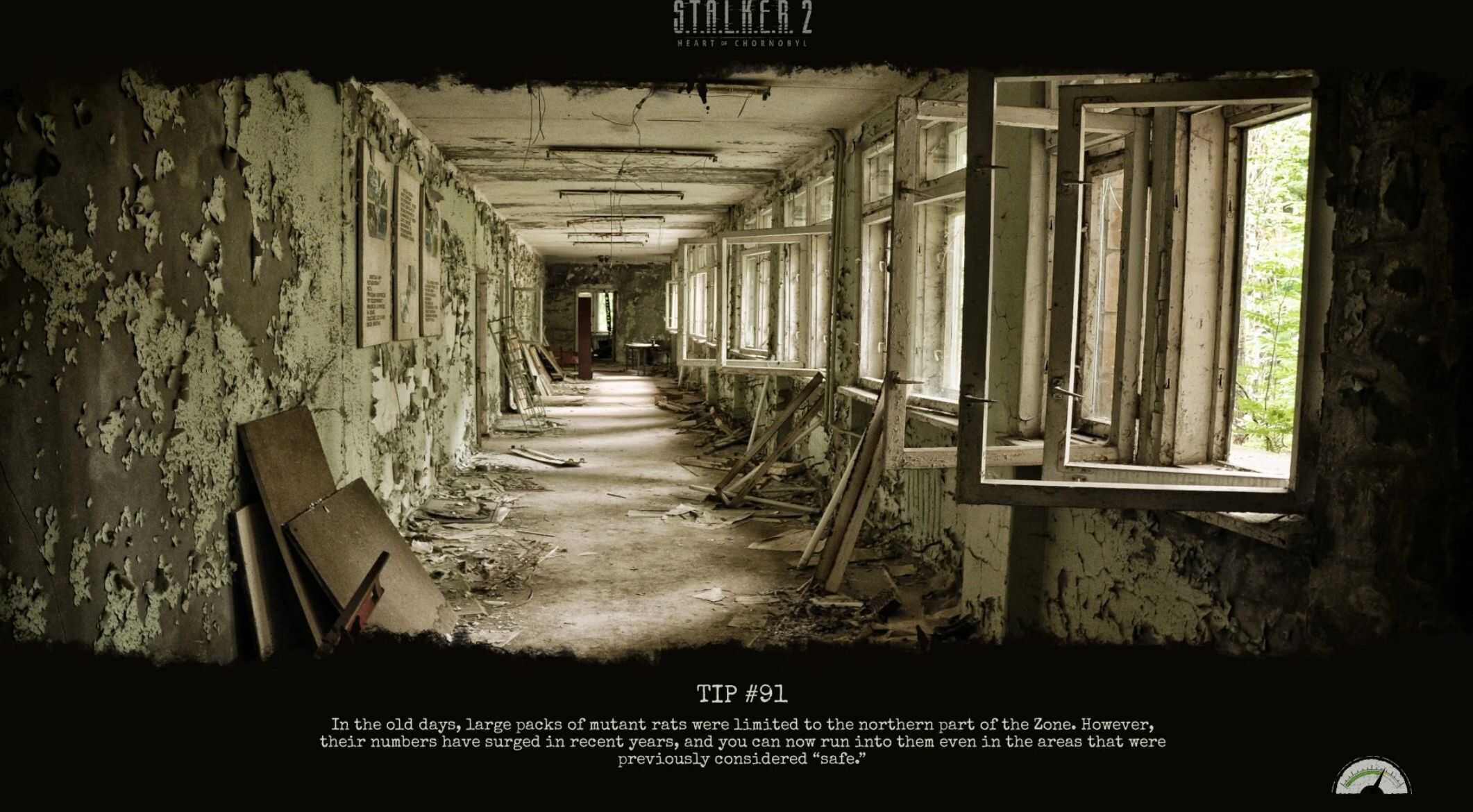
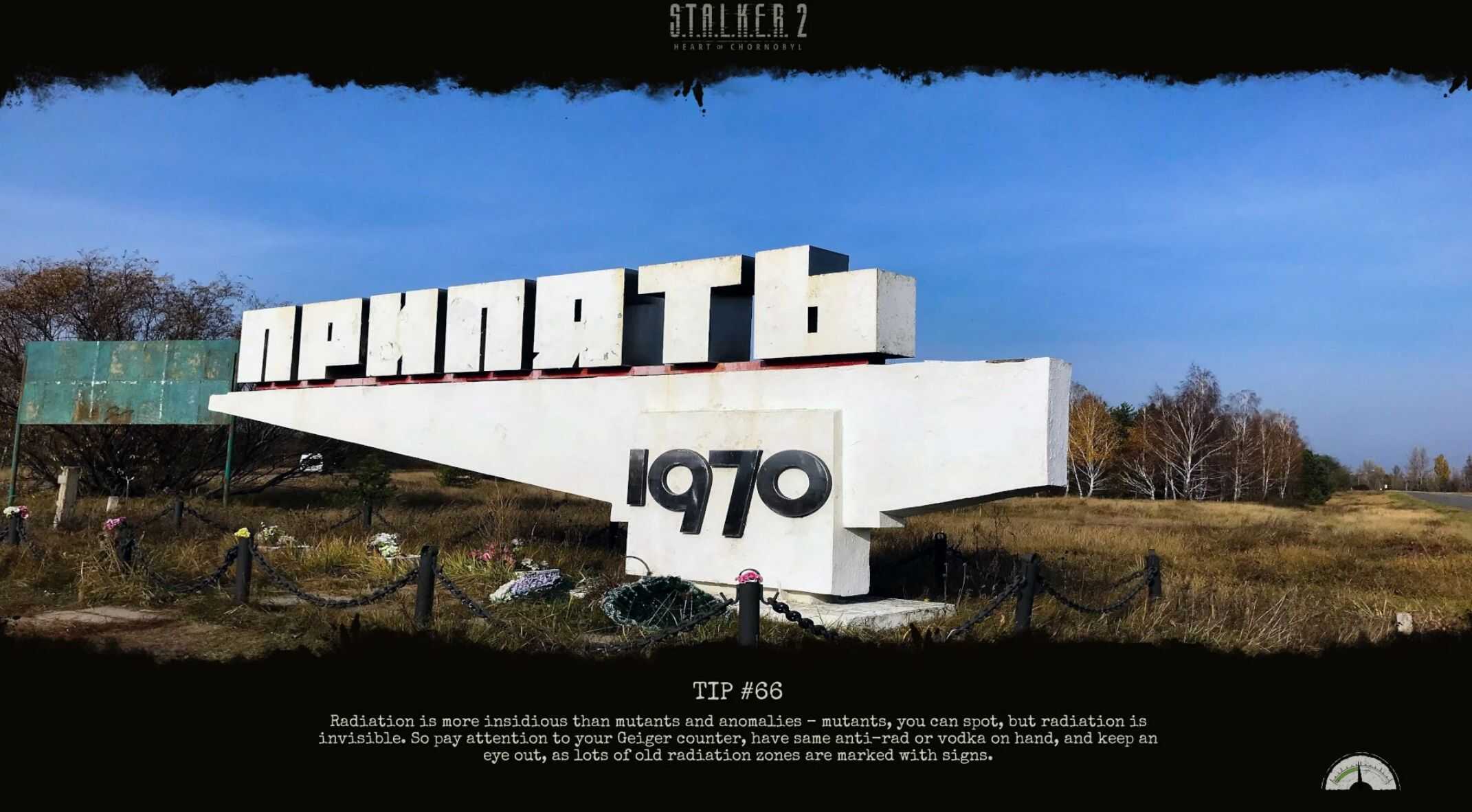
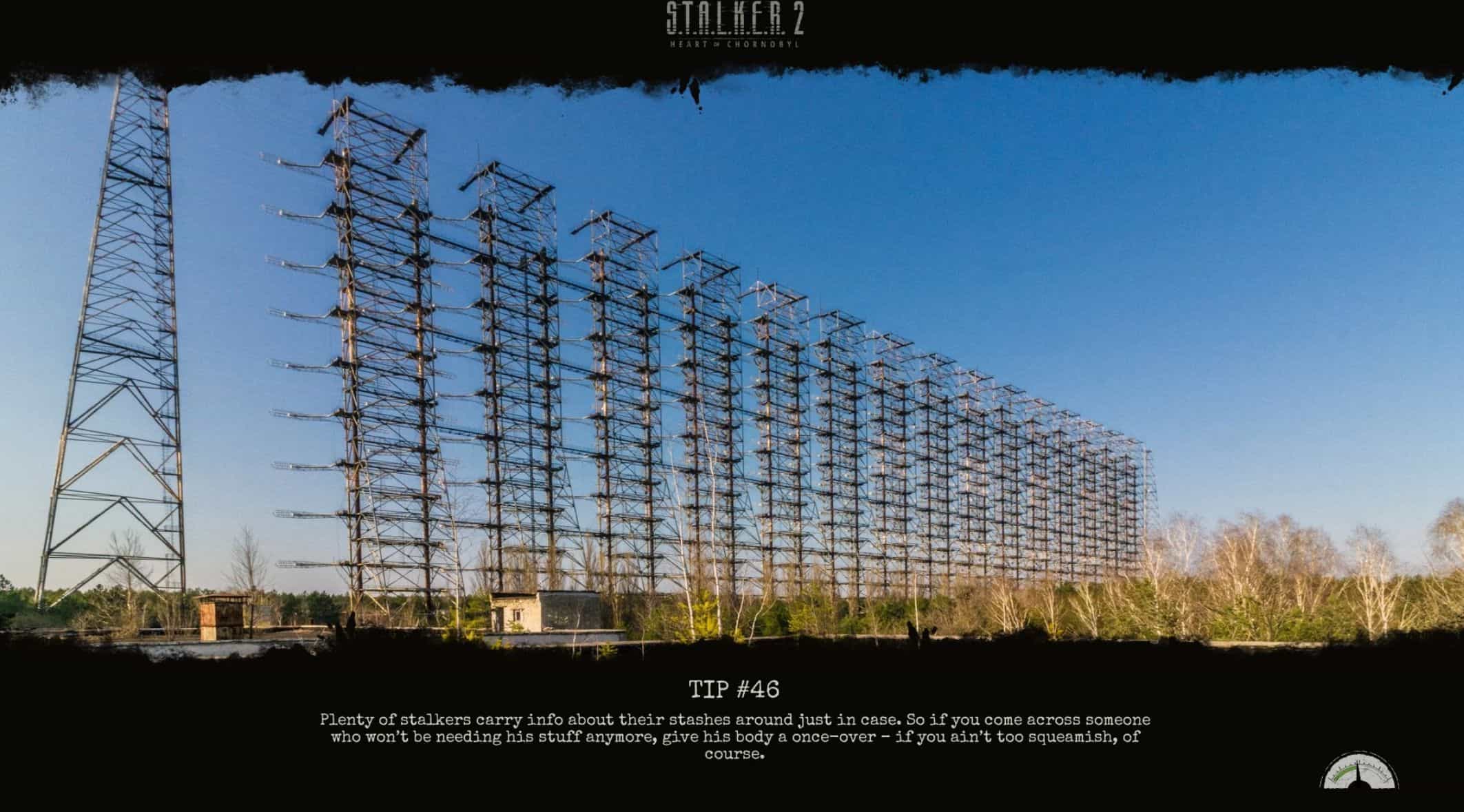
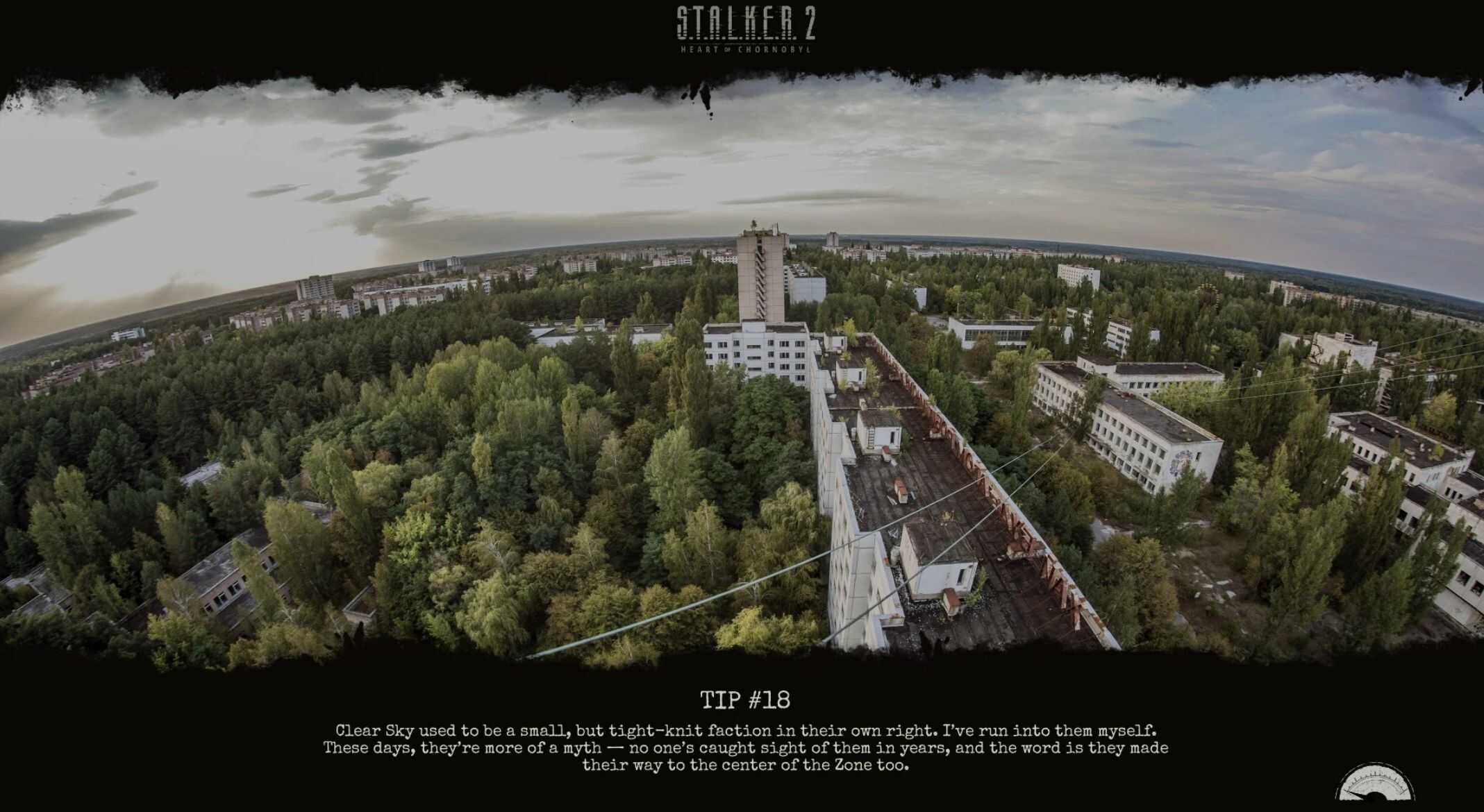
Replaces the Loading Screen images with real life pictures of the exclusion zone.
Installation
Download the Mod
Ensure you have the latest version of the mod archive (ZIP or RAR) downloaded to your computer.
Extract the Files
Locate Your Stalker 2 Game Directory
Typically found in one of the following paths, depending on where you installed the game:
C:\Program Files (x86)\Steam\steamapps\common\STALKER 2
C:\XboxGames\STALKER 2
Or your custom install location
Install the Mod Files
Place the files into the ~mods older (create it if it doesn’t exist) inside the game directory.