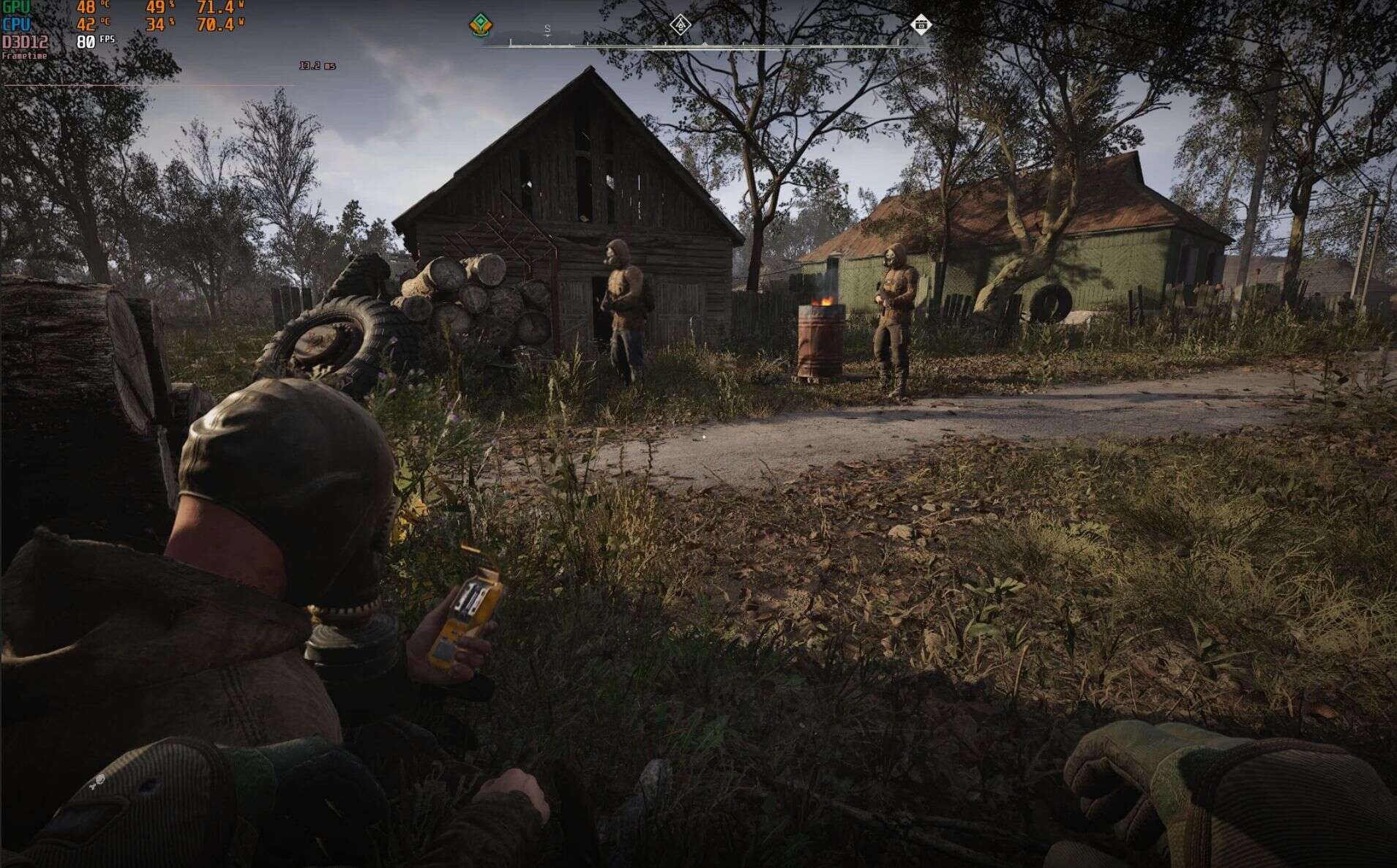
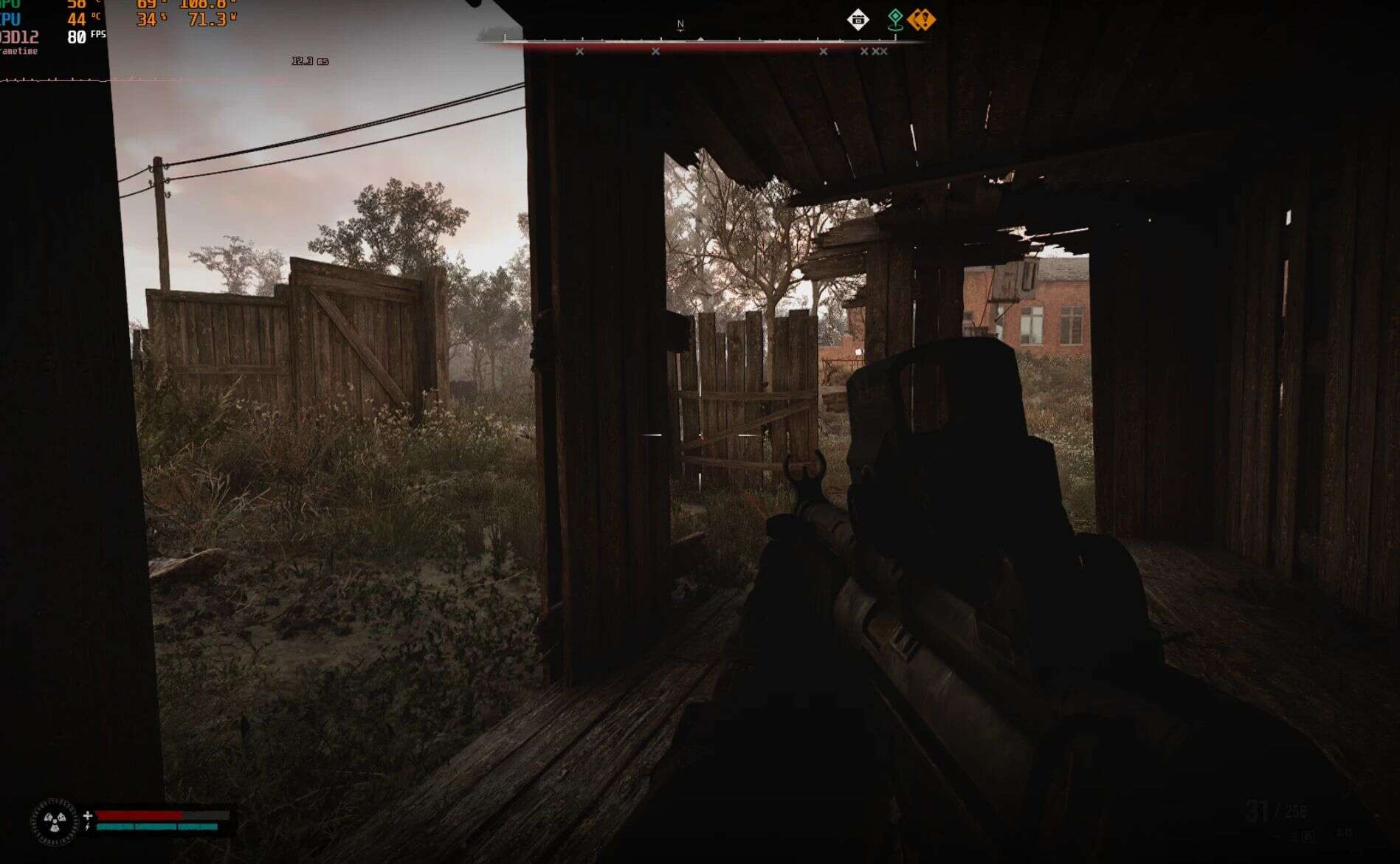
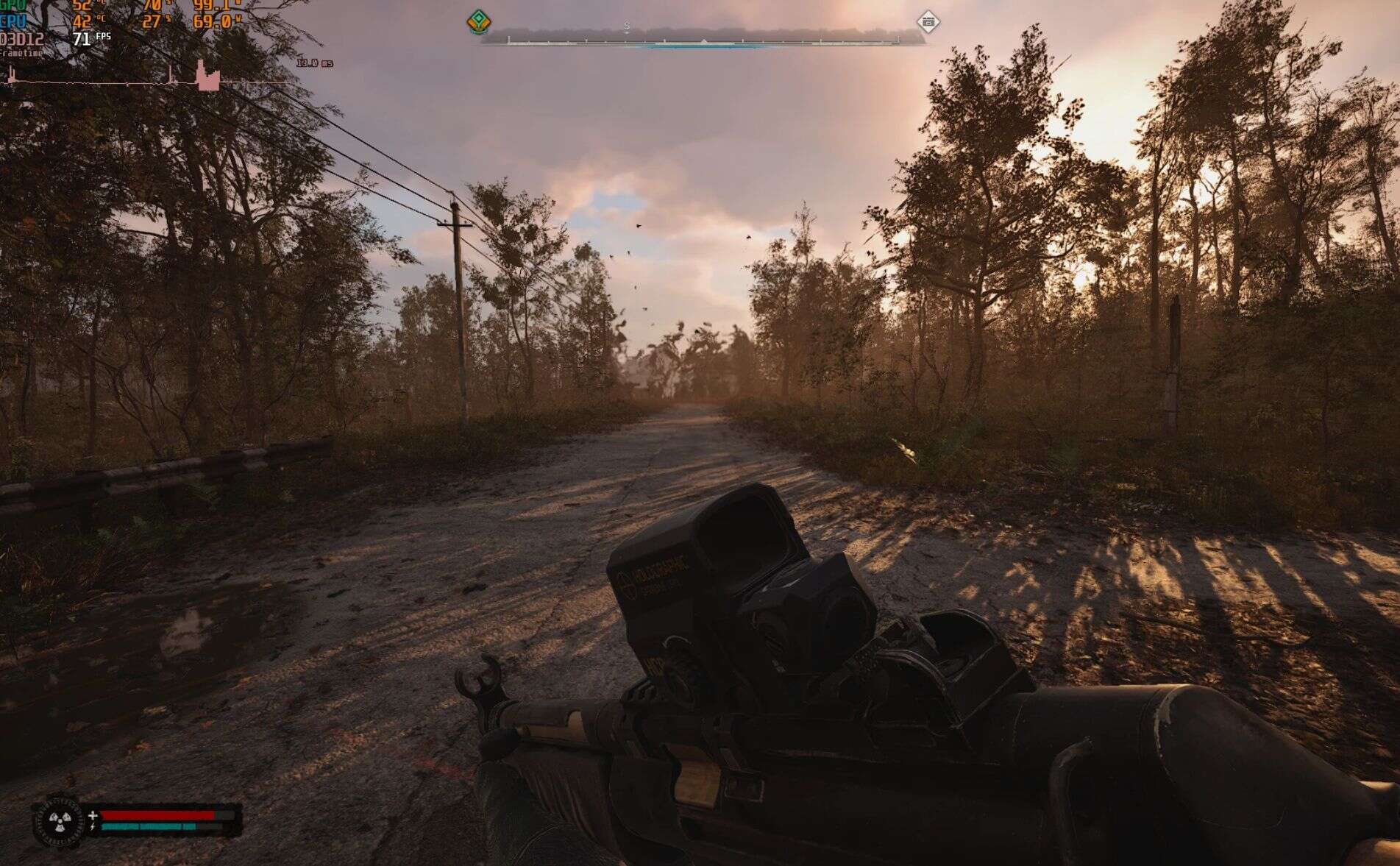
STALKER 2 FPS Booster v1.1.7
STALKER 2: Ultimate Performance Config
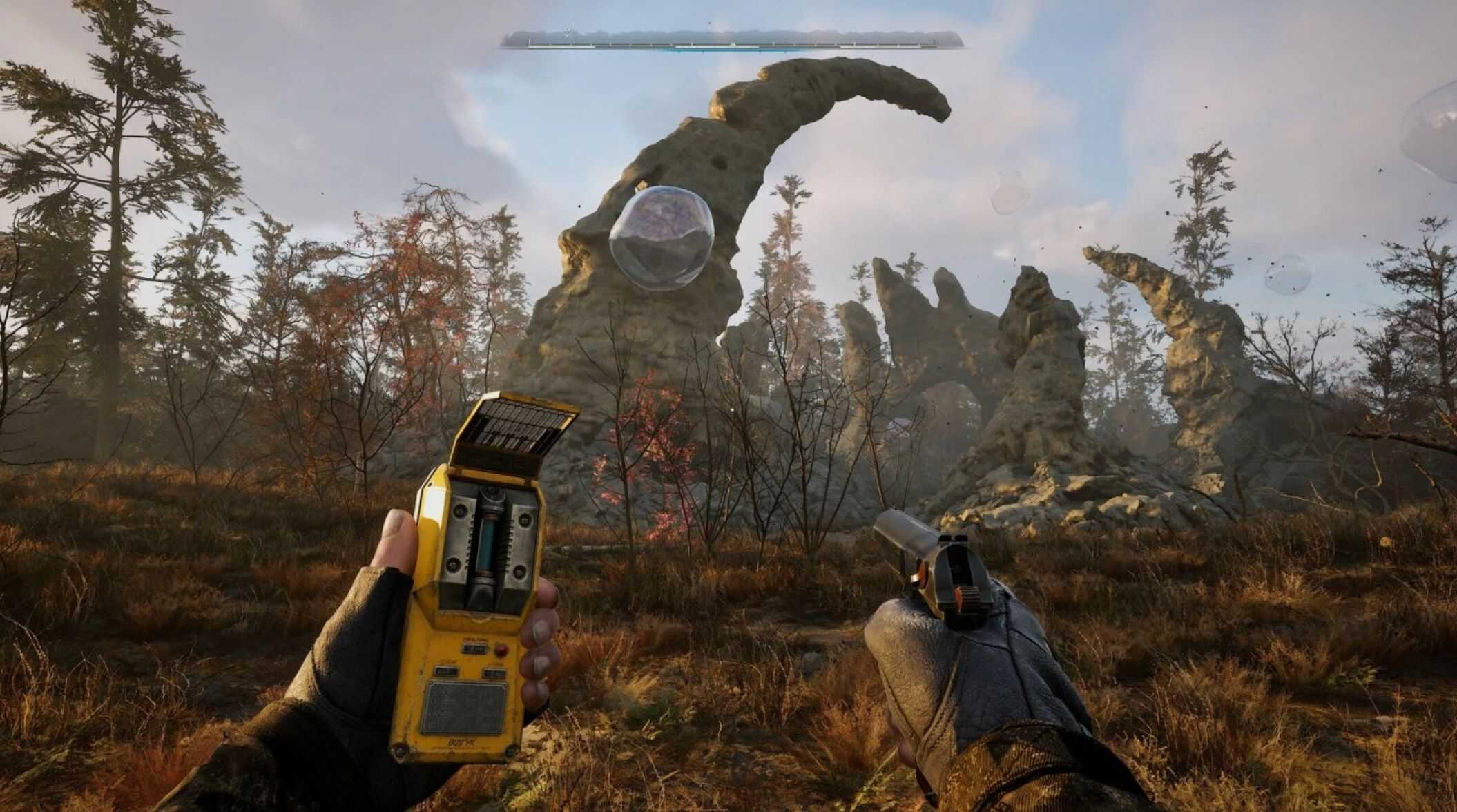
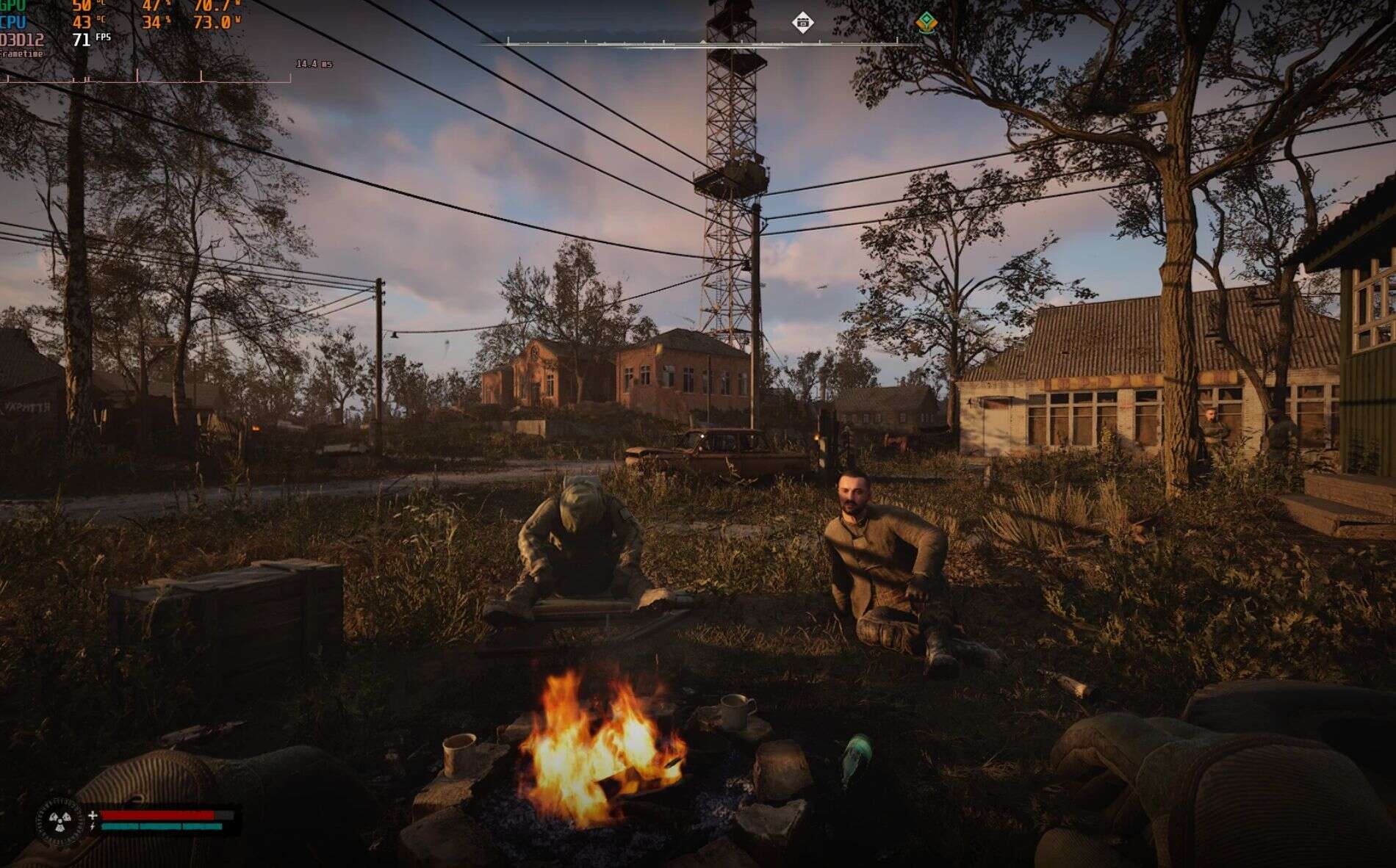
Complete optimization for stable and smooth gameplay. Improved performance without losing visual comfort. Reduced CPU and GPU load, faster texture and shader loading. Player quality preserved, environment optimized. Ideal for low-end PCs and laptops. Maximum FPS without stuttering!
S.T.A.L.K.E.R. 2: Ultimate Performance Config
A complete optimization pack with 7 performance presets for different PC configurations.
AVAILABLE PRESETS
• 1. Quality Cinematic – ⚠️ EXPERIMENTAL MODE – Pushes visual quality to the absolute maximum. Ultra-quality Lumen, ray tracing, and detailed shadows. Not recommended for PCs below RTX 3060.
• 2. Quality Epic – Maximum visual quality with balanced performance.
• 3. Quality Medium – Great image quality with higher FPS.
• 4. Performance FPS – High FPS with good visibility.
• 5. Performance High FPS – Very high FPS, reduced visual effects.
• 6. Performance Max FPS – Absolute maximum performance for weak PCs and integrated graphics – For GT 710 GT 610
• 7. Reset to default – Restore original game settings.
OPTIMIZATIONS
• Rendering and post-processing tweaks
• Faster texture and shader loading
• NPC/mutant LOD optimization
• Fixed interior lighting — no more white screens
• Optimized level streaming
• Multi-core CPU tuning
• Advanced shader compilation
• Complete animation rework – significantly reduces CPU load
• Lumen and reflections completely reworked
• Shader compilation has been reworked: the first launch compiles shaders completely, while all subsequent launches use the pre-built shader cache, skipping recompilation entirely.
• Game Optimization for HDD — reduces stuttering
• Optimized for narrow bus GPUs starting from 128-bit, eliminating micro-stutters
INSTALLATIONPath:
C:\Users\[YourUsername]\AppData\Local\Stalker2\Saved\Config\Windows\
How to install:
– Choose the folder with the desired preset (1. Quality Cinematic, 2. Quality Epic, etc.)
– Open the folder and copy all its contents
– Go to the installation path above
– Paste the files and replace the existing ones
IMPORTANT
• Before launching the game, make sure to let the full shader compilation complete in the main menu — this will eliminate all stutters and freezing during gameplay.
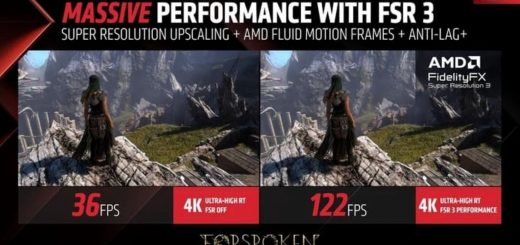
• Make sure to enable FSR or DLSS in the game settings and set resolution scale to 66% for maximum performance and stable FPS.