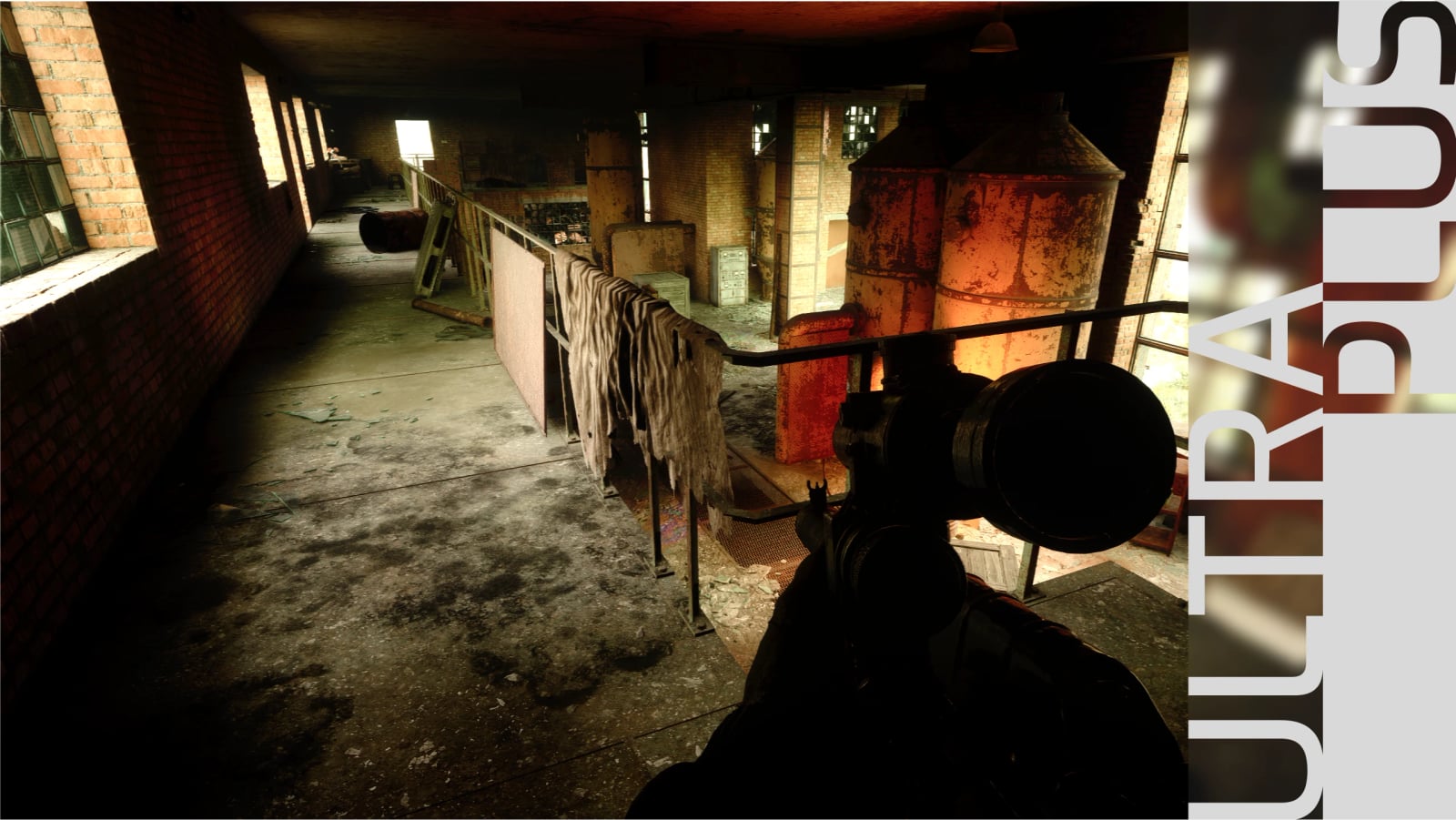
Ultra Plus for Stalker 2 v1
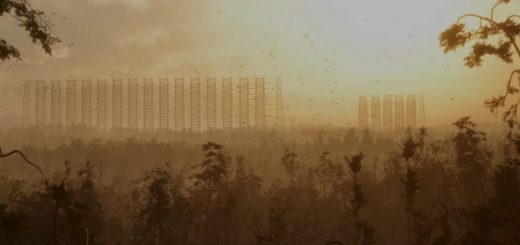
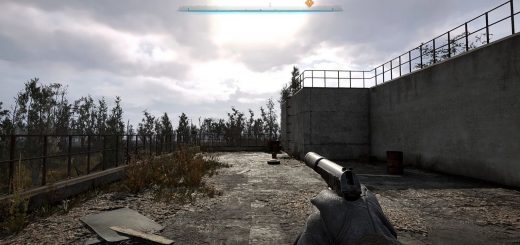
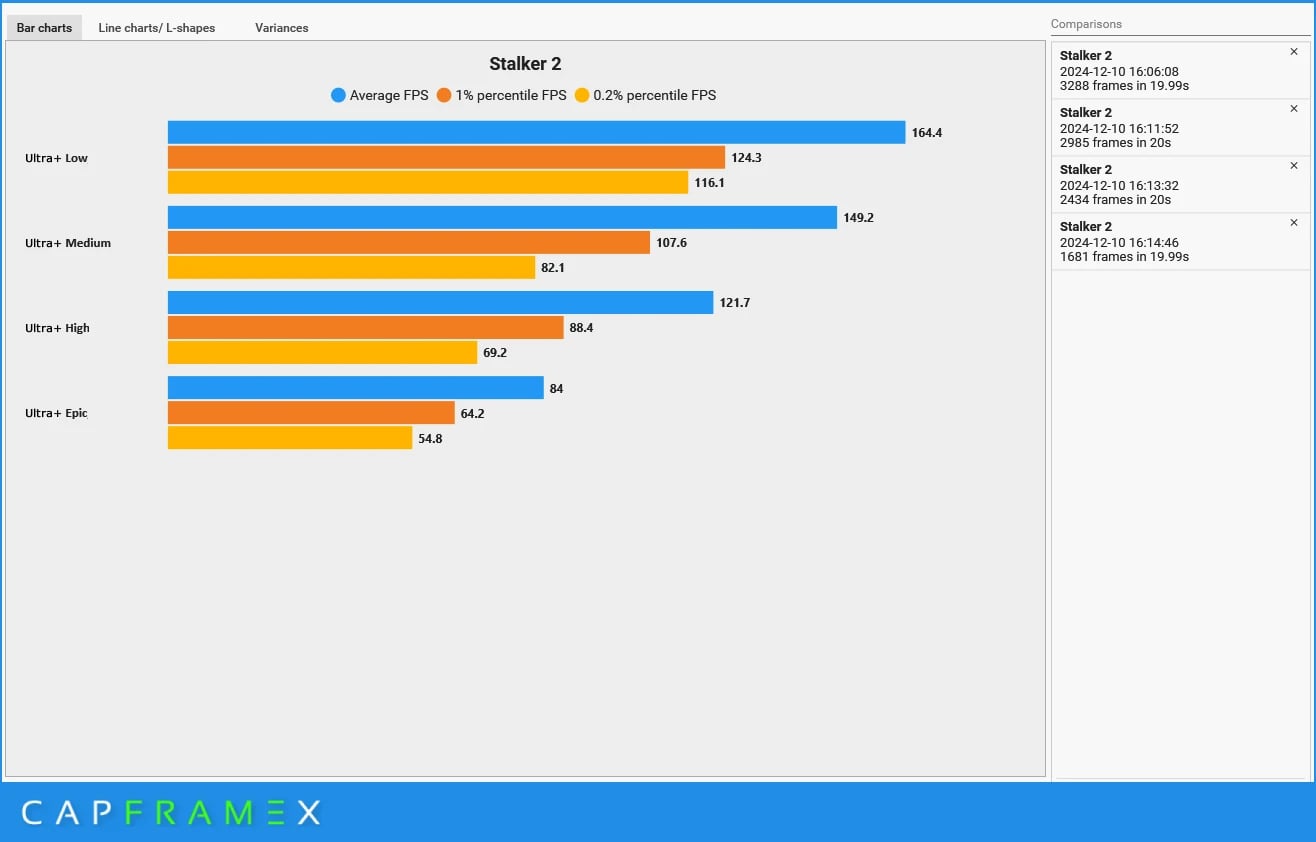
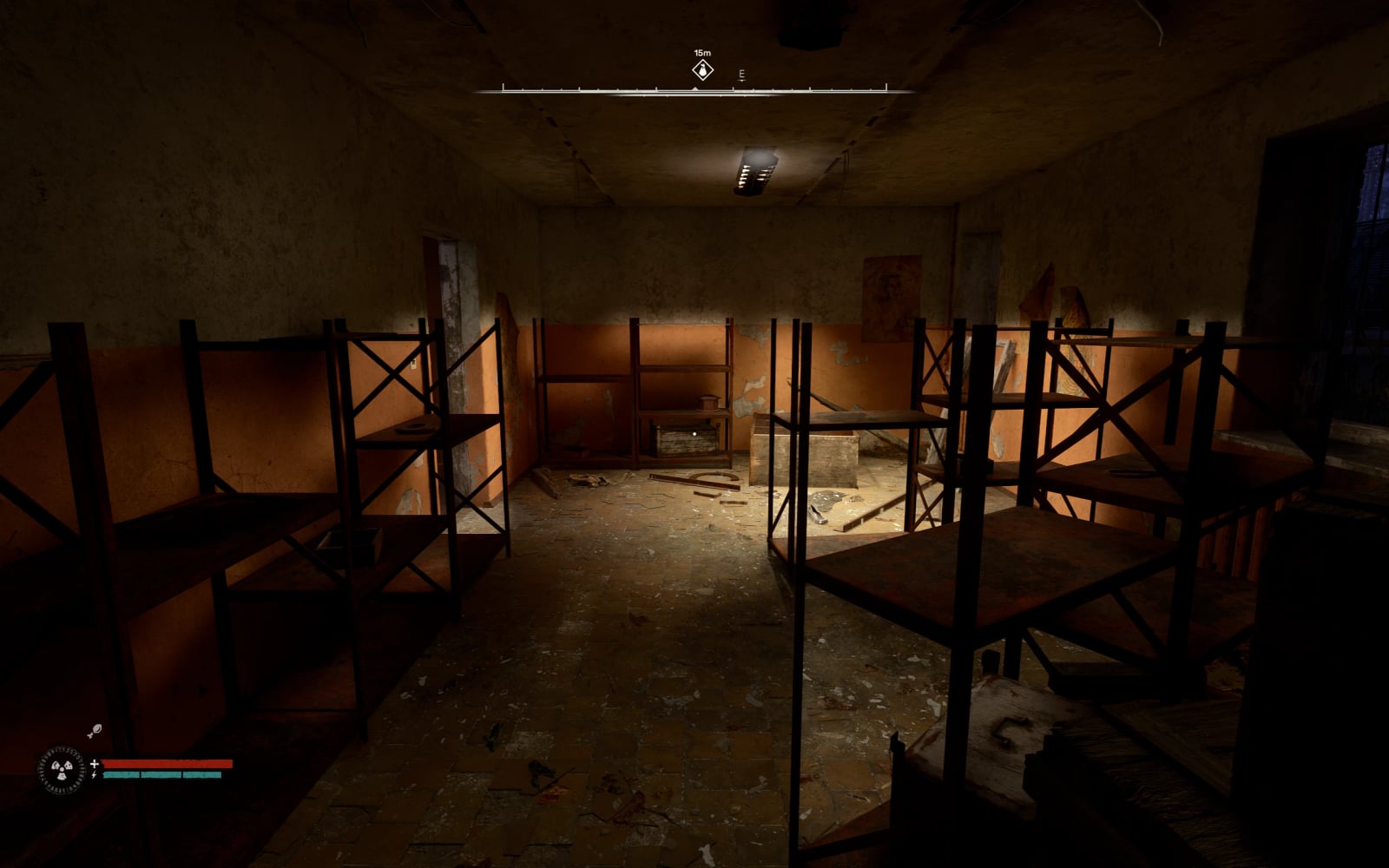
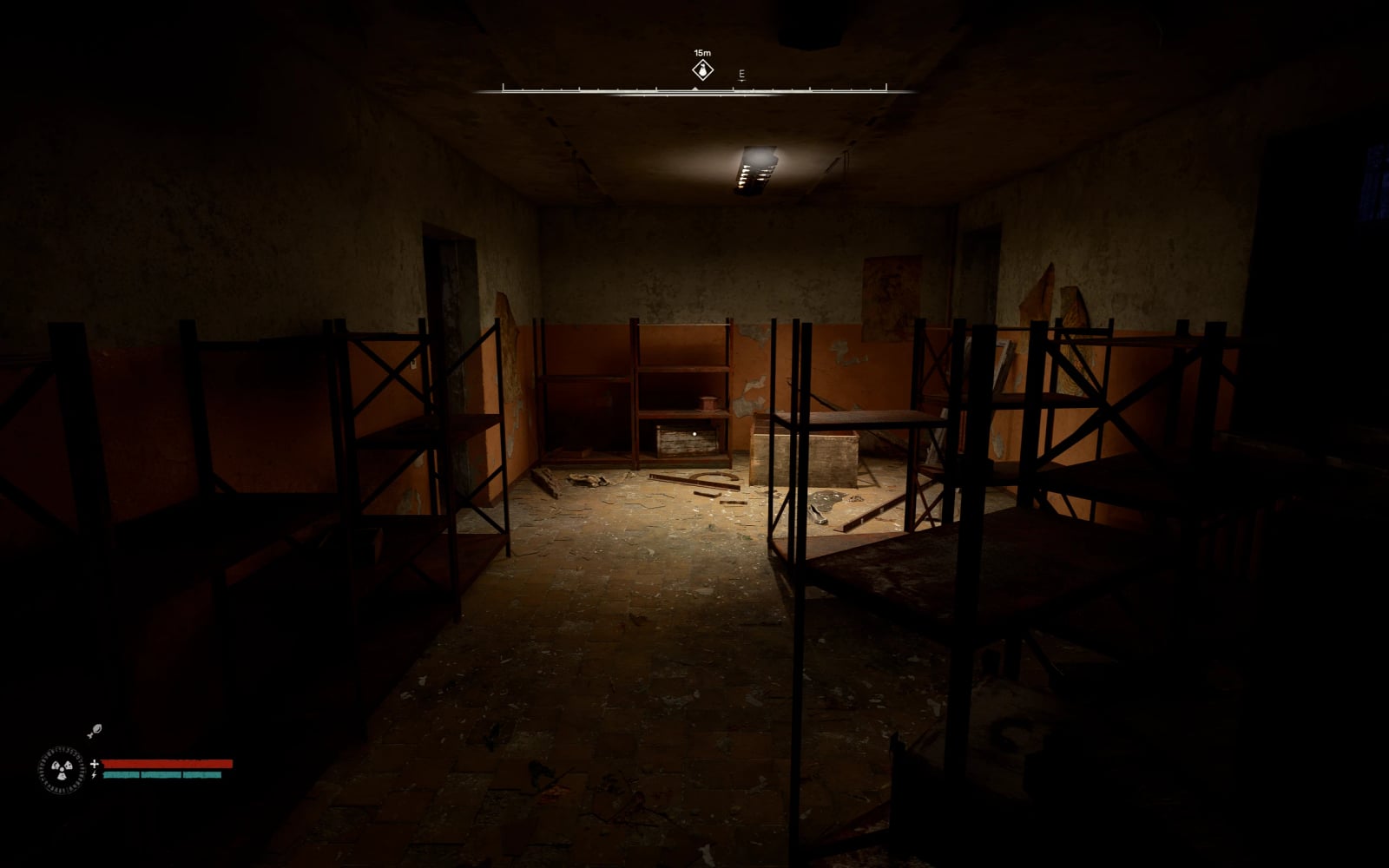
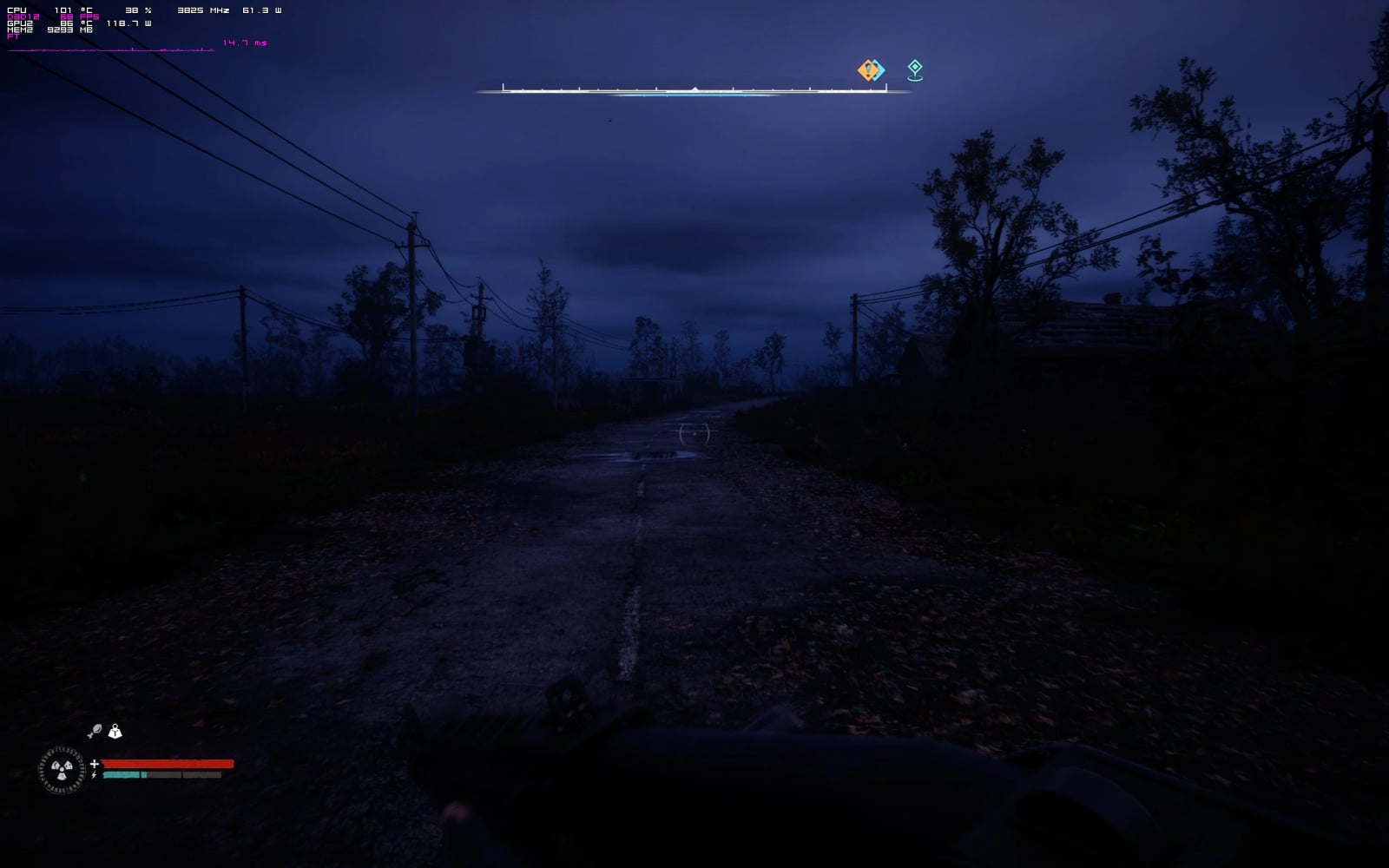
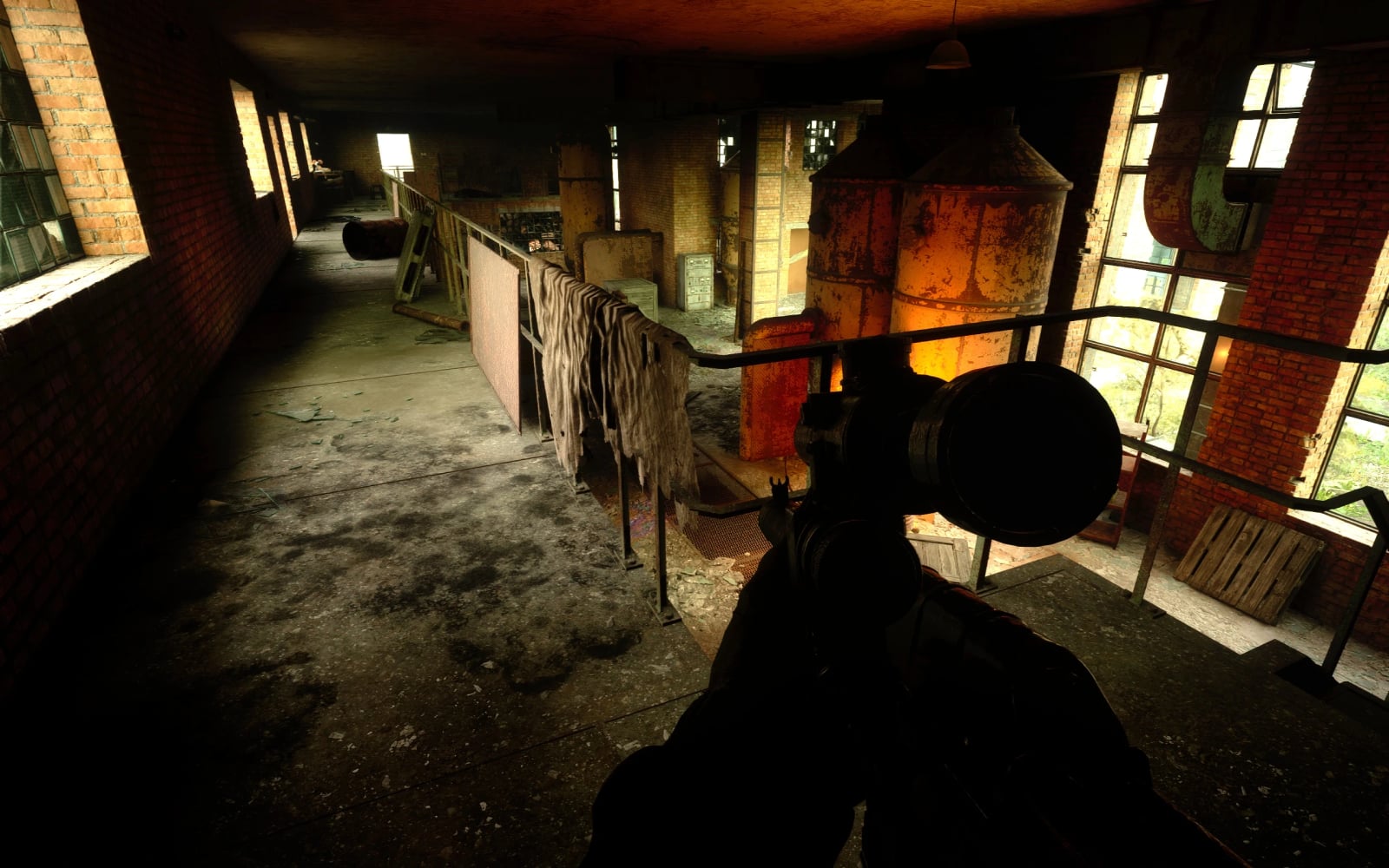
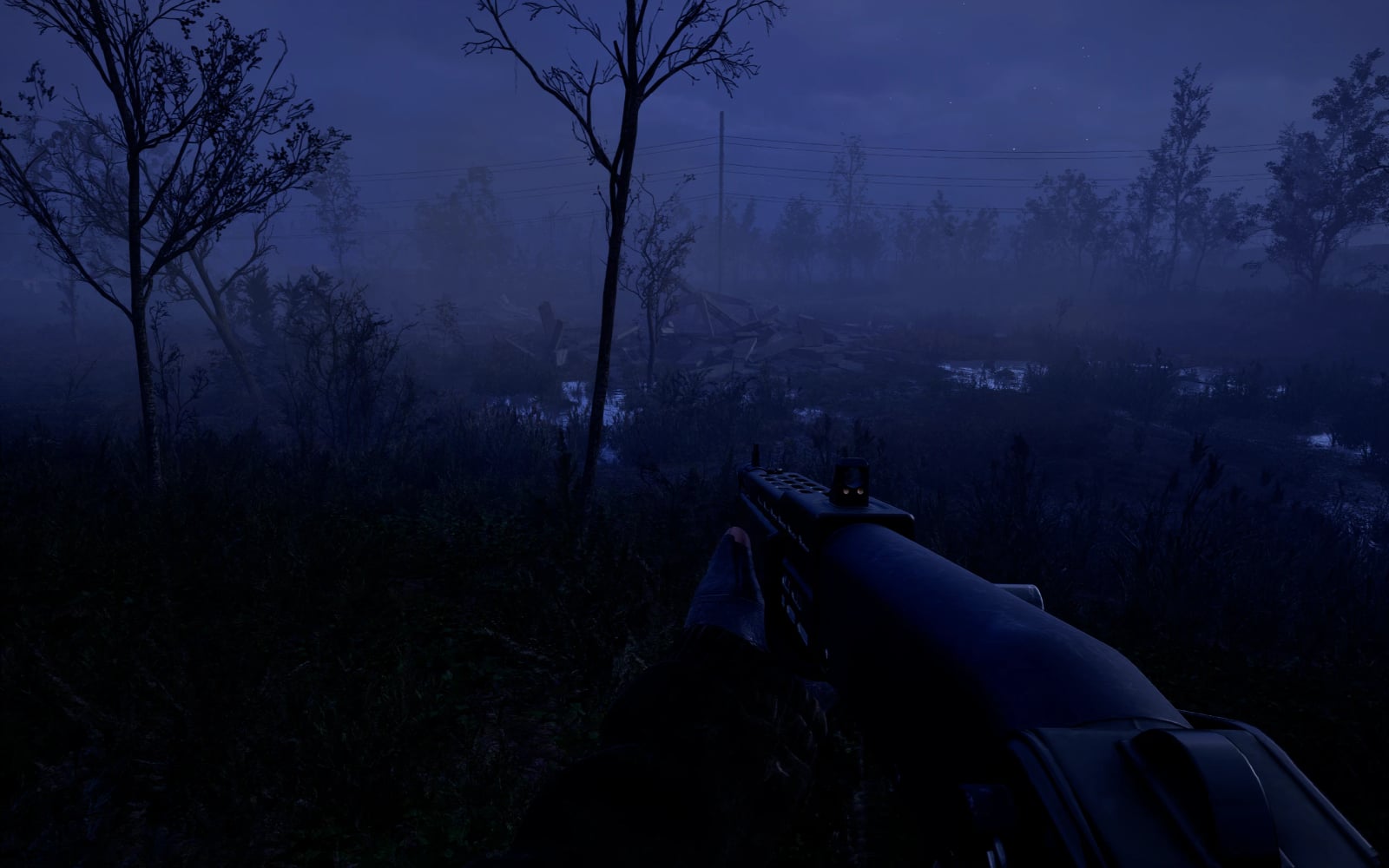
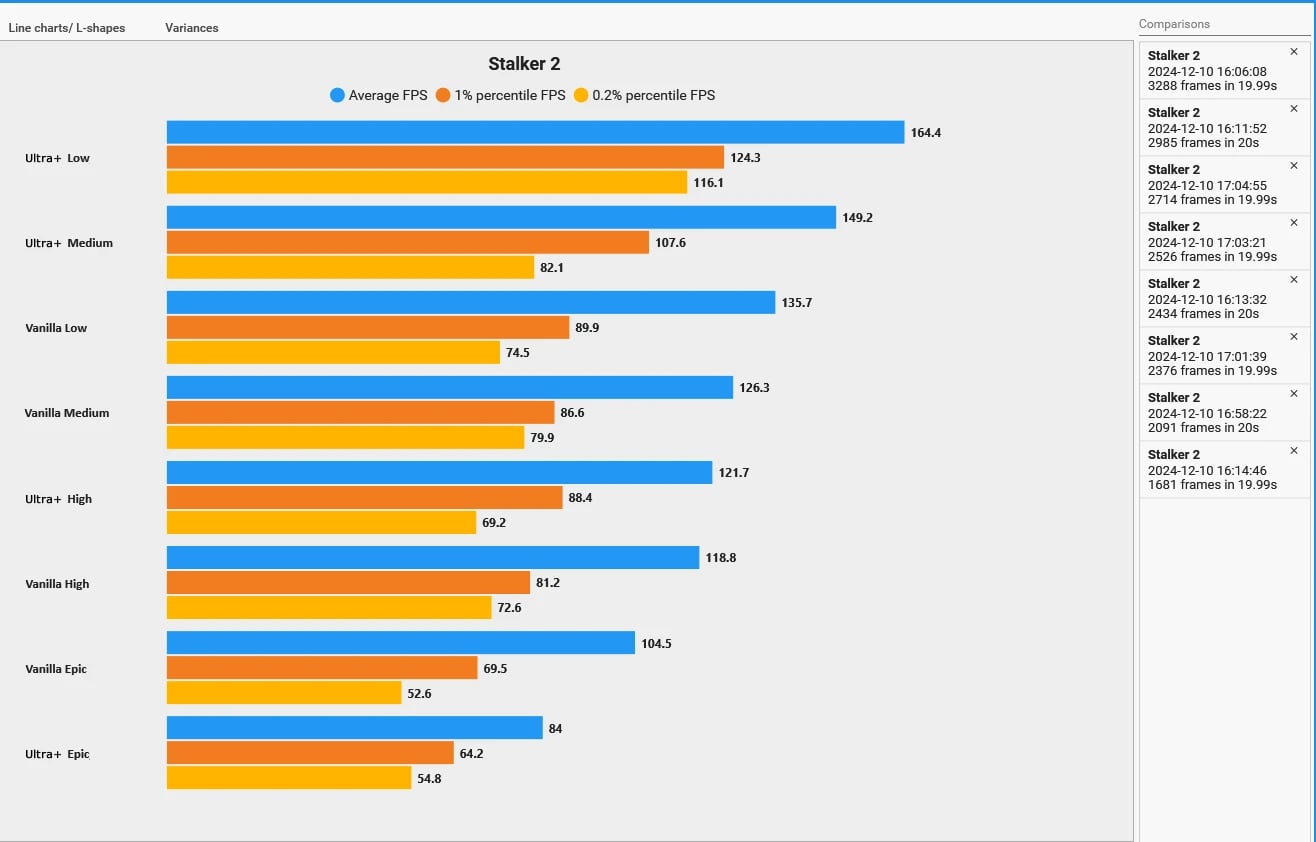
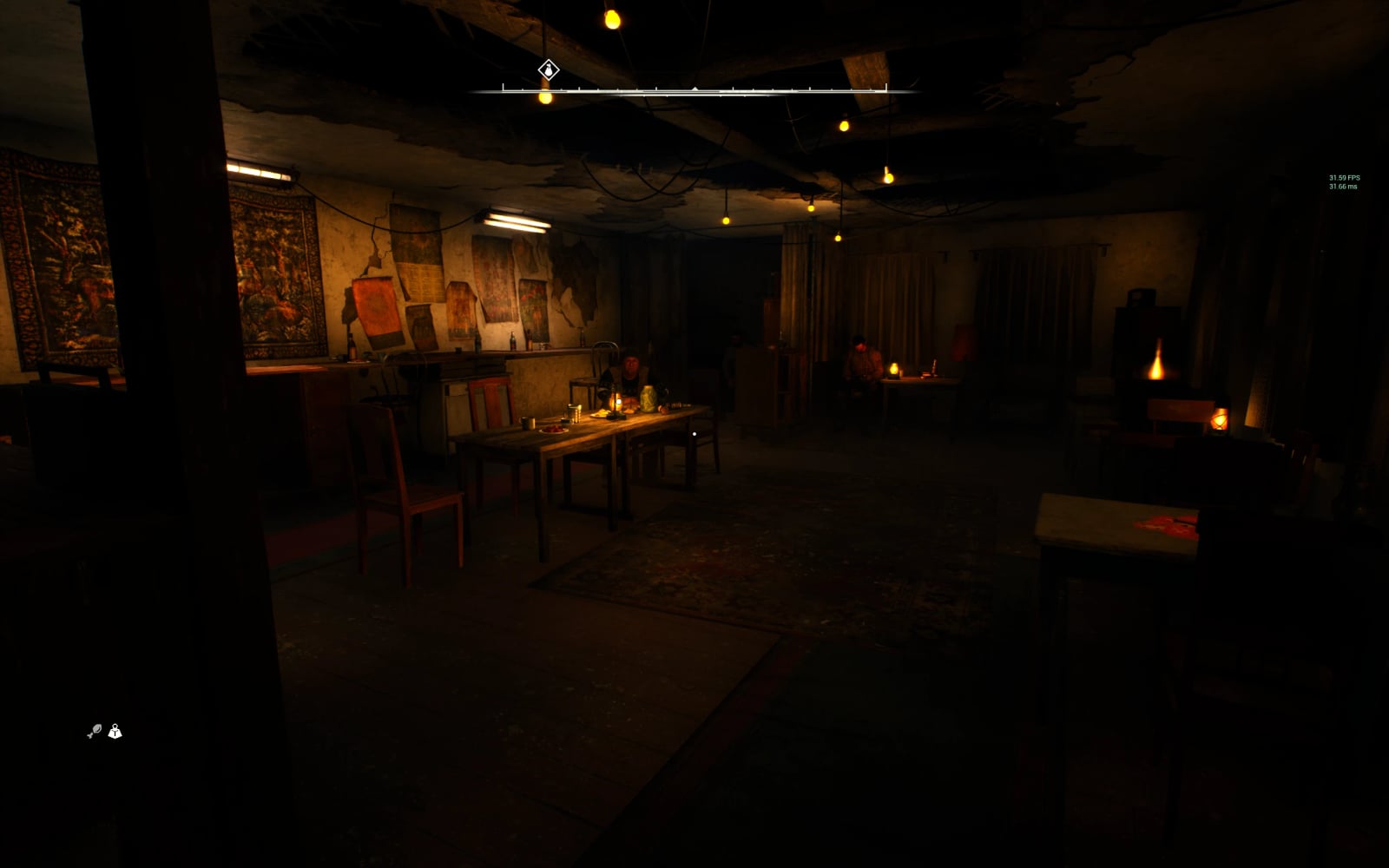
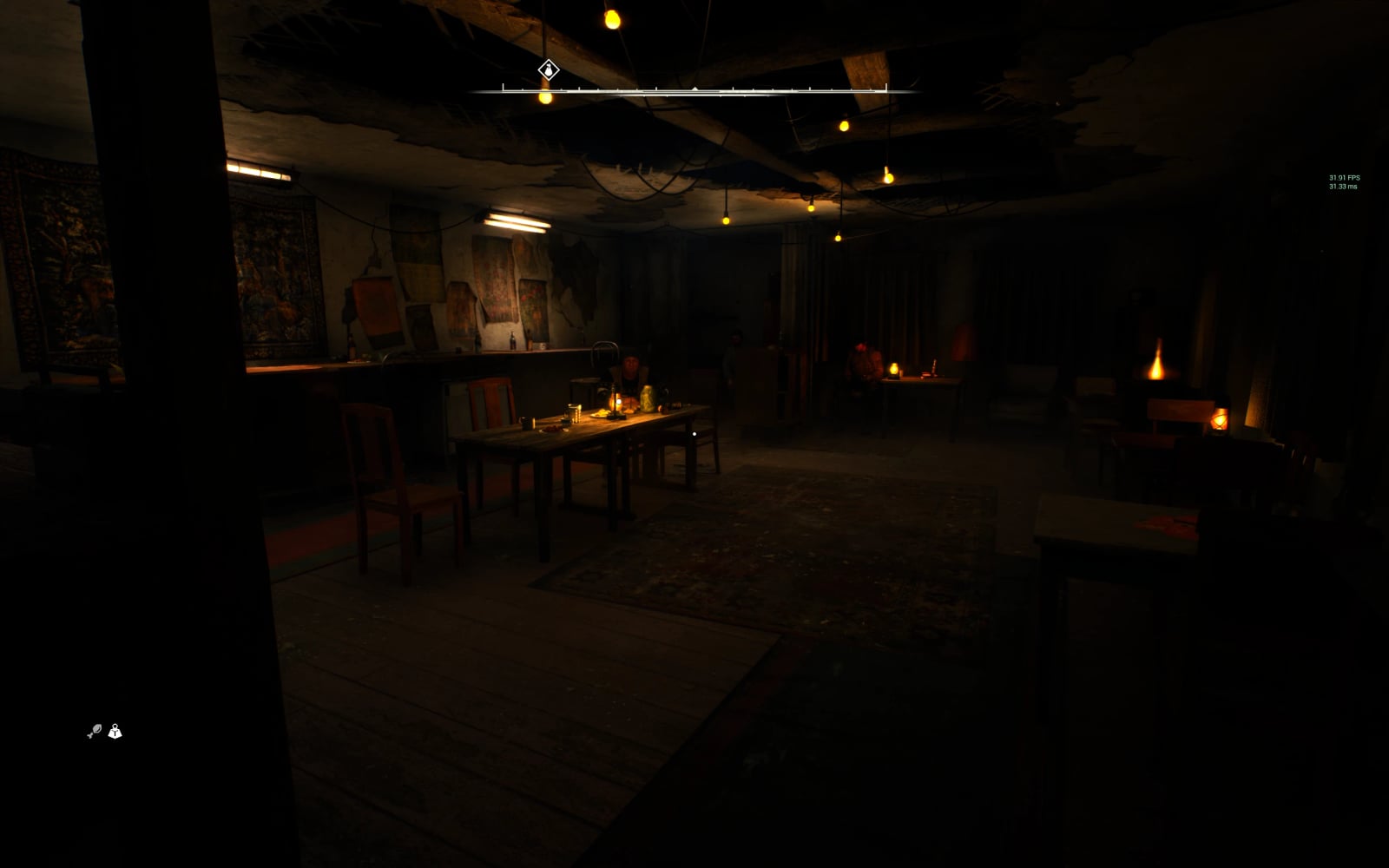
Ultra+ for Stalker 2 reduces noise and improves fidelity while maintaining performance. It also addresses issues with the game’s color grading, exposure, and weather.
Required mods: (Optional) Ray Reconstruction DLL
Features
- Comprehensive engine tuning, visual enhancements, and performance balancing
- Reduced noise and improved fidelity
- Fixes issues with color grading, exposure, and weather
- HDR borderless support bypasses the game’s native limitation
- Strongly suggest lighting_overhaul_v2, which now fixes the game’s color grading, local exposure, weather, and GI
Installation
Quick Start
- Install using Ultra+ Manager (UPM), recommended, or use manual installation.
- Configure settings using UPM or edit the config files.
- Press F12 in-game to apply settings. Disable Steam screenshots if conflicting, or change the Apply Settings keybind in UPM.
- Load presets by applying
uplus_defaults, then a quality preset:low,medium,high,veryhigh, orepic. - Check the game-specific tips below for detailed information.
Manual installation: Extract the mod files to your game directory.
Important: Do not use Engine.ini mods with Ultra+, as they will likely cause crashes or visual issues. Ultra+ already includes comprehensive engine optimizations.
Compatibility
- Do not use any
Engine.inimods. - Run the game in borderless mode.
- BetterReflectionSDFs will cost a significant amount of VRAM.
Settings and configuration
AutoApplyConfig – off,on
Automatically reloads settings when the config changes, primarily for use with the UPM overlay.
BetterReflectionSDFs – game,off,on,on_epic,on_insane
Increases the resolution of meshes in global software lumen space, most noticeable in reflections.
Bloom – game/0-3
Bloom intensity, 0.0 = off, 1.0 = default, 2.0 = double, game = use game default.
ChromaticAberration – game,off,on
Disabling it is recommended in most games, as it often just blurs the image for no benefit.
ColorGrading – game,off,on
Allows disabling developer-implemented color grading that can wash out some locations or cause significant transitions in interiors.
CustomLocalExposure – game,shadows,all
Local exposure profiles loaded from PPVSettings.ini. Use -1 for any profile value to preserve that property’s game default.
DarkerNights – off,on
Enables dynamic darker nights by reducing skylight intensity at night.
DebugLogging – off,on
Enables verbose debug logging to the UE4SS console. Use ALT+D to toggle at runtime.
Denoiser – game,none,none_temporalgihigh,mintemporal_temporalgihigh,temporal,temporal_high,rayreconstruction,rayreconstruction_temporalgihigh [F2]
Changes global illumination and reflection denoising and allows enabling ray reconstruction. Temporal high settings increase the amount of temporal information to reduce noise at the cost of ghosting.
DepthOfField – game,off,on,on_less_blurry
Depth of field control. Off reduces noise in cutscenes.
DirectionalLightIntensity – game/0.0-1.0
Reduces the intensity of the sun and moon.
EnableKeybinds – off,on
Enables individual setting keybinds if they are available and does not change global keybinds.
ExtendedDrawDistance – game,low,medium,high,epic,insane
Separates objects from foliage, such as stop signs, puddles, and buildings.
ExtendedFoliageQuality – game,high,epic,extreme,ihatepopin,keepdistant_high,keepdistant_epic,keepdistant_extreme,keepdistant_ihatepopin [CTRL+F9]
Extends the in-game foliage quality. High is higher than vanilla epic. Keepdistant variants keep r.ViewDistanceScale at 1.0.
ExtendedShadowQuality – game,veryhigh,epic,insane
All options are higher than vanilla. Setting epic in-game and then changing this setting is recommended.
FGCutscenes – off,on,on_spammy
Enables support for frame generation in cutscenes. Both DLSSG and FSRFG are supported. On_spammy attempts to re-enable frame generation more frequently and for many more actions, including PDA and menus.
FixColorGrading – game,on
Fixes extreme values in color grading that result in blown-out highlights requiring post-correction.
FixWeatherSkylight – game,on
Reduces excessive Sky Light intensity in certain weather conditions to sane values while preserving natural time-of-day variation.
Fog – game,off,on
Turns fog on or off. If on_with_lumen is provided, it allows enabling fog in lumen space, including GI and reflections.
HDR – game,off,on
This setting provides a mechanism for using HDR in borderless fullscreen, which the game does not support by default.
HighQualityTracing – game,off,on [CTRL+F8]
Provides more accurate tracing of meshes for reflections and global illumination.
LODBias – game,off,minuspoint5,minus1,minus1point5,minus2
Forces textures to be higher resolution. -0.5 is the safest. Higher values can cause frequency patterns to appear, and some games benefit from more than others.
LODDistanceScale – game,high,veryhigh,epic,ultra,insane
Draws static meshes and foliage at higher quality farther away.
LightingAO – lumen,ssao,gtao [F7]
Changes the ambient occlusion method between Lumen, SSAO, or GTAO. lumen_less_noise is the safest default, as full lumen may introduce shimmering or noise.
LightingMaxIntensity – game/3-40
Maximum ray intensity for Lumen. Lower values are darker and result in less noise, 10-50. 3 is vanilla.
LightingMode – game,uplus,uplus_experimental [F8]
Lighting mode. Uplus provides default enhanced lighting. Experimental makes more dramatic changes to shading.
LightingNoiseQuality – game,standard,high,veryhigh,epic,insane
Higher noise quality reduces noise at the cost of performance, but costs less than increasing lighting quality.
LightingQuality – game,medium,high,veryhigh,epic,insane [CTRL+F10]
Standard lighting quality is the recommended default. Higher lighting qualities reduce noise and increase the detail of lighting in the scene, particularly around smaller objects.
LightingResolution – low,medium,high,veryhigh,epic,insane [F6]
Lighting resolution quality. Higher quality provides more accurate lighting at the cost of performance. Standard in-game epic, the same as epic in this setting, is typically x16 downsampling, which is usually not necessary. Medium, x32, is the minimum recommended.
LightingUpdateSpeed – default,high,epic,insane
Allows global illumination to update faster.
LumenDiffuseColorBoost – game/0-5
Increases diffuse lighting, especially from local lights.
LumenTraceDistance – game/20000-100000
Maximum distance of objects traced in the lumen scene.
MoonGlow – game,off
Disables the low-resolution moon glow texture.
MotionBlur – game/0-1
Ultra+ improves motion blur quality by default. A small amount of blur, ~0.2, is recommended.
RadianceLightingScale – game/1-10
Intensity scale of stalker’s custom radiance cache. Low values will fix guns. Suggest increasing indirect and decreasing this as a balance. 10x is vanilla.
ReduceInputLatency – game,off,on
Reduces input latency at a potential FPS cost if not GPU-bound.
ReflectionBias – game/0-1
Adds smoothing to reflections to make them more mirror-like. A small amount is usually beneficial.
ReflectionQuality – game,medium,high,veryhigh,epic,insane [F10]
Allows more surfaces to be included in reflections. In some games, increasing this can cause some noise.
Reflex – game,off,on
NVIDIA Reflex low latency.
Sharpness – game/0-1
Controls UE tonemapper sharpness. Setting this to 0 and using RCAS through reshade is recommended.
SkylightIntensity – game/0-3
Skylight is a flat amount of light added to the scene. It mostly affects outdoors unless a game uses it to light interiors.
SkylightIntensityNight – game/0.0-2.0
Night skylight intensity multiplier, 0.0-1.0, used when DarkerNights is enabled.
SunMoonIndirectIntensity – game/0-20
Indirect or bounce lighting intensity for the sun or moon.
TranslucentReflections – game,off,on
Adds detailed reflections to translucent materials. It may be preferable to turn this off in this game due to inaccuracy.
TuneLightSources – game,on,on_overhaul
On adds a minimum source radius to fix shadow penumbra. On_overhaul also reduces light intensities.
Upscaler – off,dlss_4.5,dlss_rayreconstruction,dlss,other
Selects the active upscaler to auto-configure denoising. Dlss_4.5 uses Denoiser none_temporalgihigh. Dlss_rayreconstruction uses the rayreconstruction Denoiser variant. Both force MegaLights no-temporal variants. Other upscalers use temporal Denoiser and MegaLights variants. Off leaves Denoiser/MegaLightsQuality under manual control.
VSync – game,off,on
Allows forcing vsync. It helps latency in some games.
VignetteIntensity – game/0-2
Vignette intensity scale, 0.0 = off, 1.0 = default, 2.0 = double, game = use game default.