Giogi Engine – No Lag – Clear Images – Better Performance v1.0
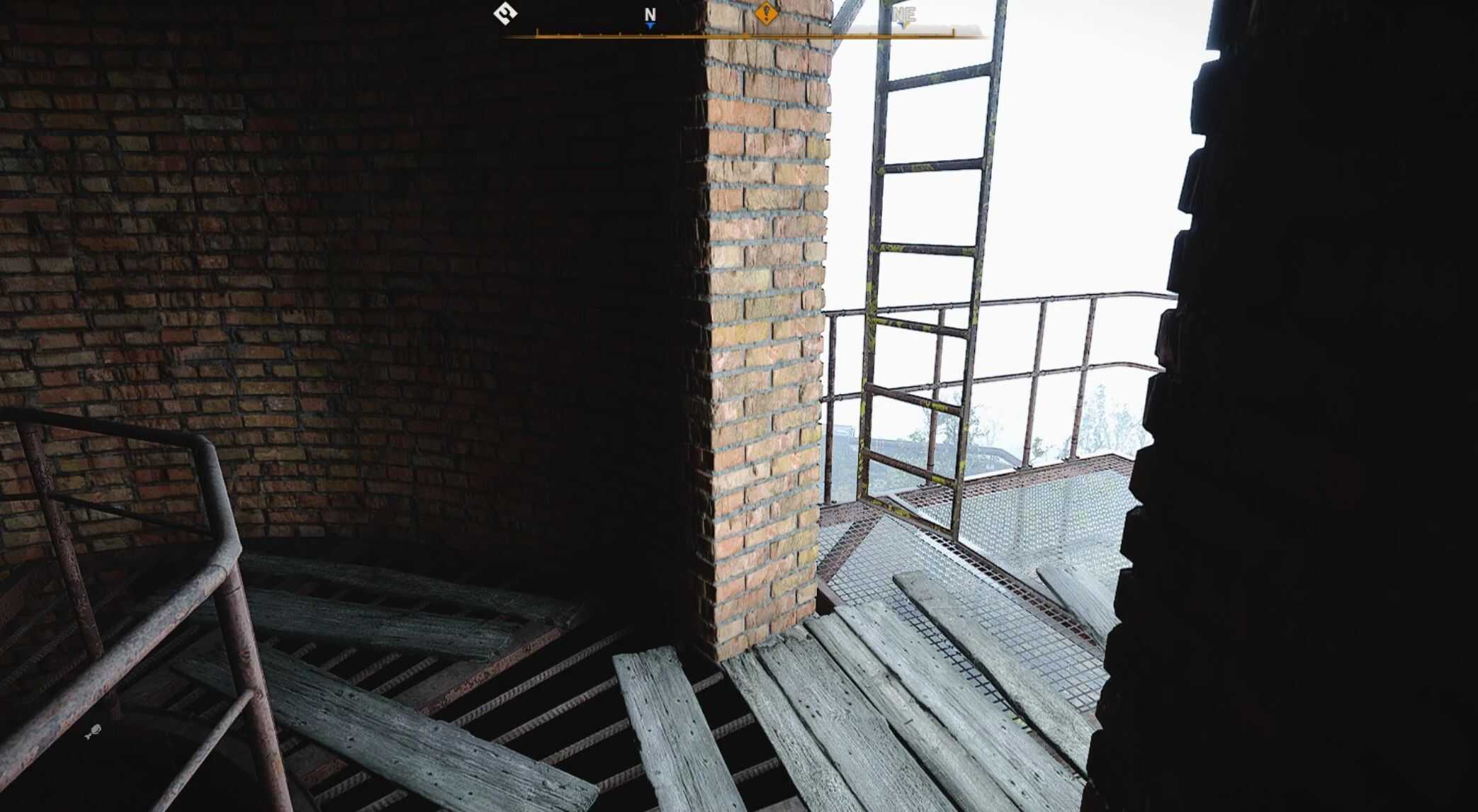
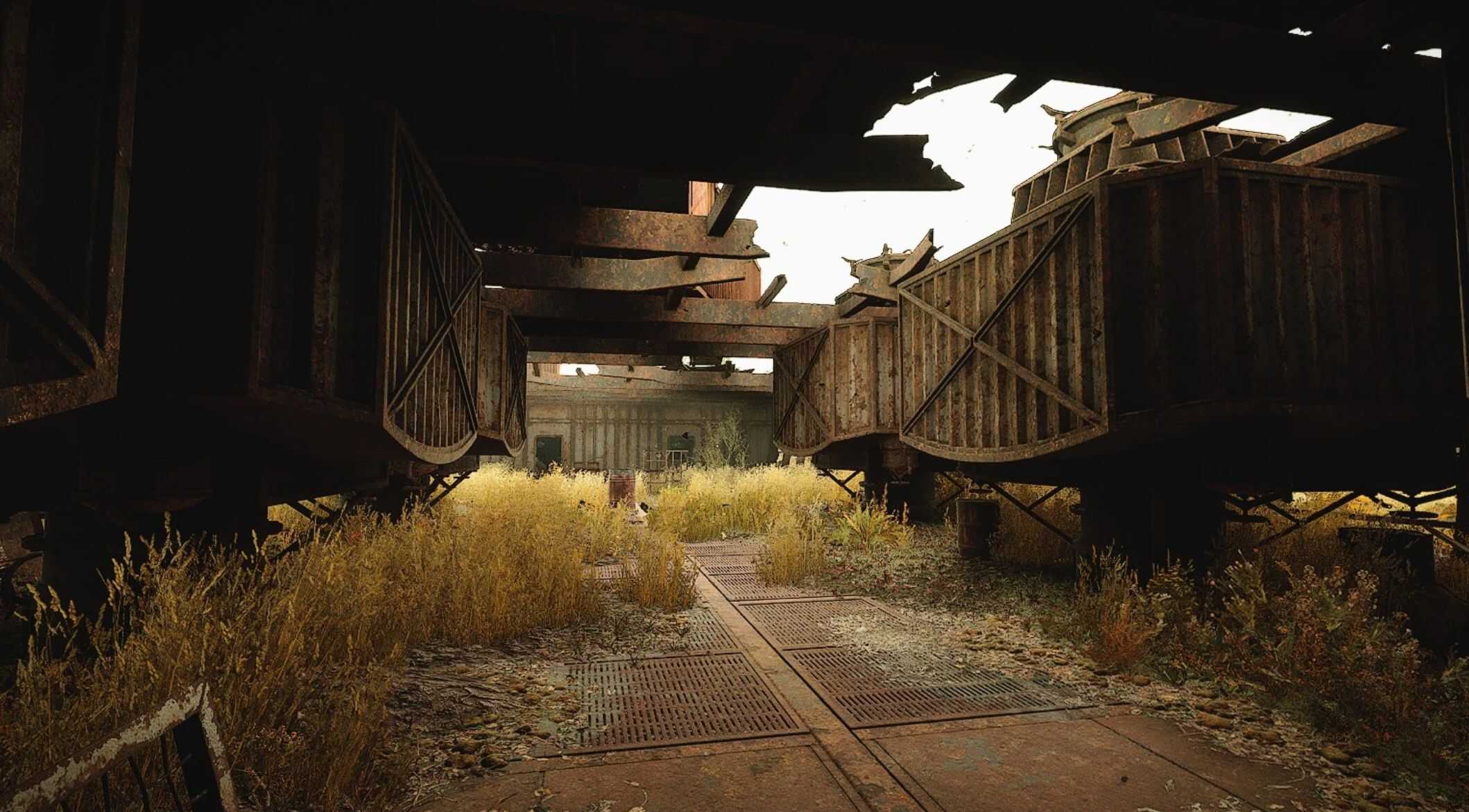
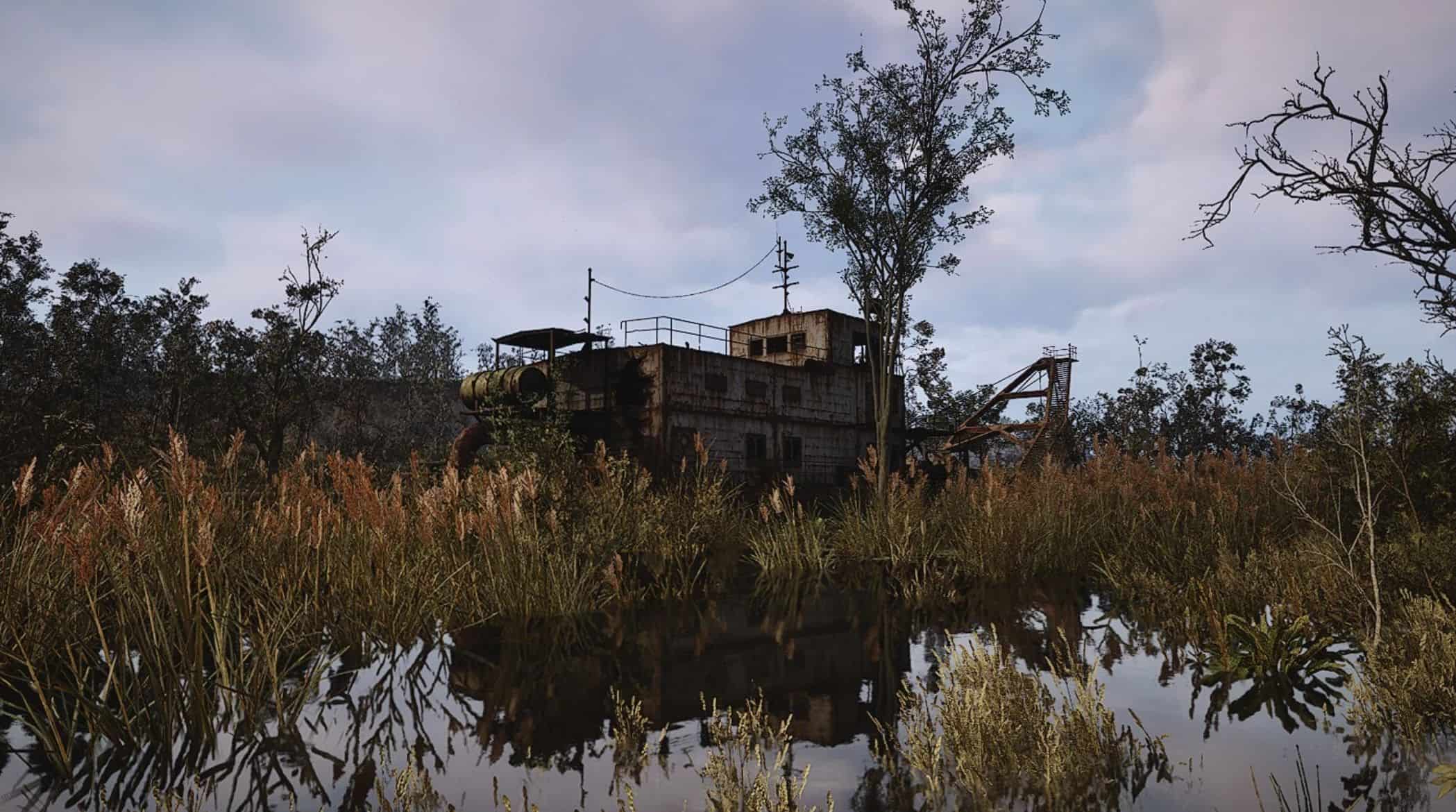
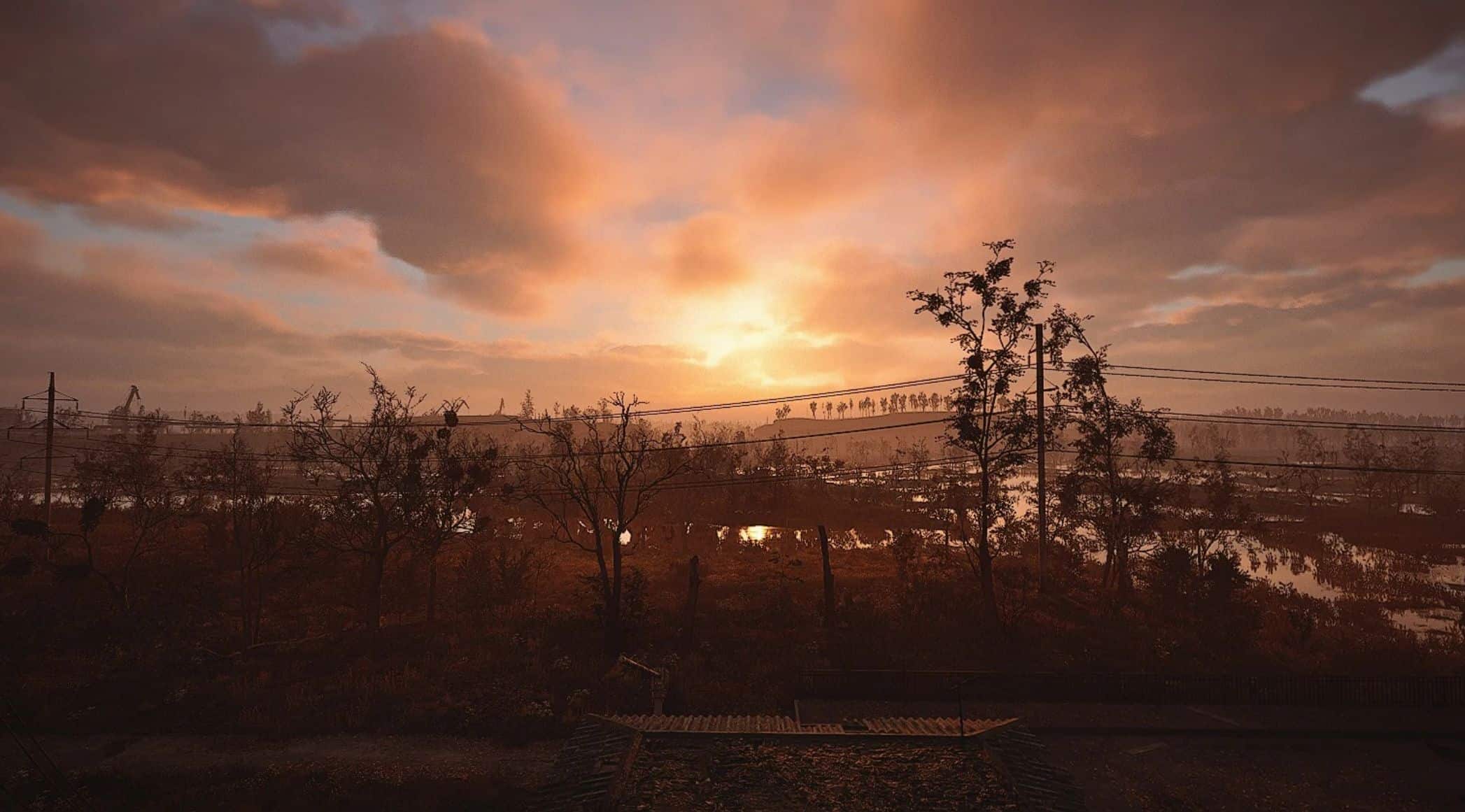
3 presets designed for every need. Clean images, performance, and ZERO crashes.
I created these settings for personal use, but they could be as helpful to others as they were to me.
Unfortunately, Stalker isn’t great at optimization, so I decided to do something about it. After several attempts, I’m very happy with the final result, and I hope you are too.
I created three versions to meet every need. Let me know what you think in the comments.
[Steam Version]
C:\Users\\AppData\Local\Stalker2\Saved\Config\Windows\Engine.ini
[Gamepass Version]
C:\Users\\AppData\Local\Packages\GSCGameWorlds.Stalker2_\LocalCache\Local\Stalker2\Saved\Config\WindowsNoEditor\Engine.ini
If you have an Nvidia card and are experiencing issues with water artifacts, glitches, or other issues, try the optional file:
-Clarity-Engine Nvidia Version-
Features
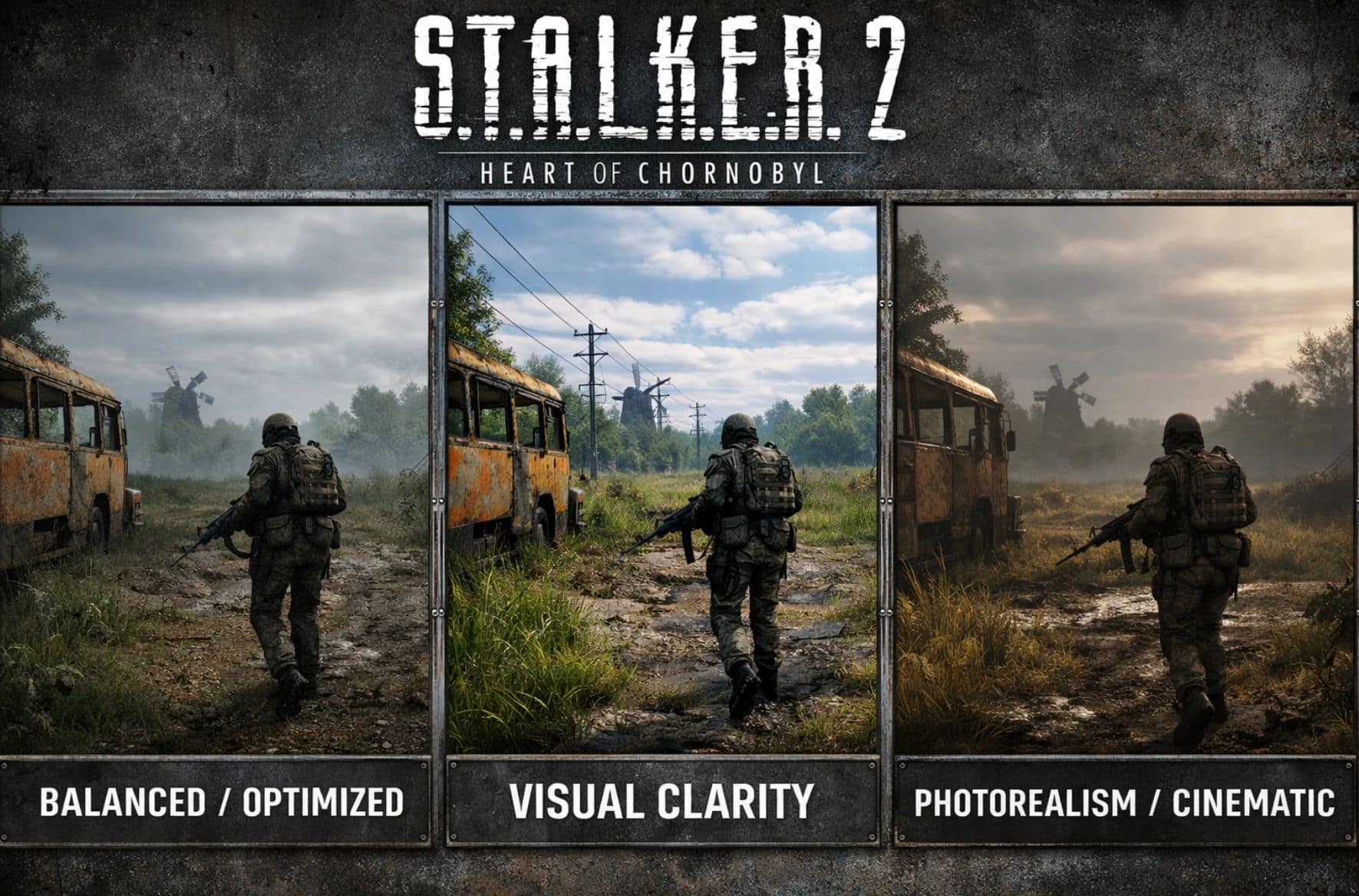
VERSION 1 – Balanced / Original Optimized
Lens
Good compromise between performance, stability, and quality
General optimization of the UE5 engine
No marked visual direction
Visual appearance
Correct image but a bit soft
TAA present with slight blur
Sufficient but not incisive sharpness
“Standard UE5” look
Strengths
Good overall stability
No risk of artifacts
Compatible with many PCs
Solid basis for further tuning
Limitations
Suboptimal sharpness
Motion clarity could be improved
Lumens and shadows still slightly noisy
Ideal if:
You want a safe and “neutral” preset without a specific visual character.
VERSION 2 – Visual Clarity
(Engine.ini “Visual Clarity & Stability Optimized”)
Lens
Maximum perceived sharpness
High clarity even in motion
No unnecessary blur
Modern and clean look
Visual appearance
Very sharp image
More readable textures and surfaces
Clearer vegetation and distant details
Very clean HUD and geometry
What changes technically?
Tighter TAA (less filter, more detail)
Well-balanced real sharpen (Tonemapper)
Motion blur and aberrations disabled
More stable but still punchy lumen
Strong points
Best possible readability
Excellent for combat and exploration
No shimmering (if a good monitor)
Perfect for 1080p and 1440p
Limitations
Less cinematic look
More “digital” image
Less forgiving of low-quality textures
Ideal if:
you want to see everything clearly, have a “next-gen sharp” image, and you don’t care about a cinematic look.
VERSION 3 – Photorealism / Cinematic
(Engine.ini “Photorealism Preset”)
Lens
Photorealism and immersion
Natural, believable, “film-like” image
Consistency of light and texture
Visual appearance
Softer, more organic image
Very realistic lighting
Less “plastic” surfaces
More natural vegetation and shadows
Much more believable nighttime and interiors
What changes technically?
Softer and more stable TAA
Very low sharpness
Light film grain (perceptual)
Physical motion blur (measured)
Lumen filtered to reduce noise
Strong points
Maximum immersion
“Cinema / photography” look
Excellent for slow exploration
Perfect STALKER atmosphere
Limits
Slightly lower FPS
Lower sharpness “Raw”
Less suited to frenetic gameplay
Ideal if:
you want to feel immersed in the world, and you prioritize atmosphere and visual realism over absolute clarity.
IMPORTANT!
-I won’t be creating any further builds, so don’t ask.
-Comments from those who encounter problems without specifying anything else will not be taken into consideration.
-Always save your original Engine.ini file as a precaution.
-Feel free to modify the files as you like and let me know how it goes.
-Run a new shader compilation (only the first time) for each preset you add.
-Tell me in the comments how it goes, and have fun, Stalker!