Achievements Restored Launcher (enables achievements and supports steam workshop)
A custom automated launcher for Stalker 2 that allows you to use mods without disabling achievements.
This launcher was designed (after the initial setup) to be a one-click solution to play with mods, earn achievements, and keep all your mods accessible to mod managers such as Vortex.
– This is a temporary solution and the game developers may fix this workaround.
– There may be bugs with the launcher and I will try to address them.
– This launcher only assists in copying your mods, it will not delete or move your mods in any way.
Follow instructions below
Update 2.0 : Full rework of the launcher. Now more av friendly code, closes the launcher after game has finished loading the mods, no separate exe for workshop mods, all in one launcher
This launcher can be installed with Vortex, once deployed it will install it in the Stalker2\Binaries\Win64 directory next to Stalker2-Win64-Shippin.exe. Make a shortcut for easier access.
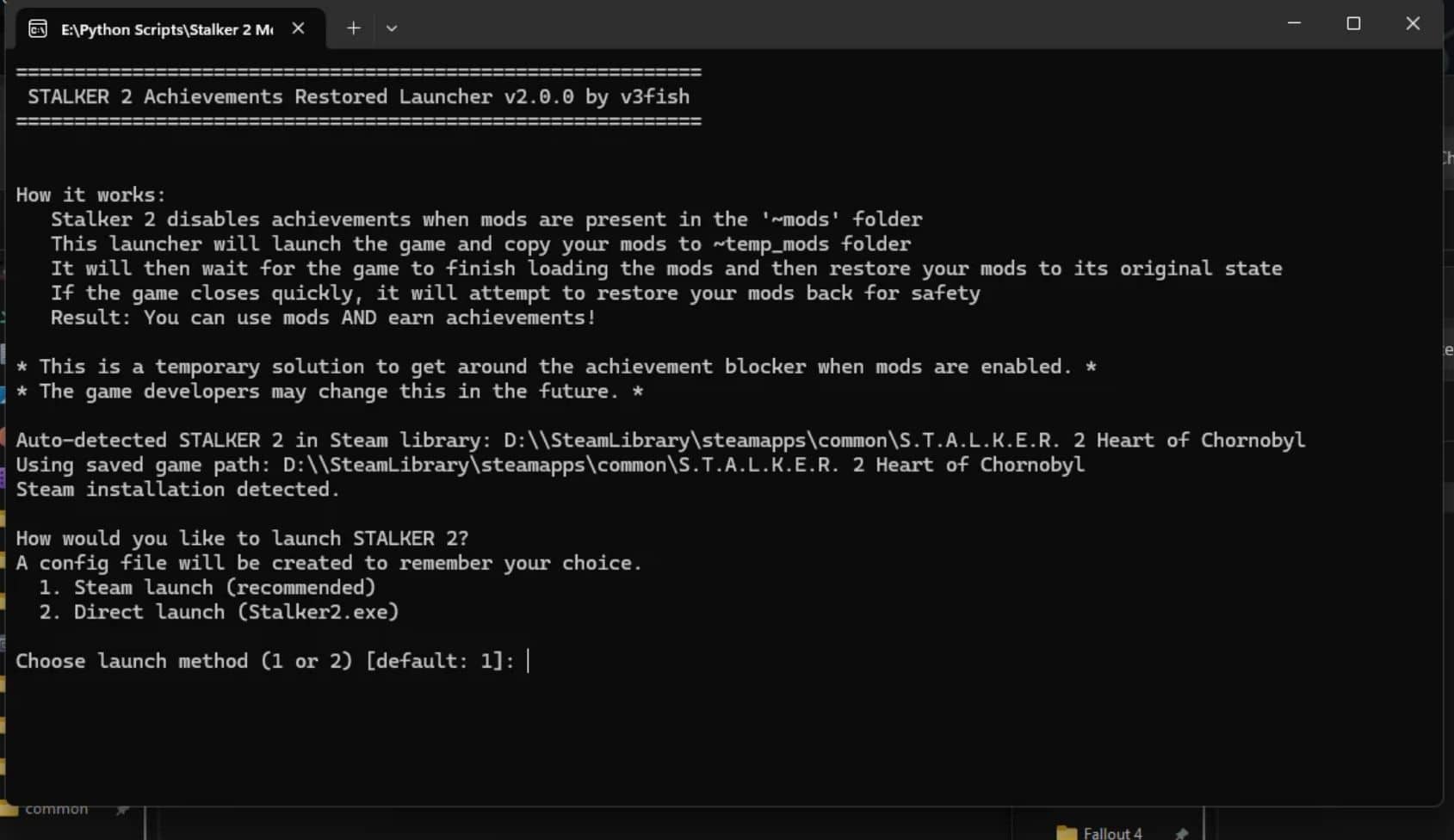
How it works:
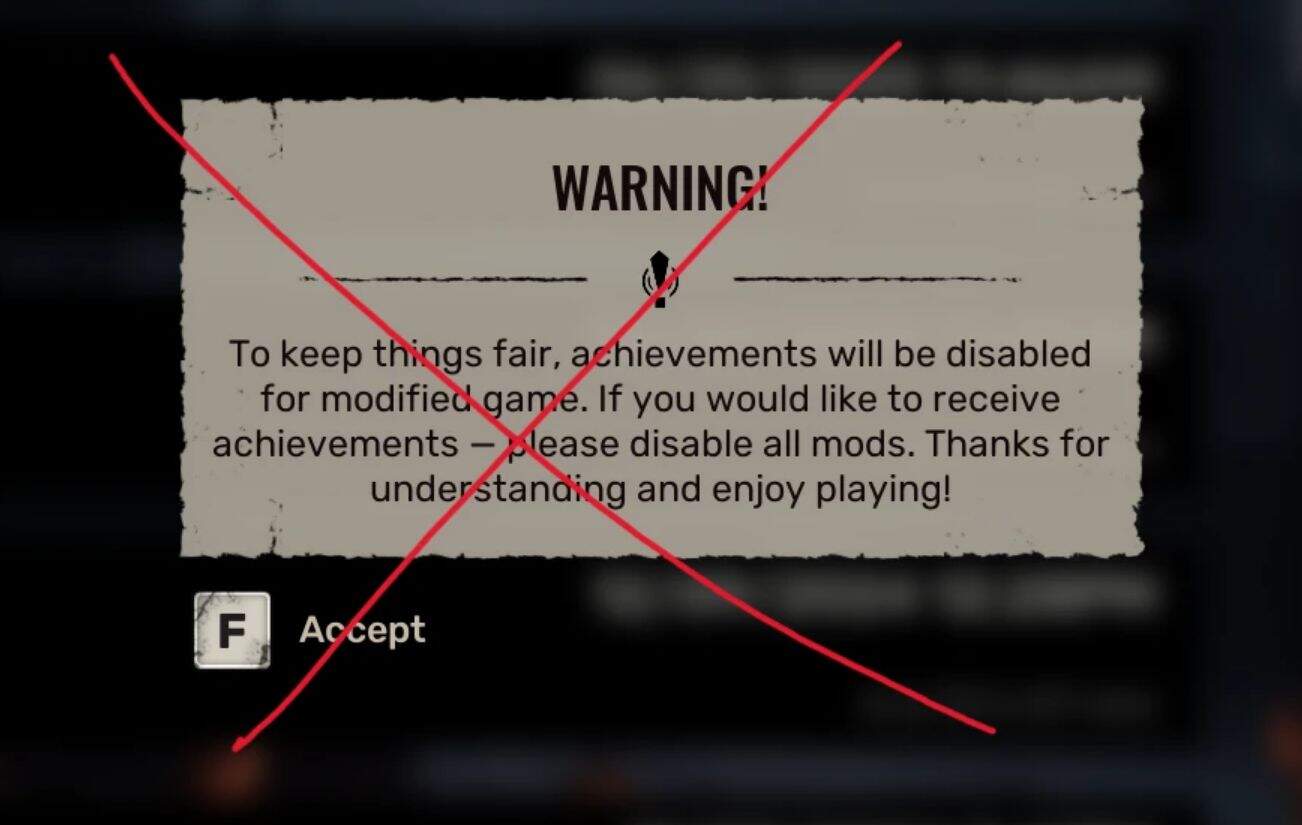
Stalker 2 disables achievements when mods are present in the ‘~mods’ folder
This launcher will launch the game and copy your mods to a ~temp_mods folder
It will then wait for the game to finish loading the mods and then restore your mods to its original state
If the game closes quickly, it will attempt to restore your mods back for safety
Result: You can use mods AND earn achievements!
Requirements: Windows (for now)
Usage:
Extract S2ARLauncher to a location of your choice
OR either game directory where Stalker2.exe is or Stalker2-Win64-Shipping.exe is (the launcher will try and guide you as well)
Follow the prompts and set your game directory (if not running the launcher from the game directory)
Use S2ARLauncher as your primary launcher to launch your game
Game Directory Examples:
Steam: C:\Program Files (x86)\Steam\steamapps\common\S.T.A.L.K.E.R. 2 Heart of Chornobyl
Xbox: C:\XboxGames\S.T.A.L.K.E.R. 2- Heart of Chornobyl (Windows)\Content
Run the launcher and follow the prompts