Distinguishable Pill Icons
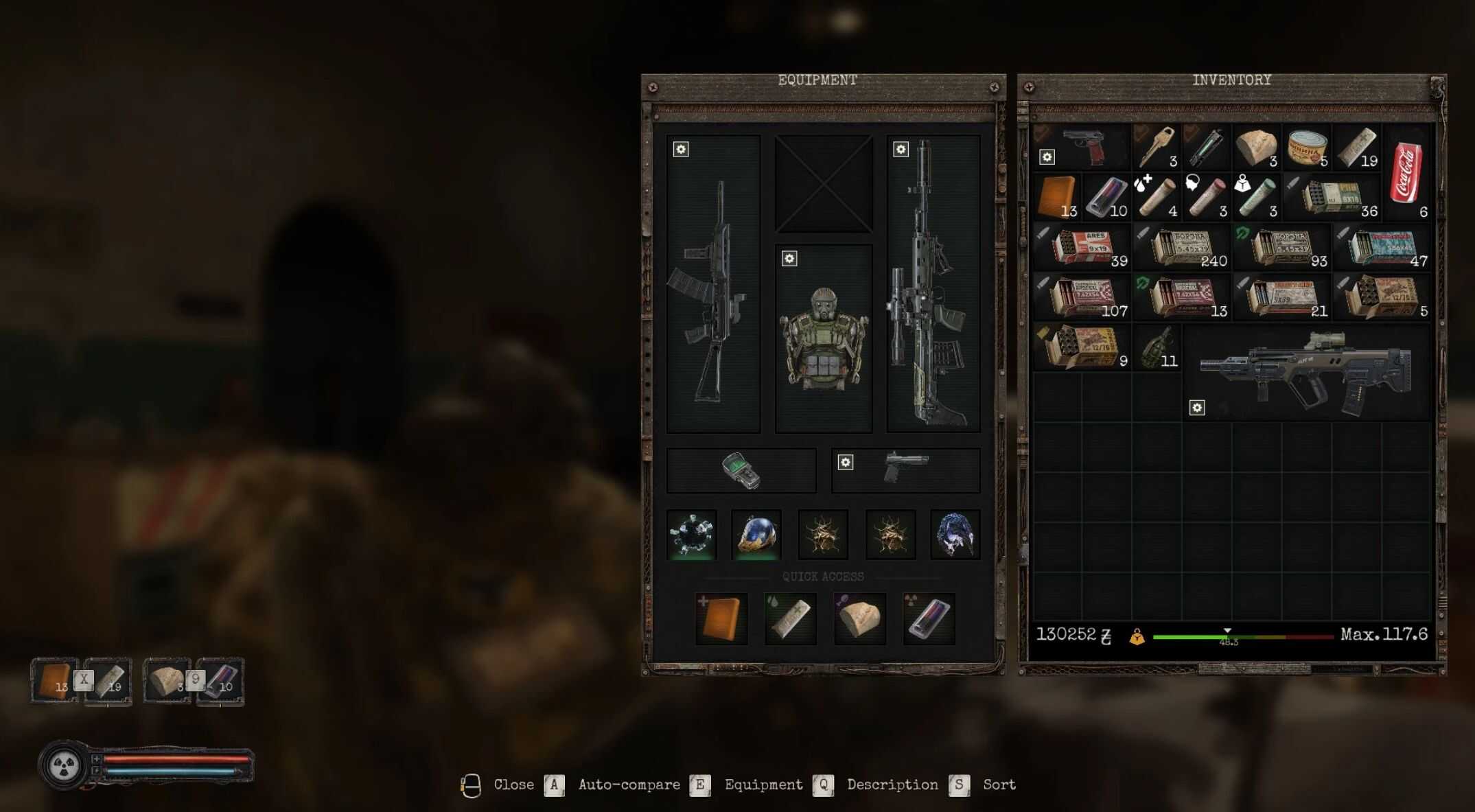
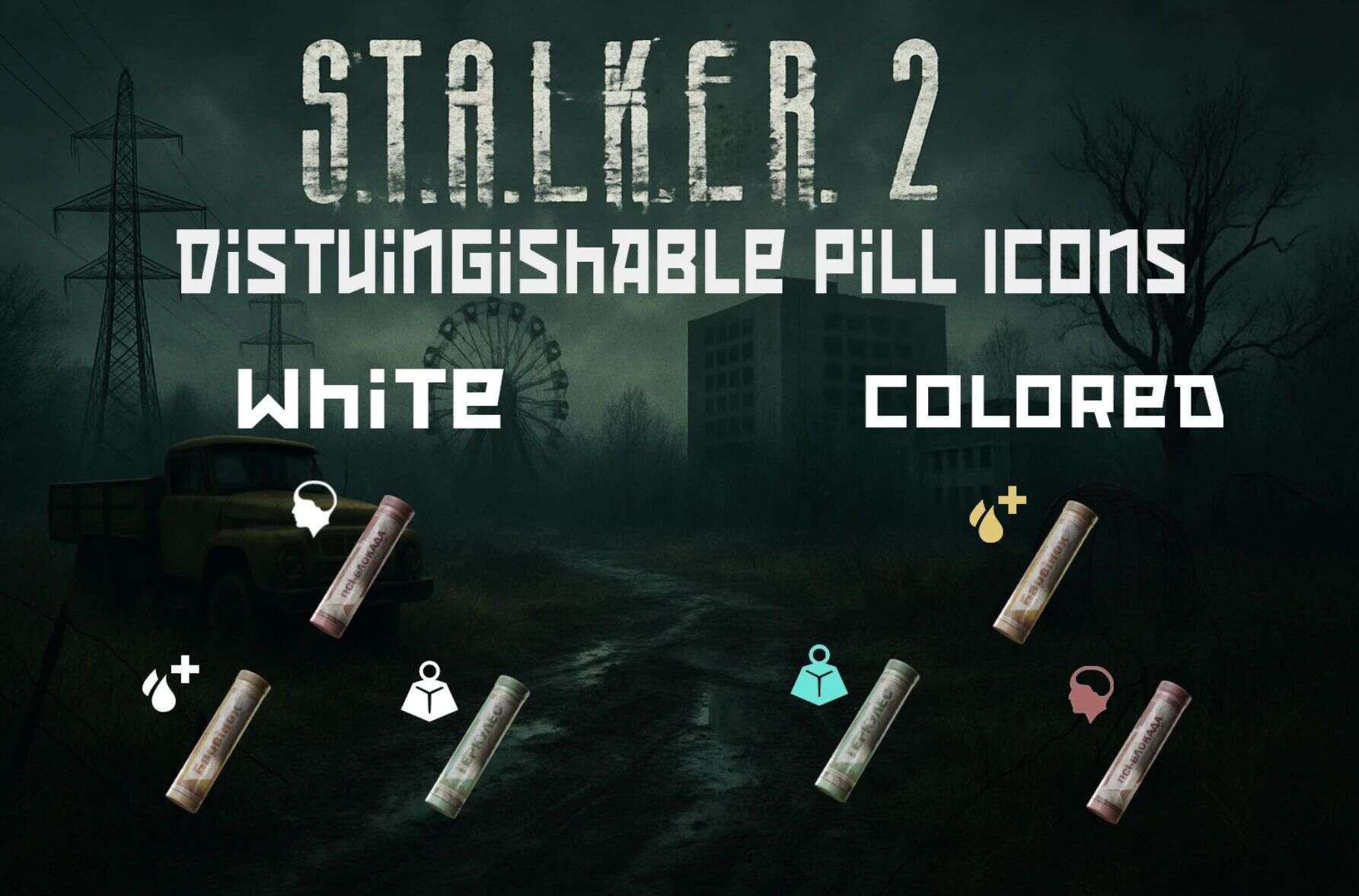
This mod replaced the inventory Icons for Vinca, Hercules and Psy-Block to make them easier to distinguish. Two versions: White and Colored.
I personally struggle with certain shades of colors and made this mod primarily to be able to quickly know which pill is what. Maybe you are like me, or maybe its actually hard to see the difference for others too… Either way, this mod fixes that issue.
Update:
Added an alternate color version that makes the Vinca Icon red 😉
Installation Instructions:
Download the Mod
Ensure you have the latest version of the mod archive (ZIP or RAR) downloaded to your computer.
Extract the Files
Locate Your Stalker 2 Game Directory
Typically found in one of the following paths, depending on where you installed the game:
C:\Program Files (x86)\Steam\steamapps\common\STALKER 2
C:\XboxGames\STALKER 2
Or your custom install location
Install the Mod Files
Place the files into the ~mods older (create it if it doesn’t exist) inside the game directory.