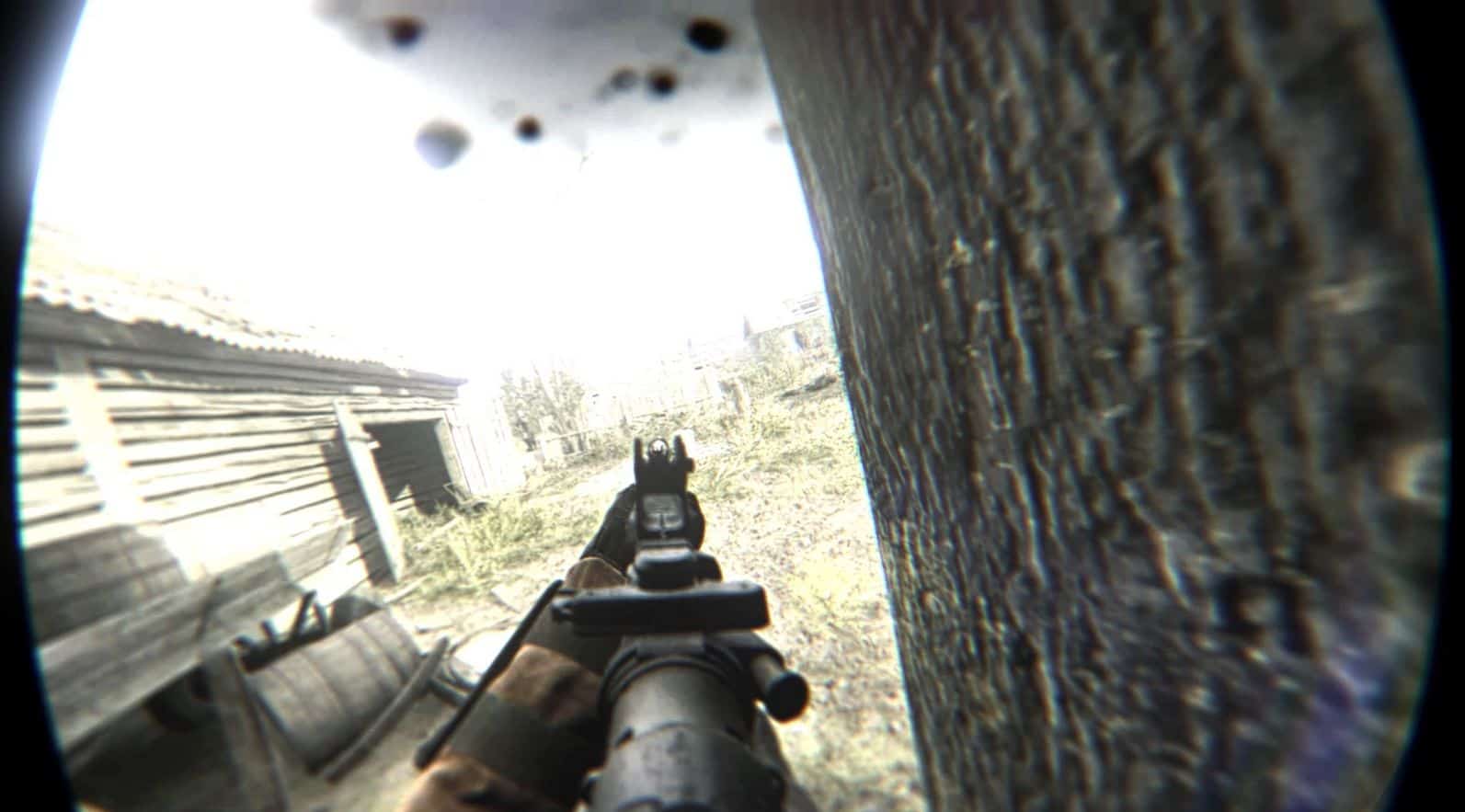
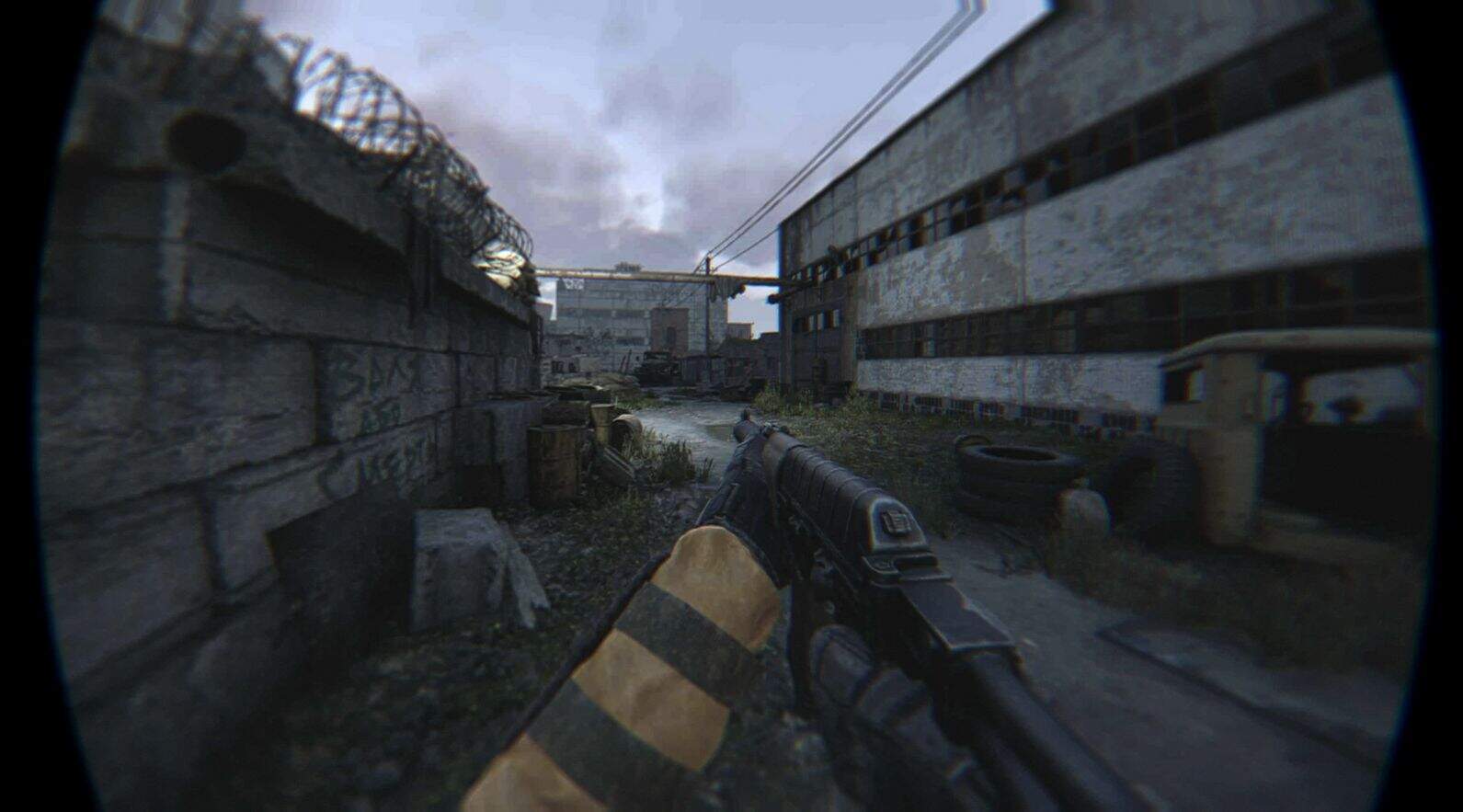
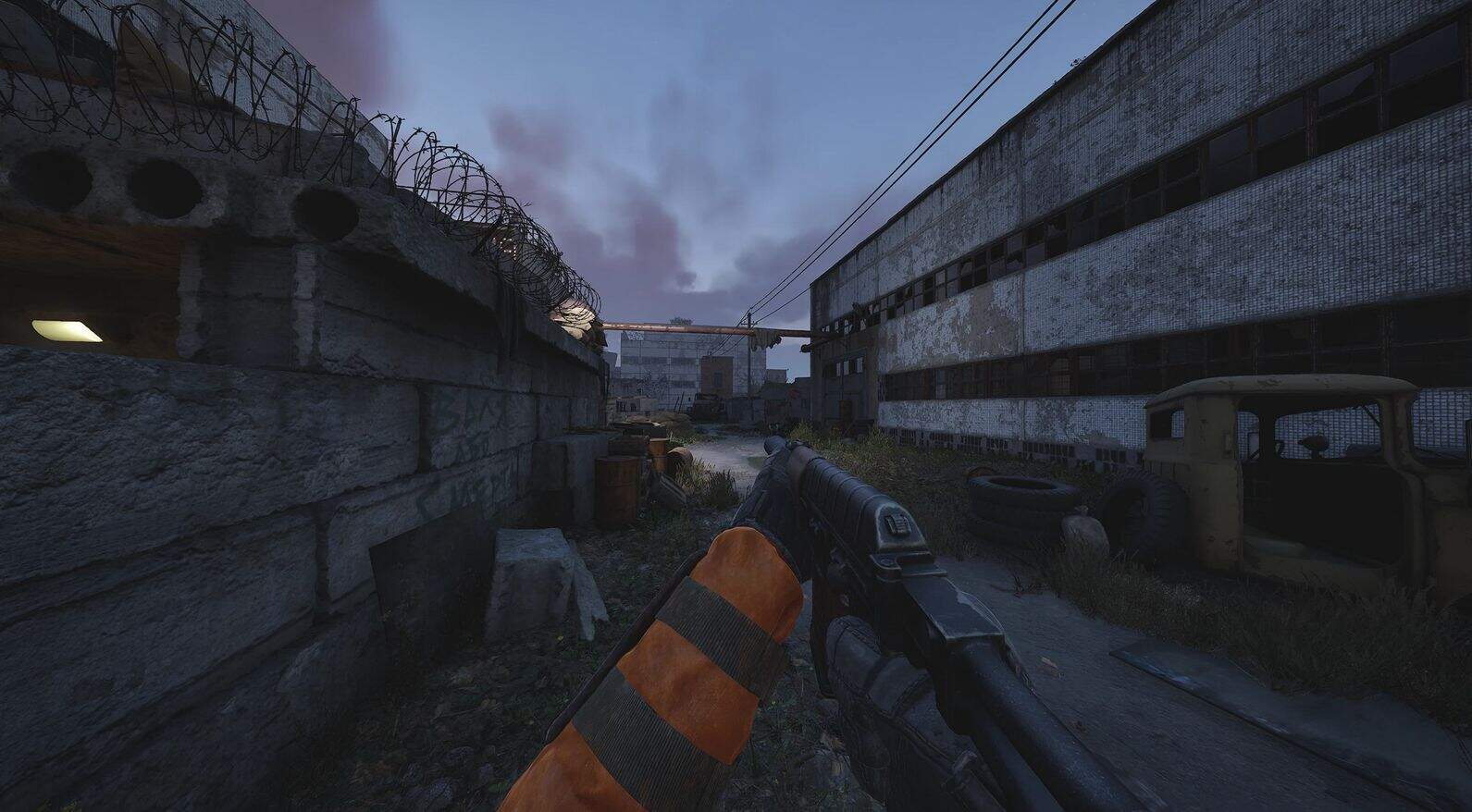
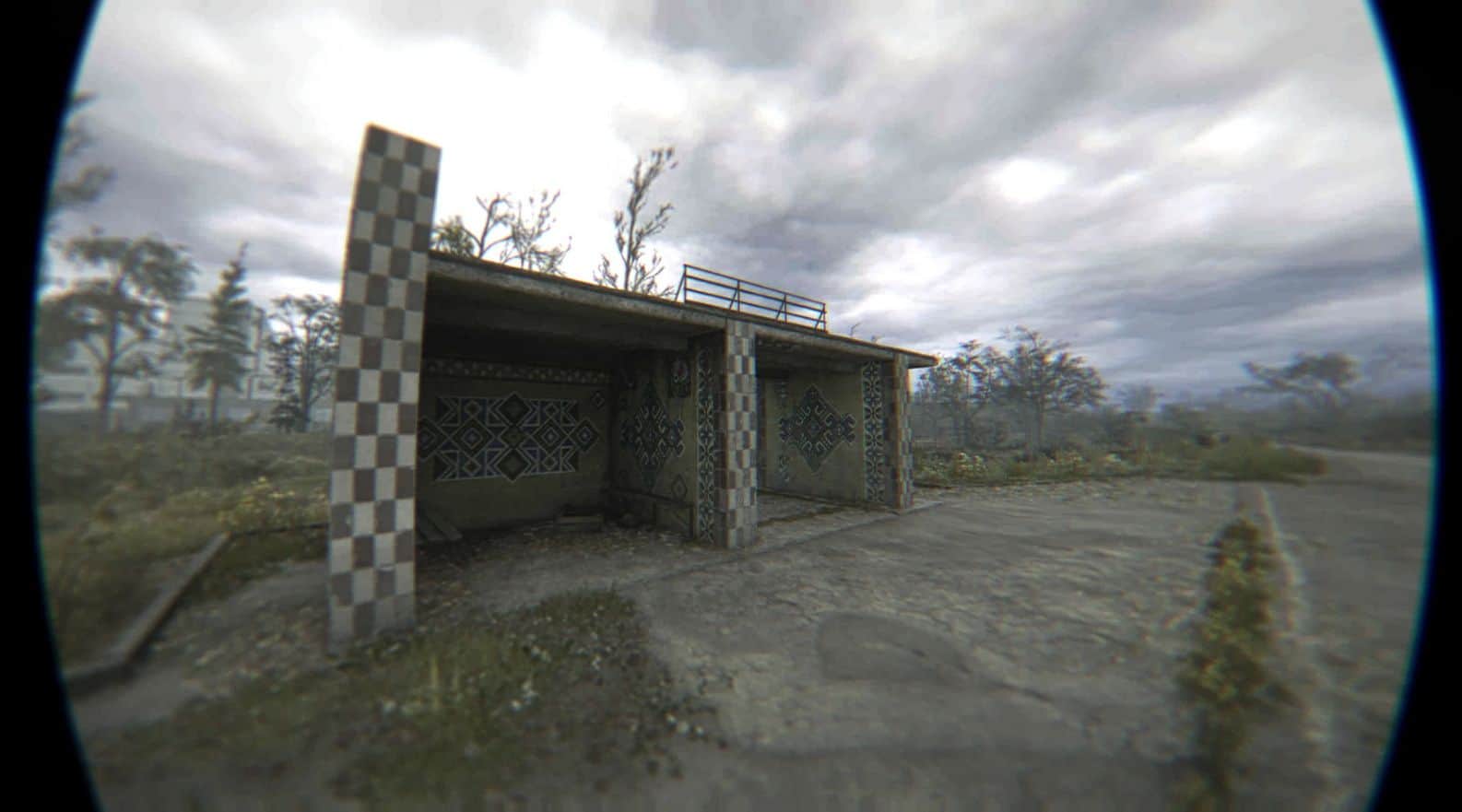
Realistic Bodycam ReShade Preset
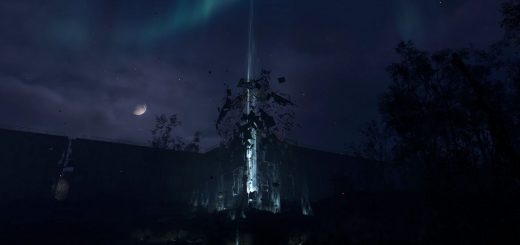
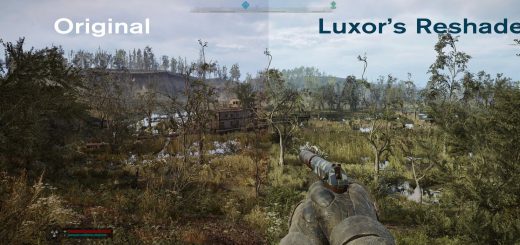
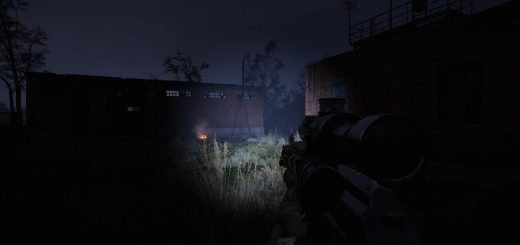
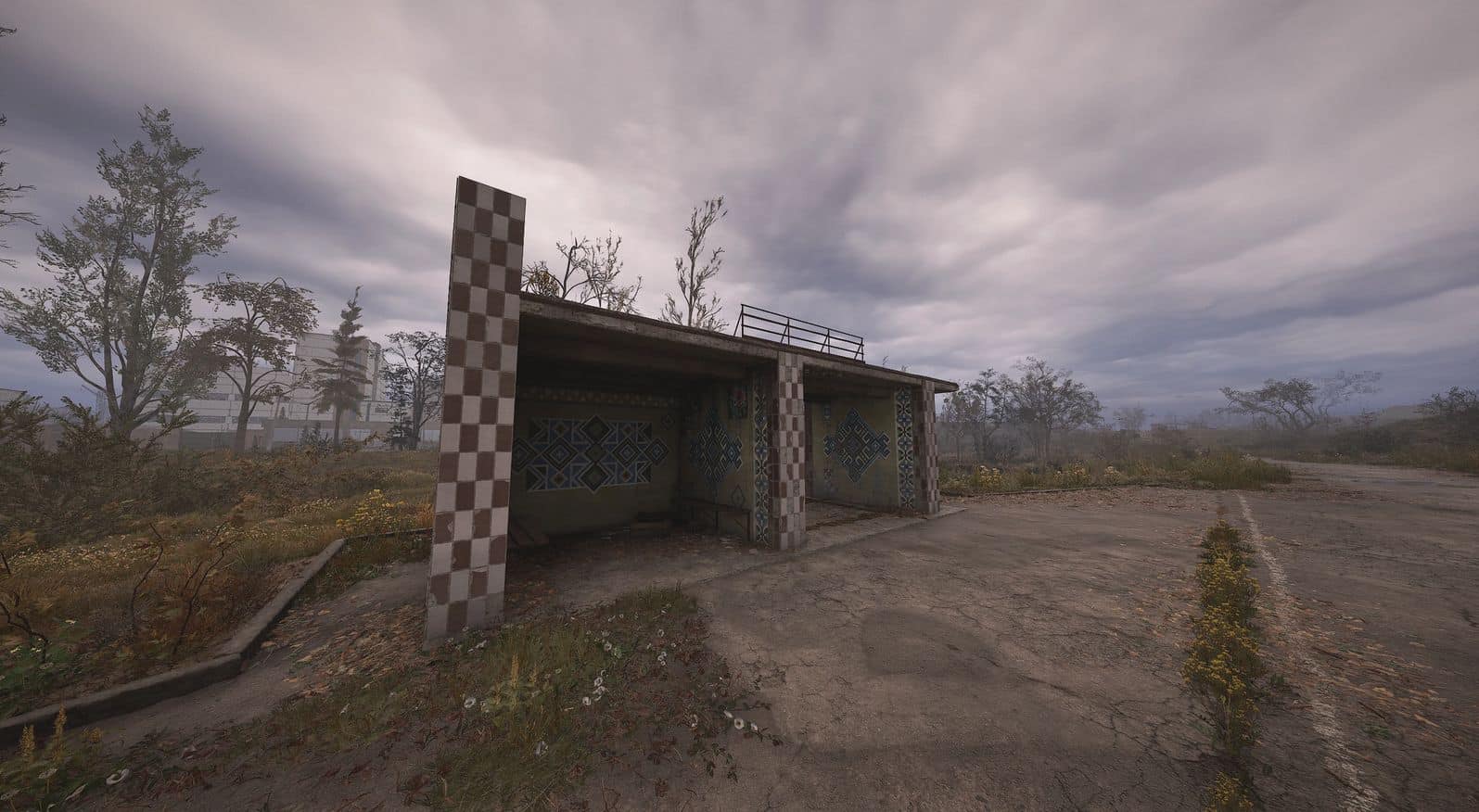
A cinematic ReShade preset that gives STALKER 2 a hyper-realistic bodycam look. Includes screen shake, fisheye distortion, blur, chromatic aberration, and compression artifacts. Built for 16:9, optimized for 30–45 FPS, and designed to feel like raw, recovered bodycam footage.
How to Install
Download ReShade
Run the installer:
SelectStalker2-Win64(GDK)-Shipping.exe
(found in your game’s win64 directory (WinGDK for gamepass)
Choose DirectX 12
Install all effect packages when prompted.
Drag and drop all contents of this zip into your STALKER 2 root folder
Launch the game and press Home to open the ReShade menu
SelectStalker_BodyCamFXfrom the dropdown preset list
Recommended Tools/Mods
Reposition Mod: lowers the weapon view for more realistic look
Flawless Widescreen: used to match the FOV seen in screenshots Flawless Widescreen
→ After launching STALKER 2, open Flawless Widescreen, select STALKER 2, and push all FOV sliders to the right
Use a 16:9 resolution for proper overlay alignment (ultrawide support coming later)
Tips for Best Results
Cap your framerate to 30–45 for a more realistic bodycam feel
Use DLSS on Quality mode
Set FOV to around 110 (via Flawless Widescreen)
AdjustContrastSharpening.fxif needed to better match your monitor or lighting conditions
Final Notes
Feel free to redistribute or modify just credit the original!