STALKER 2 – Optimal Balance Engine.ini (Ultra Plus Ready) v1.0
STALKER 2 – Optimal Balance Engine.ini (Ultra Plus Ready) The best balance between visual quality and performance for RTX 3080 / RTX 4070 Ti**
What this mod does
This `Engine.ini` is NOT an extreme “kill all graphics” config. It’s a **thoughtful balance** that keeps the game looking beautiful while maintaining stable 90-110 FPS.
Key improvements:
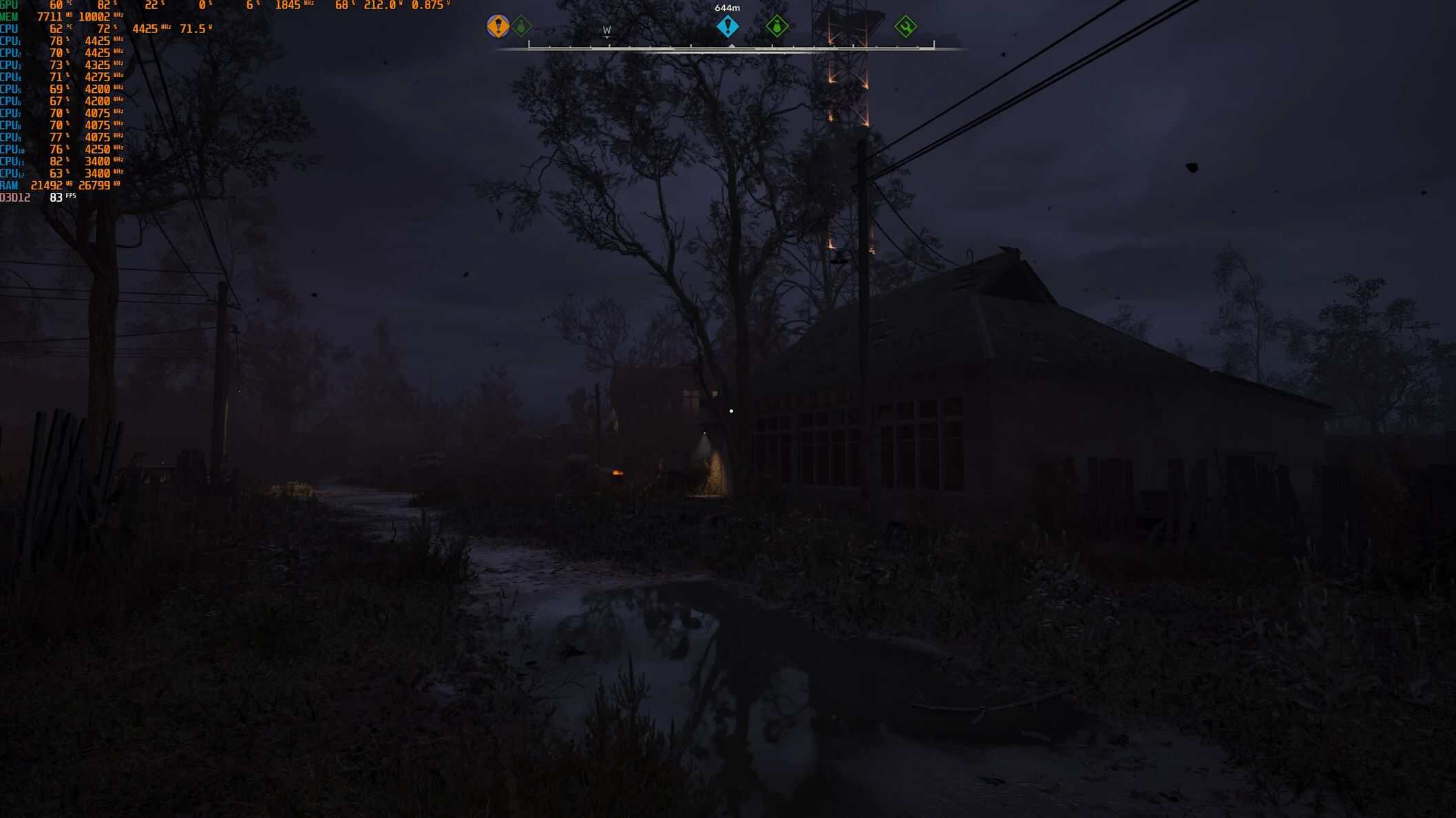
– **Fixed water reflections** – No more blurry, ghosting puddles
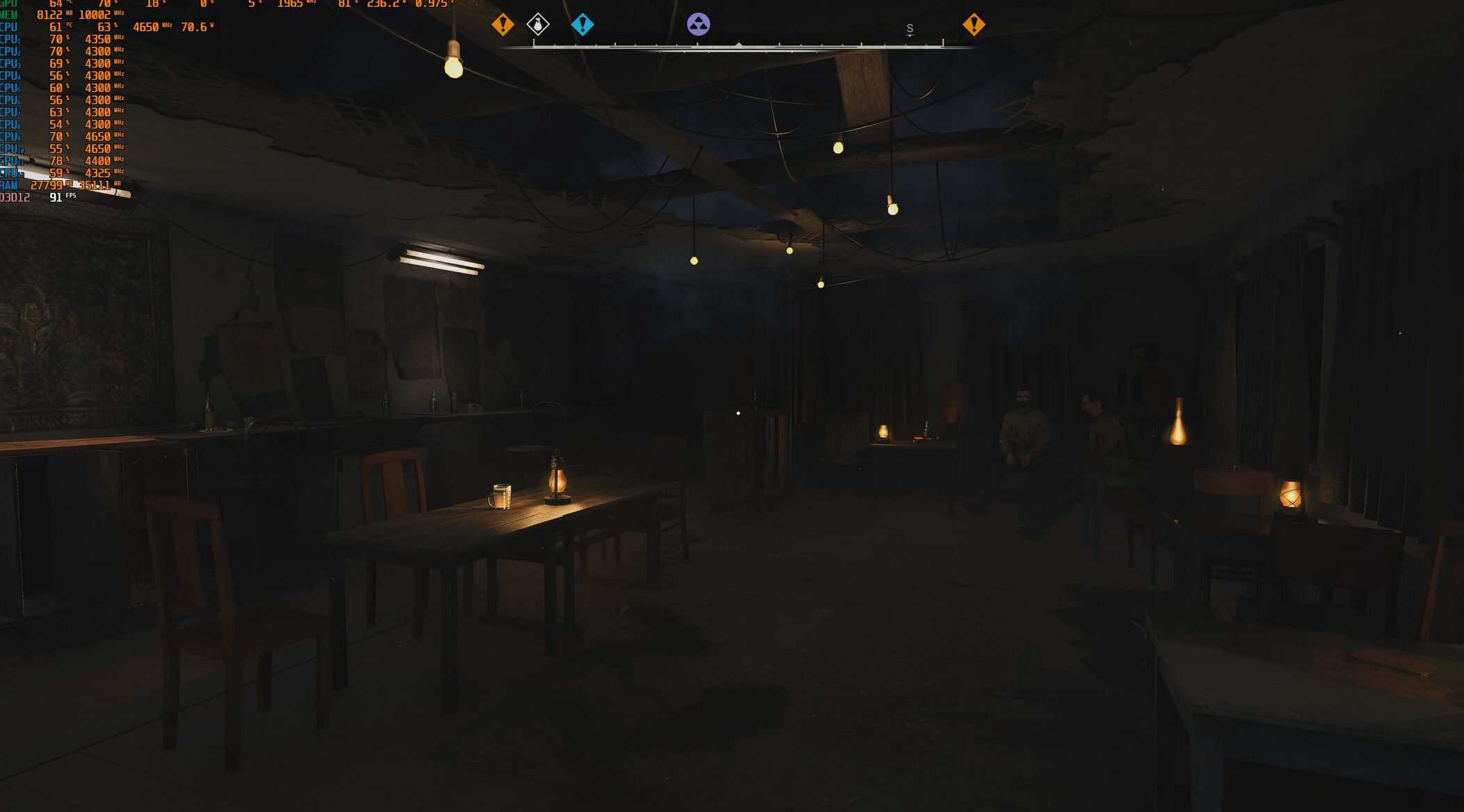
– **Stable shadows in towns** – Reduces FPS drops in Rostok and other cities
– **TAA optimized for Frame Generation** – Less ghosting around weapons and hands
– **Clean image** – No film grain, motion blur, or chromatic aberration
– **Sky & atmosphere improvements** – Better clouds and sky at zero FPS cost
– **Ultra Plus compatible** – Works perfectly with the popular lighting mod
Recommended system
– **GPU:** RTX 3080 / RTX 4070 Ti (or similar, 10GB+ VRAM)
– **CPU:** Ryzen 5600 / 5700X3D / 5800X3D
– **Resolution:** 2560×1440
– **DLSS:** Balance
– **Frame Generation:** FSR3 (ON)
Installation
1. Download the file
2. Extract `Engine.ini`
3. Copy to: `%localappdata%\Stalker2\Saved\Config\Windows\`
4. **Right-click file → Properties → Check “Read-only” → OK**
5. Launch the game
Mandatory in-game settings
| Setting | Value |
|———|——-|
| Resolution | 2560×1440 |
| DLSS | Balance |
| Frame Generation | ON (FSR3) |
| Sharpening | 0 |
| VSync | OFF |
Troubleshooting
| Issue | Fix |
|——-|—–|
| Too dark | Change `r.TonemapperGamma=2.2` to `2.0` |
| Too bright | Change to `2.4` or `2.6` |
| Blurry reflections | Check Ultra Plus Denoiser setting |
| FPS still low in towns | Lower `r.Shadow.Virtual.MaxPhysicalPages` to `1024` |
Expected FPS (RTX 3080 + Ryzen 5600)
| Location | FPS |
|———-|—–|
| Open fields / forest | 100-110 |
| Towns / bases (Rostok) | 90-100 |
| Combat / anomalies | 85-95 |
Compatibility
Works with:** Ultra Plus, SPF, Shay’s Living Zone, any `.pak` mods
Conflicts with:** Other `Engine.ini` mods