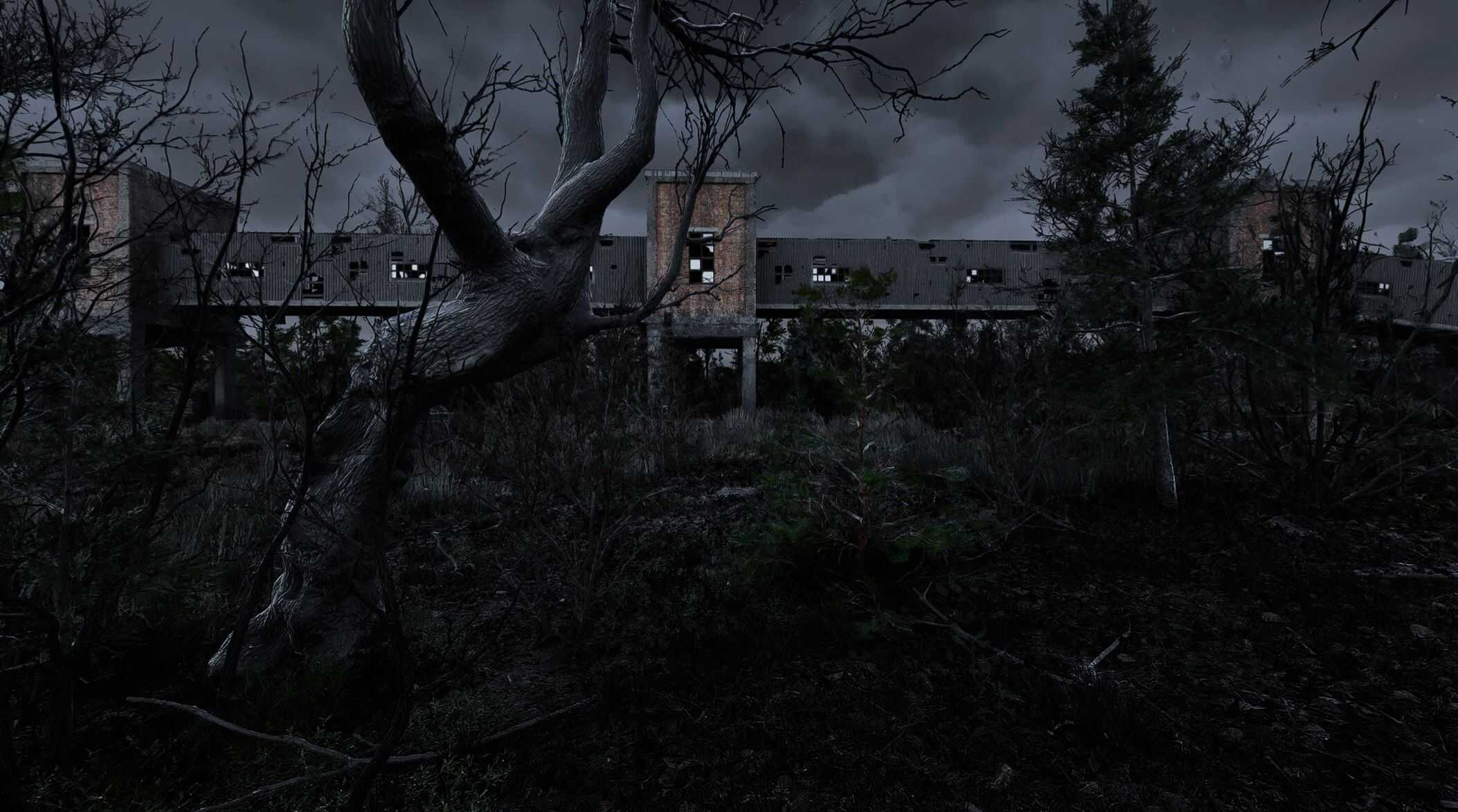
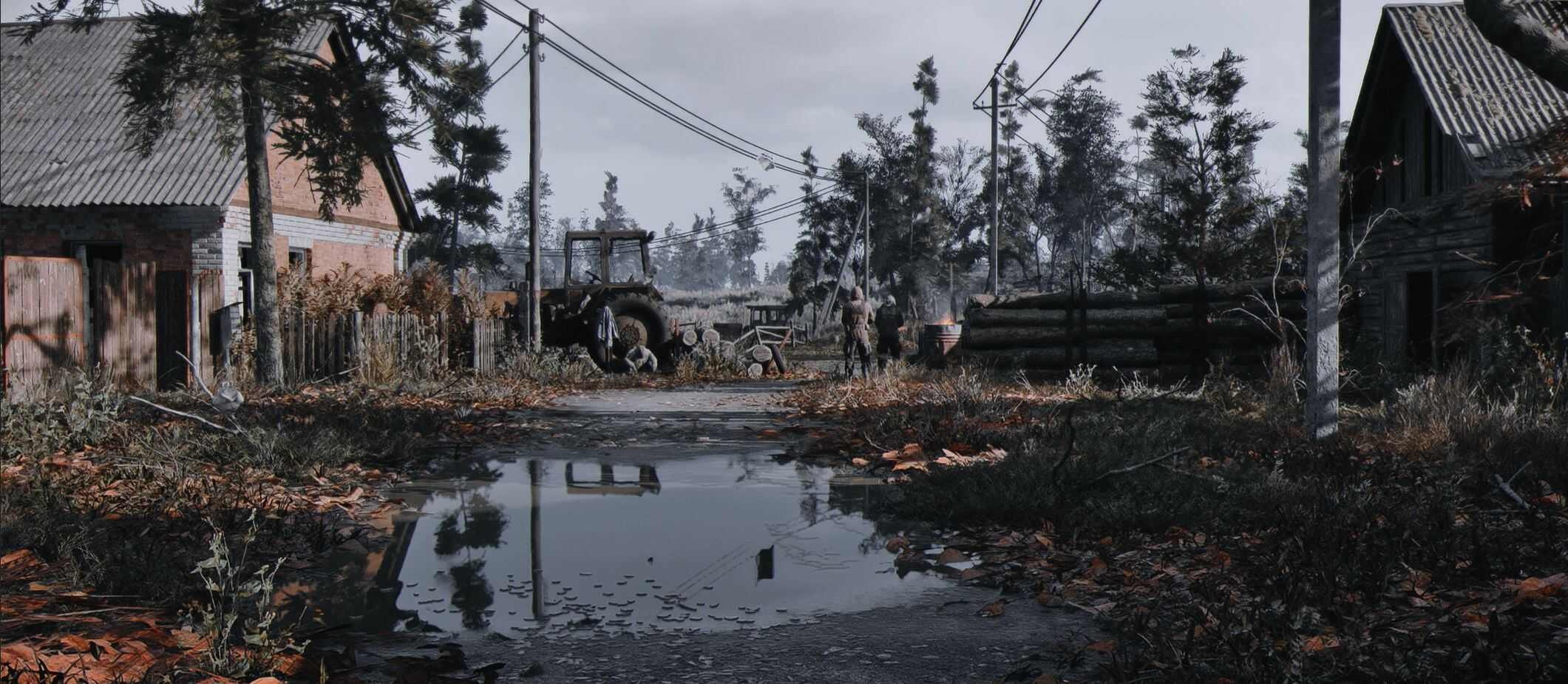
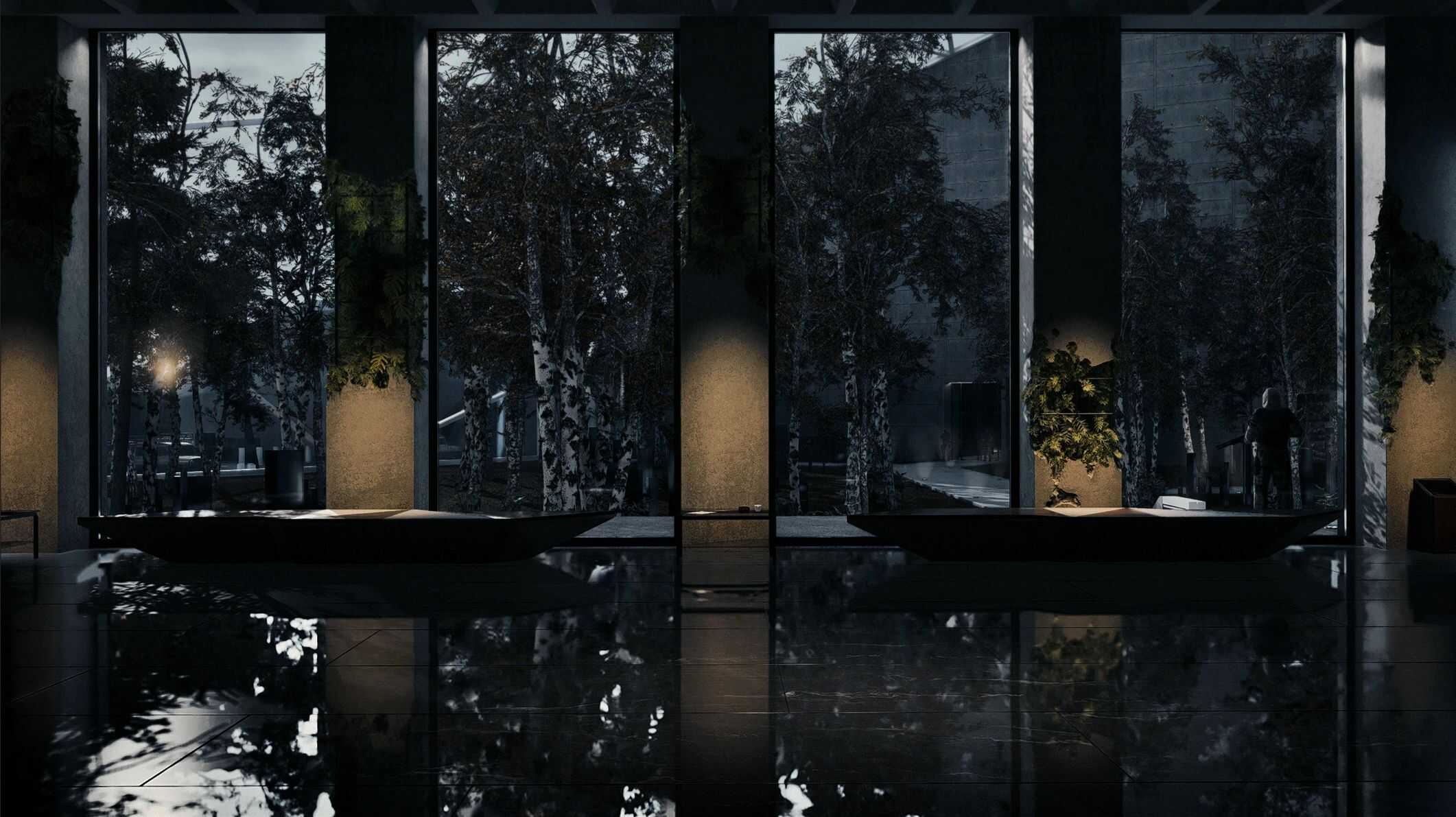
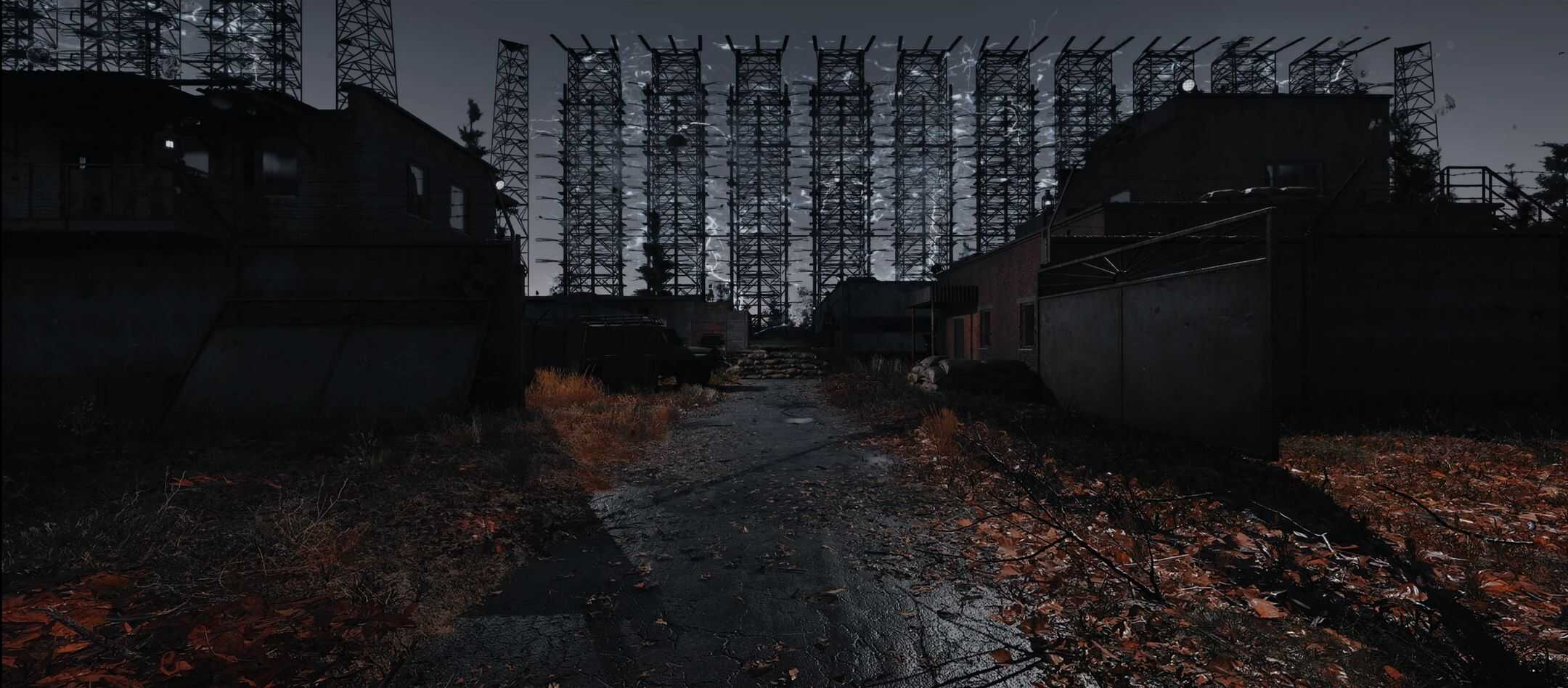
Advanced Visual Presets for PRZ – Photorealistic ZONE v0.1
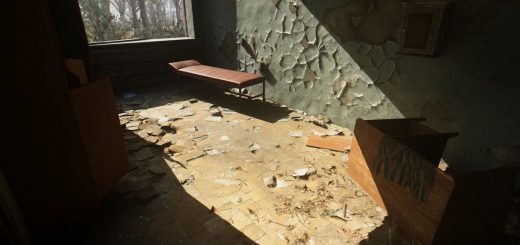
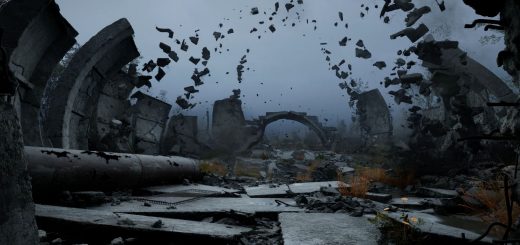
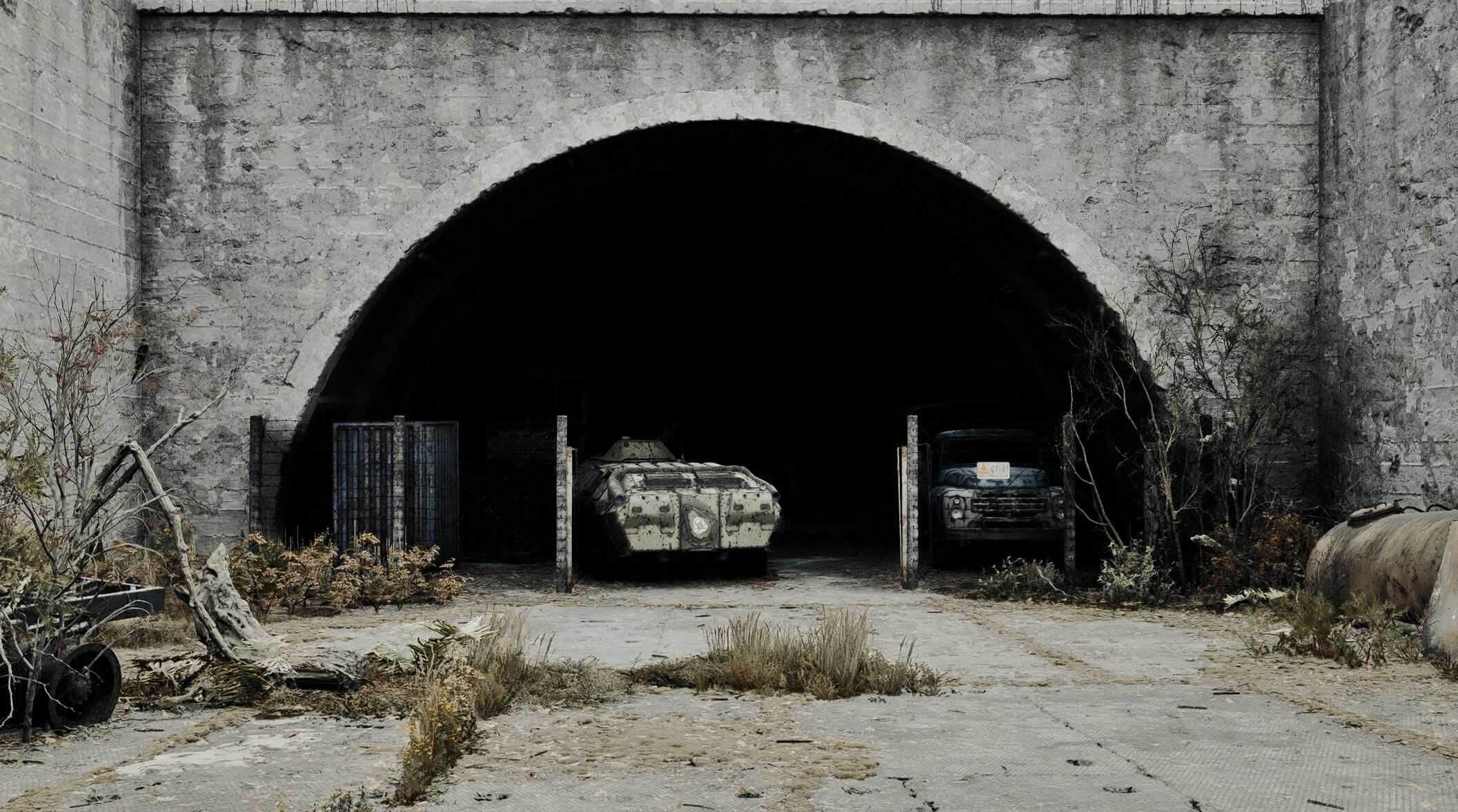
PRZ-COLD LIGHT:PHOTOREALISTIC ZONE is the only visual overhaul that brings near photorealistic visuals for STALKER 2.
Required
COLD LIGHT – PHOTOREALISTIC ZONE 2.0.4.1 (upd.1.7)
We have created three different presets for You guys with different feels for all around weather states & times,
no matter if that’s a day/night, rain/fog, clear-sky/cloudy-overcast or miserable storm.
All presets are made with RE:LOOK which is a powerful film emulation shader for ReShade developed over several years,
delivering an authentic filmic look while offering tools for creative color grading.
Presets are well tailored for STALKER 2 ENV to suit your needs & You are also able to micro adjust params,
depending on your own liking & convenience.
Preset-1 > Sunny Rainy / Cloudy / Overcast Storms / Fog / Emission <
(completely re-worked from ground up as base line for all presets,
which has that great dead feel coating of the ZONE along with nice pop-in,
goes well with Autumn mod or Dead ZONE mod by PanKotan)
*** EASY TO INSTALL – EASY TO USE ***
The RE:LOOK interface has been designed to be easy and intuitive to use,
with tooltips for each setting so you always know what they are and what they do.
INSTALLATION:
To be able to use presets You will need to have in your system:
>PRZ-COLD LIGHT:Photorealistic ZONE
>RE:LOOK
After You have set up PRZ proceed with RE:LOOK;
From RE:LOOK you have to extract Shaders & Textures;
Shaders & Textures are located in INSTALL folder of RE:LOOK
then paste them into PRZ folder which is located:
> STEAM/GOG – Stalker2\Binaries\Win64\PRZ
> GAMEPASS – Content\Stalker2\Binaries\WinGDK\PRZ
>PRESETS that You have downloaded from NEXUS have to go in the same PRZ folder.