Glow Stick Mod (Preview)
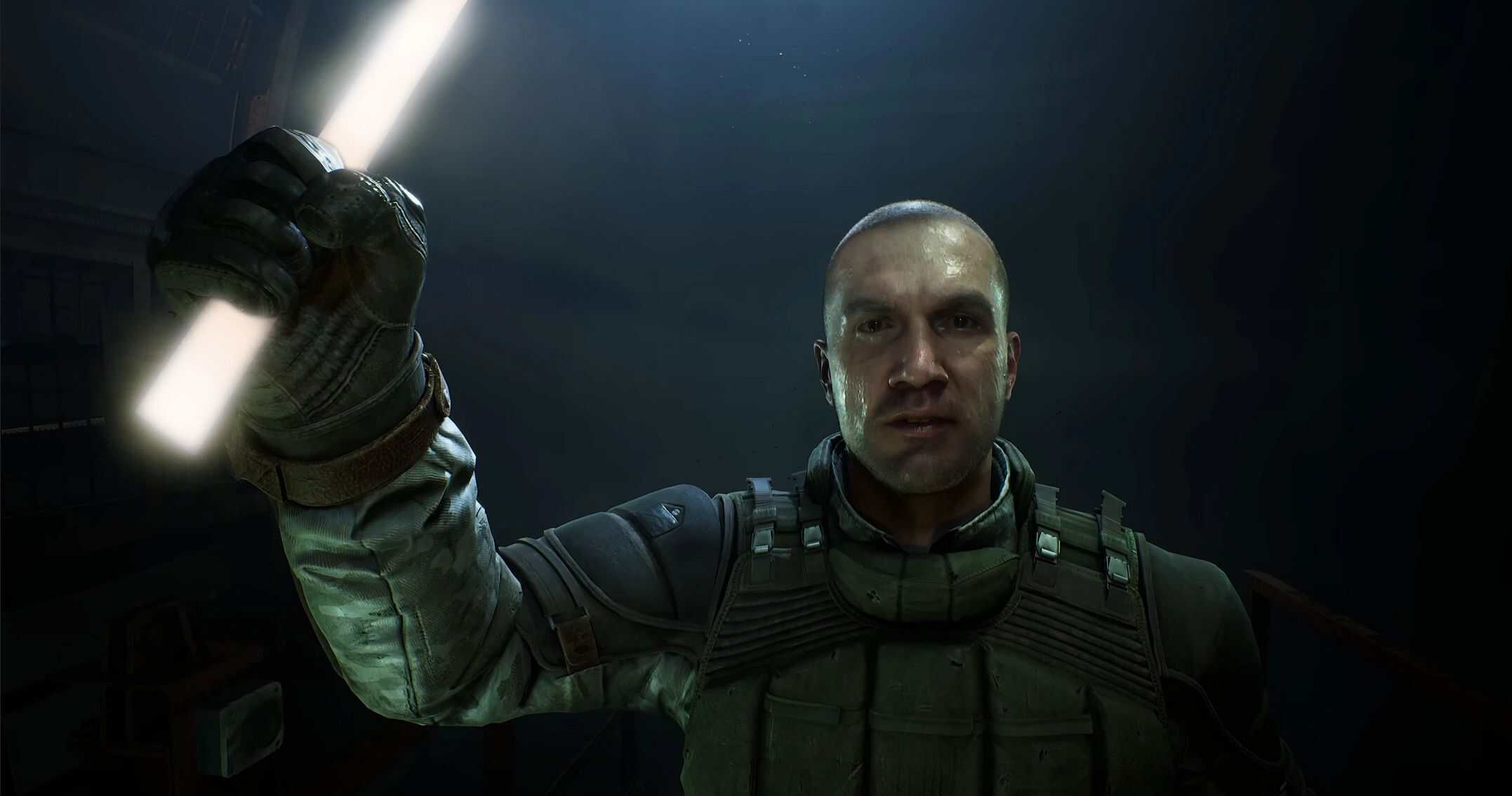
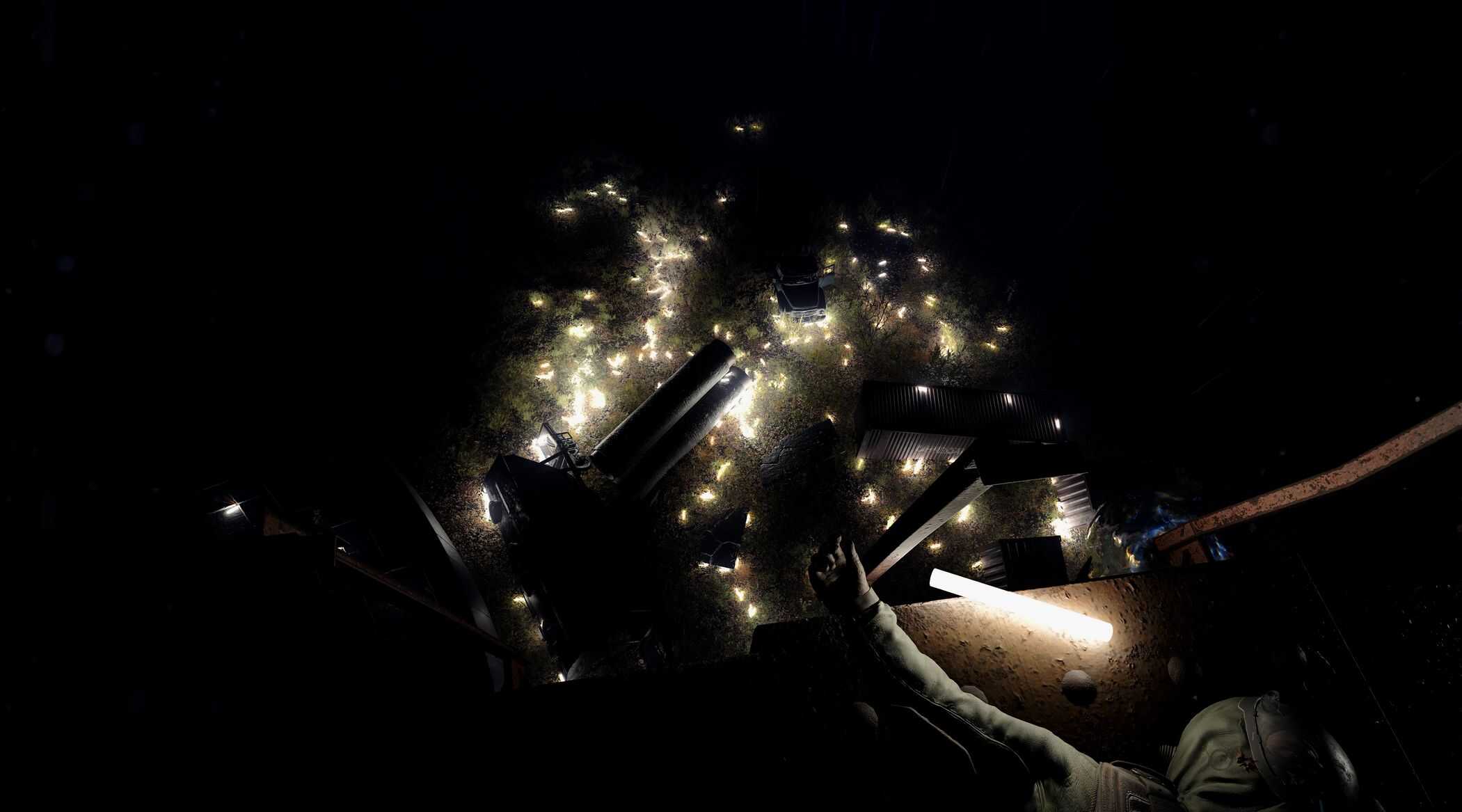
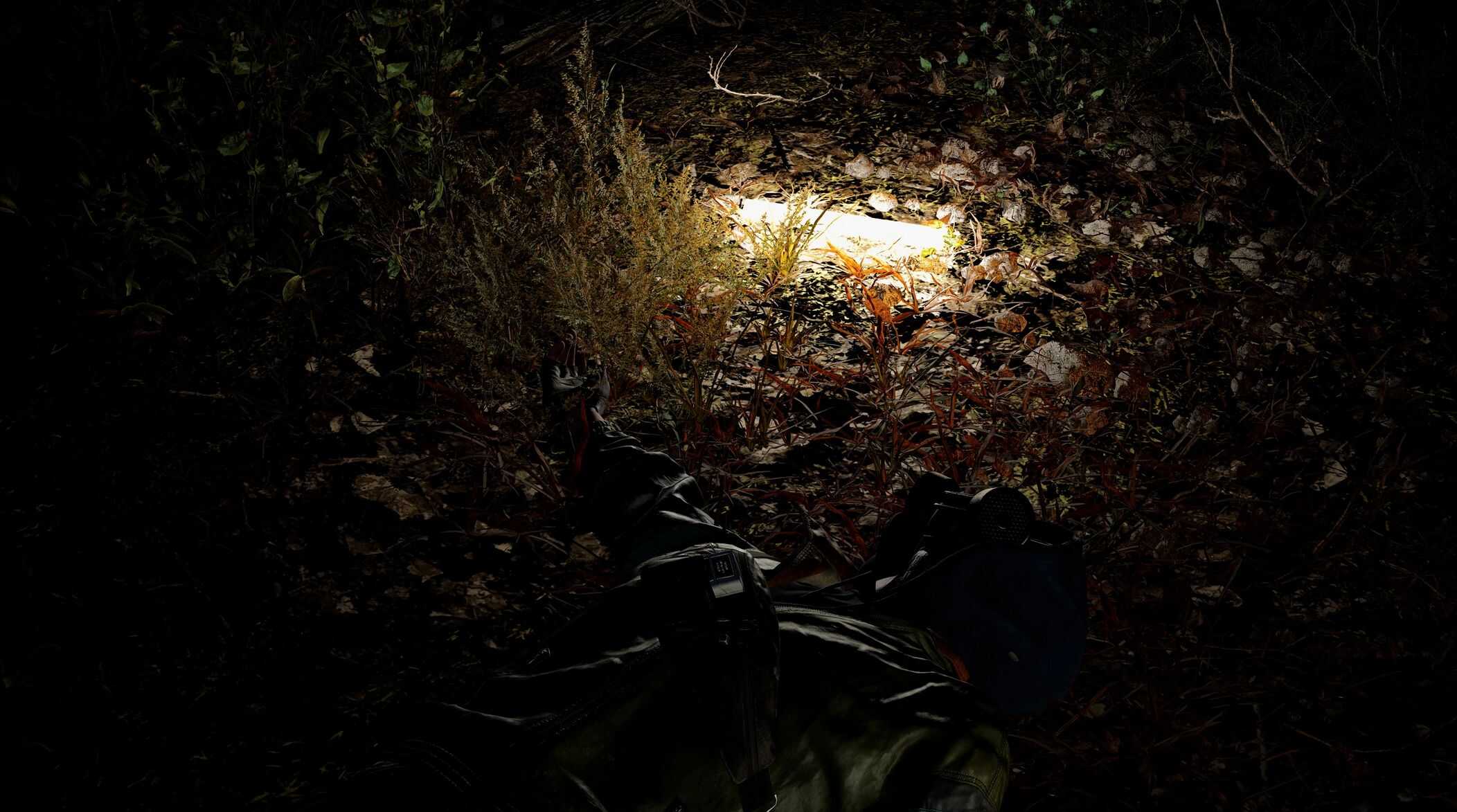
This mod adds throwable glow sticks to provide portable lighting in dark areas.
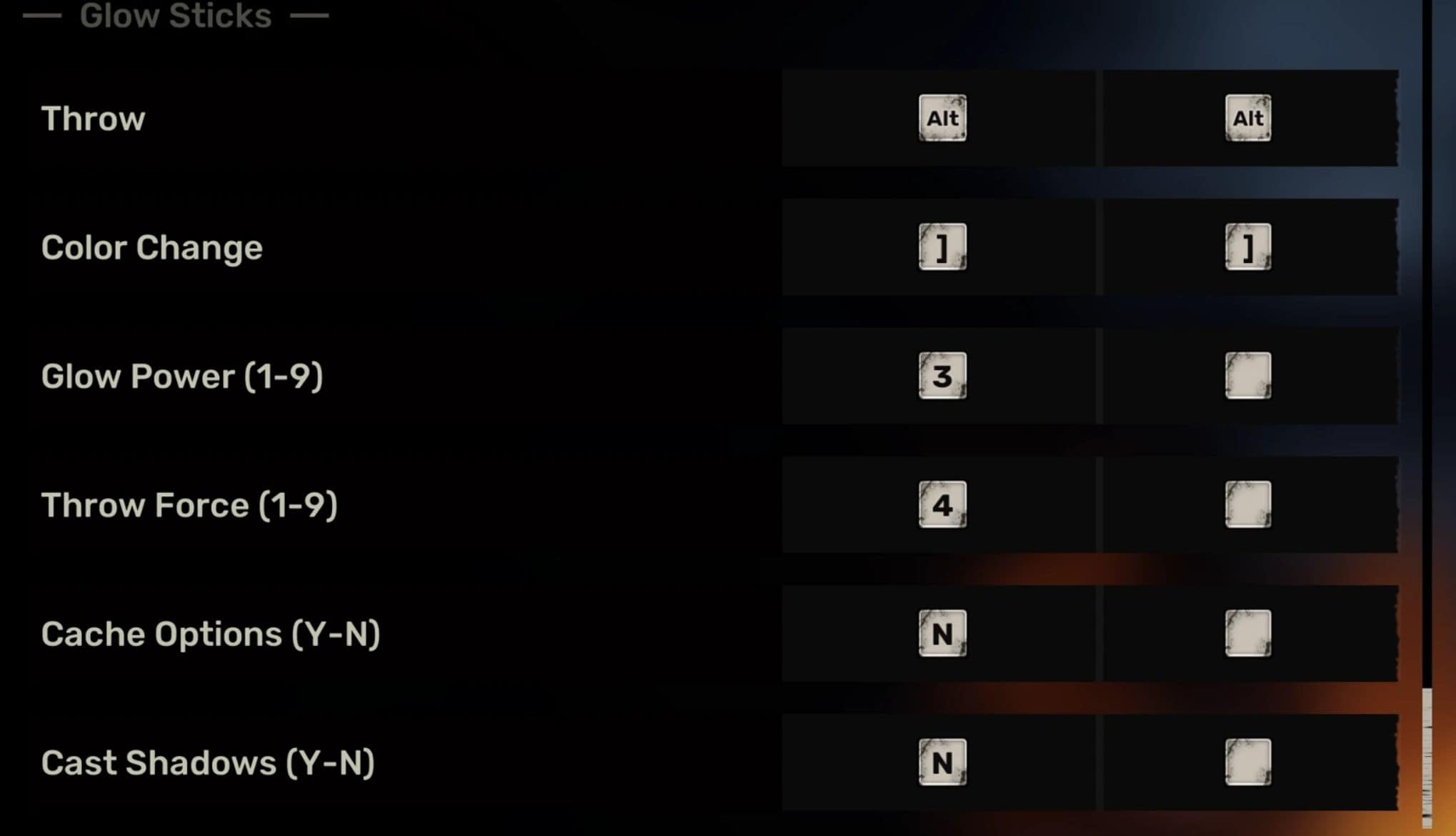
Starting from version 0.2.0, the mod includes key binding customization options. So you should go to the Keyboard Settings menu to adjust them.
Features:
– Instant deployment via desired keybind or D-Pad Up on a gamepad.
– 3-minute light duration with fade effect in the final minute.
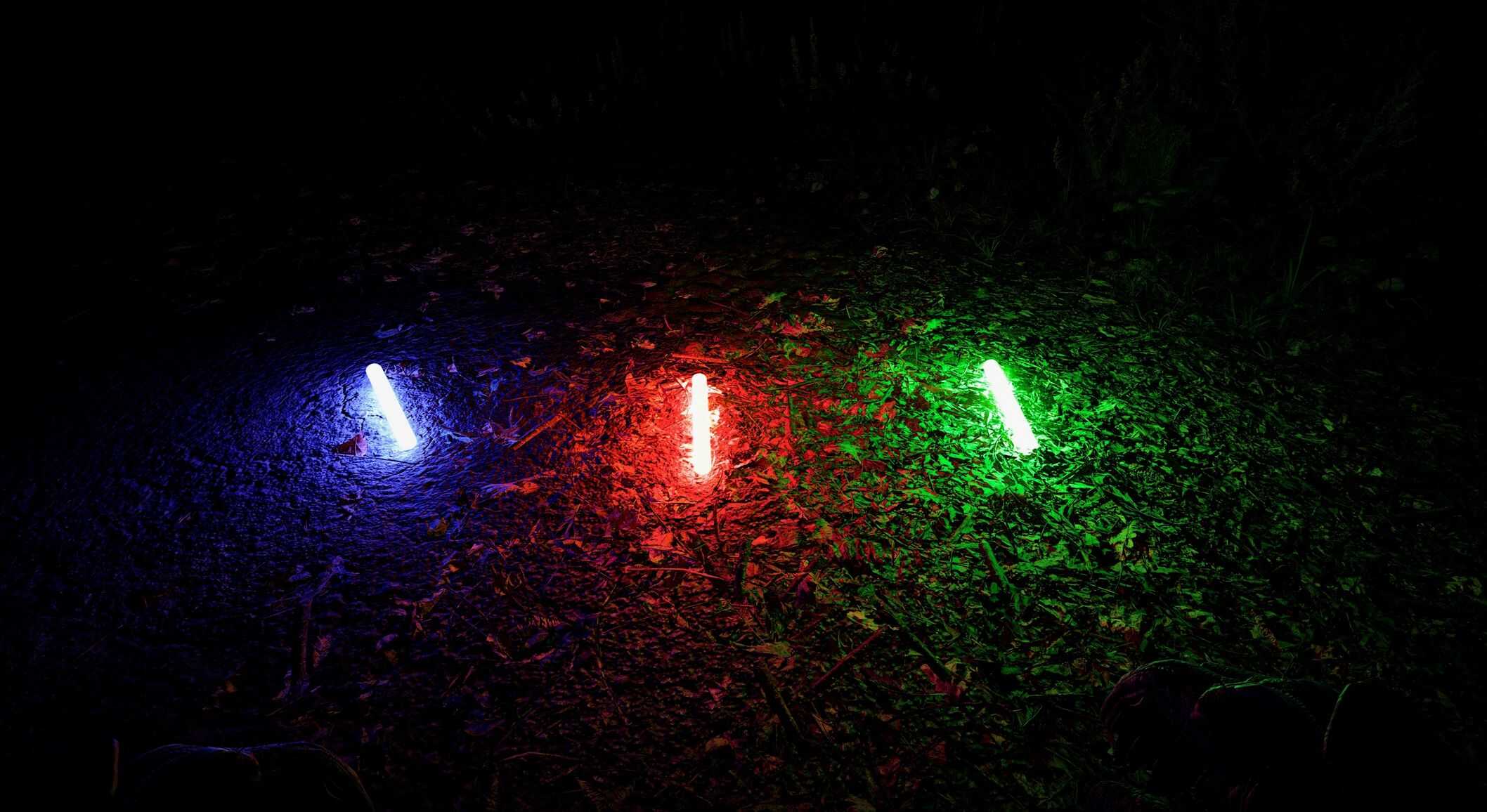
– Four color options: white (default), red, green, and blue.
– Change colors using desired keybind or LB + B on a gamepad (current color not displayed in UI).
– Throw Force and Light Power settings (from 1 to 9) in the keyboard settings menu.
– Cache Options setting to avoid retrieving glow stick’s options on every throw.
– Cast Shadows setting to enable/disable shadows cast by glow sticks.
– Unlimited simultaneous glow sticks in the world (Could be changed in the future).
– Should work properly in mid save and can be removed at any time.
Bonus Features:
– Unlocked PDA tutorial key bind, allowing customization from `O` to any other key.
– Unlocked all Quick Slots to be rebindable, allowing alternative key bindings for Quick Slot 2 and 4, activated by pressing the key instead of holding it.
Additional Info:
Customizable Options
To customize the parameters of the glow sticks, I came up with the idea to add these options to the Keyboard Settings menu and treat them as values from 1 to 9 or Yes/No. This way, the user can set the desired values for Throw Force, Light Power, Cache Options, and Cast Shadows.
For options that allow setting the value from 1 to 9, any value outside the range of 1 to 9 will be treated as 1. For example, if you set Throw Force to 0 or R, it will be treated as 1.
For options that are Yes/No (like Cache Options and Cast Shadows), values Y, T or 1 will be treated as Yes, and all the other values will be treated as No.
Cache Options
The primary purpose of this option is to avoid retrieving glow stick’s options (like throw force and light power) on every throw. So if it’s enabled, all the glow stick’s parameters will be applied after loading a save. Even if you change them in the settings, they won’t be used until you reload a save.
If it’s disabled, the glow stick’s options will be retrieved on every throw, allowing you to change them in the settings, which will take effect immediately. This is useful if you want to change the throw force or light power on the fly and experiment with different settings. This will incur a relatively small computational overhead, so I don’t think it will significantly impact performance.
Anyway, if you have already found the perfect values for the glow stick, you can enable this option to avoid unnecessary computations.
Shadows Casting
You can enable or disable shadows cast by glow sticks using the Cast Shadows setting in the keyboard settings menu. The main benefit of enabled shadows is that the light will not pass through the walls. However, it will give the glow sticks a different feeling. Experiment and decide which one you like more.
I can only suggest that you turn it on if you use high values for Light Power; otherwise, it could fully illuminate a small building through the walls.
Development Notes:
Originally intended as a holdable item (like the bolt) mapped to the 8 key, this mod is released in its current state while that feature remains in development. Additionally, I cannot guarantee that I will complete that feature.
Known Issues:
– Critical Compatibility Warning : Modifies BP_Stalker2Character, causing conflicts with other mods that edit this file (including Crafting mod, Flashlight mods, and likely OXA). Currently, there isn’t an easy fix for that.
– Glow sticks may occasionally clip through terrain textures.
– Glow sticks persist through sleep cycles.
– You may see the light slightly pass through the walls if Cast Shadows.
– Key bindings don’t work when deployed to the Steam Workshop. So version 0.2.0 is not available there.
Installation:
1. Place the files from the archive into your ~mods folder.
2. Go to the Keyboard Settings Glow Sticks section and set your key bindings.
Changelog:
Version 0.1.1:
– Added gamepad support. D-Pad Up to throw the glow stick, LB + B to change color.
Version 0.1.2:
– Added compatibility with the Moon mod.
Version 0.2.0:
– Added the possibility to change key bindings for Throw and Change Color in the keyboard settings menu.
– Added glow stick’s Throw Force (from 1 to 9) setting in the keyboard settings menu.
– Added glow stick’s Light Power (from 1 to 9) setting in the keyboard settings menu.
– Added Cache Options setting in the keyboard settings menu. This allows not to retrieve glow stick’s options (like throw force and light power) after loading a save.
– Added Cast Shadows setting in the keyboard settings menu. This allows for disabling/enabling shadows cast by glow sticks.
– Unlocked PDA tutorial key bind. Now one can change it from `O` to any other key.
– Unlocked all Quick Slots to be rebindable. One can set alternative key bindings for Quick Slot 2 and 4 and they will be activated by pressing the key not by holding it.
– The glow stick can’t be thrown during cutscenes anymore.
– Performance optimizations.
Version 0.2.1:
– Added compatibility with the Moon mod.
Version 0.2.2:
– Fix issue when `cast shadows` option may be ignored after loading a save.